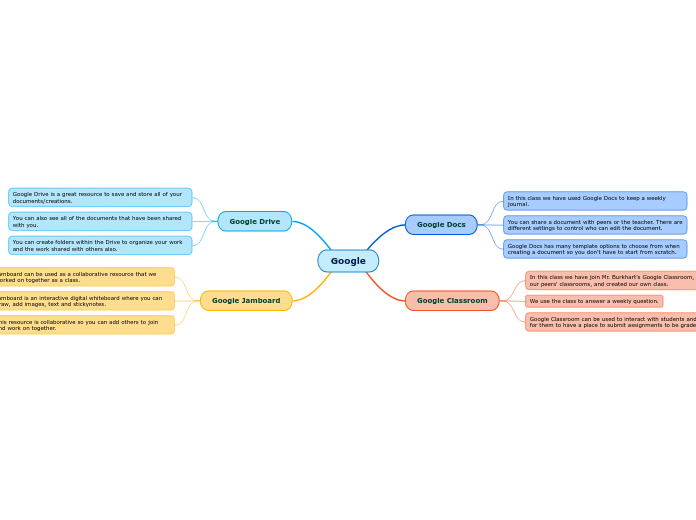
In this class we have used Google Docs to keep a weekly journal.
You can share a document with peers or the teacher. There are different settings to control who can edit the document.
Google Docs has many template options to choose from when creating a document so you don't have to start from scratch.
In this class we have join Mr. Burkhart's Google Classroom, our peers' classrooms, and created our own class.
We use the class to answer a weekly question.
Google Classroom can be used to interact with students and for them to have a place to submit assignments to be graded.
Google Drive is a great resource to save and store all of your documents/creations.
You can also see all of the documents that have been shared with you.
You can create folders within the Drive to organize your work and the work shared with others also.
Jamboard can be used as a collaborative resource that we worked on together as a class.
Jamboard is an interactive digital whiteboard where you can draw, add images, text and stickynotes.
This resource is collaborative so you can add others to join and work on together.