

How to make a mind map in 6 steps, with examples and tips
To make a mind map, write your main topic in the center of the page, add 3 to 7 main branches for its key themes, and break each branch into shorter subtopics. Then add colors, icons and images, and connect related ideas across branches.
This guide walks through each step with one example map, then shows how to start faster with AI or a template, and the mistakes to avoid. Need labeled arrows that answer a focus question instead? That is a concept map: here is how to make a concept map.

On this page
How to make a mind map in 6 steps
There are three ways to start a mind map: from scratch, from a mind map template, or by generating it with AI. The steps below build one from scratch, because that shows how a mind map is put together. The other two start further along the same path.
The example is an annual business roadmap, built up one step at a time. If you are new to the method, read what a mind map is first.
1. Write the main idea in the center
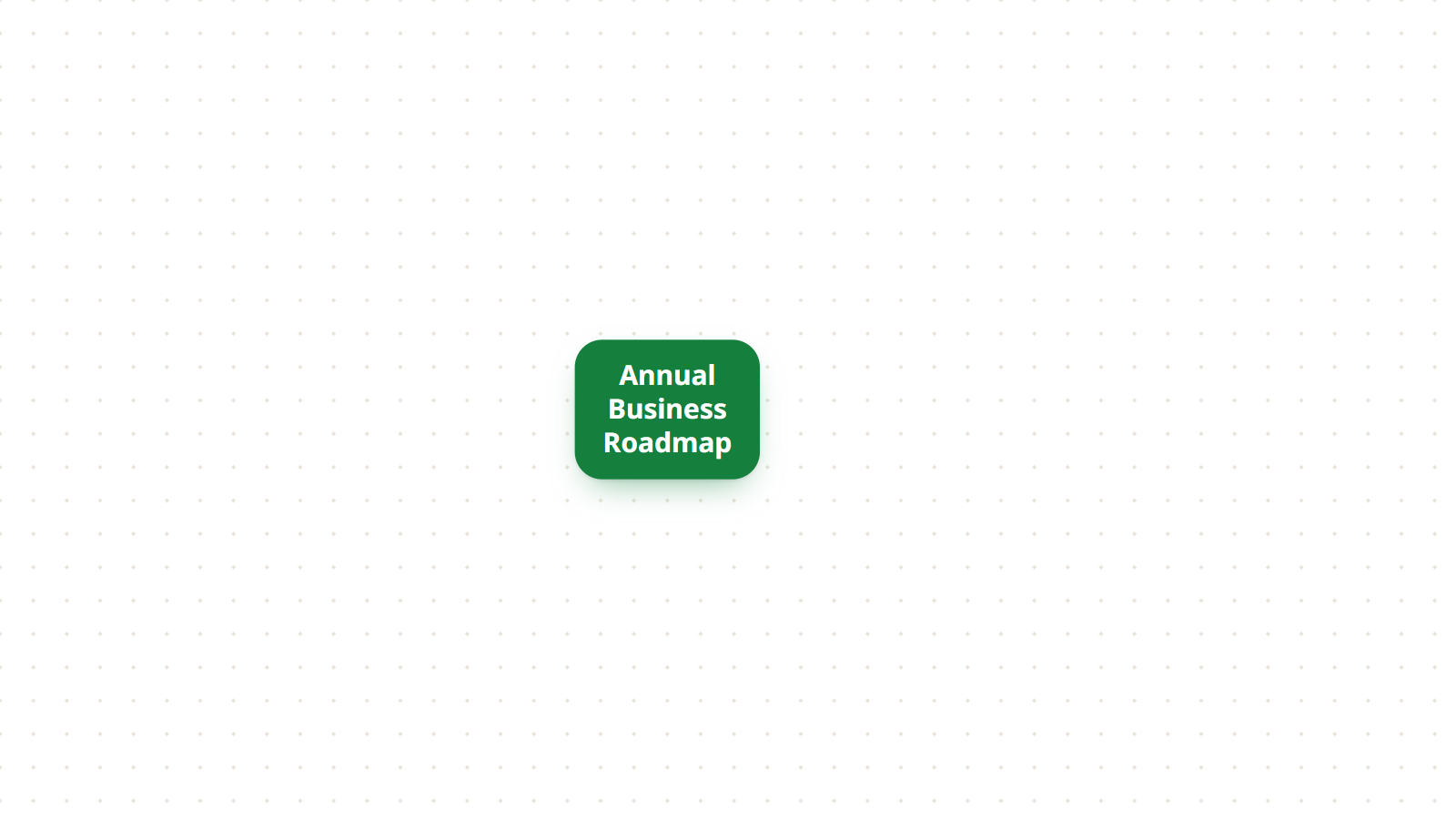
Write the main topic you want to explore and place it in the center of the page. Everything else on the map grows from it.
Keep it short and specific: a word, a short phrase or an image. “Annual Business Roadmap”, “Marketing strategy” and “Exam preparation” all work. “Things to think about this year” does not, because it gives the branches nothing to hang from.
2. Add the main branches
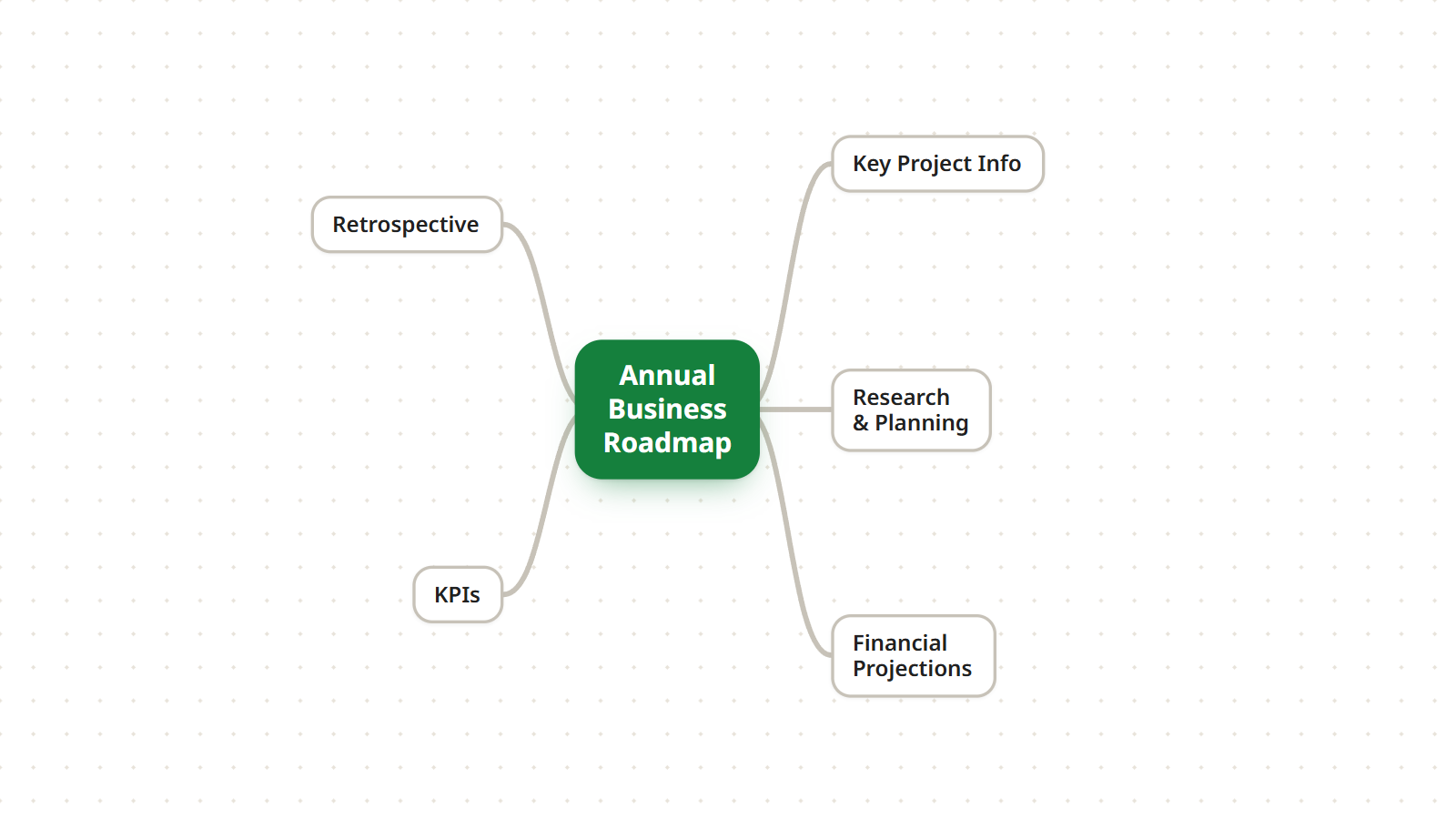
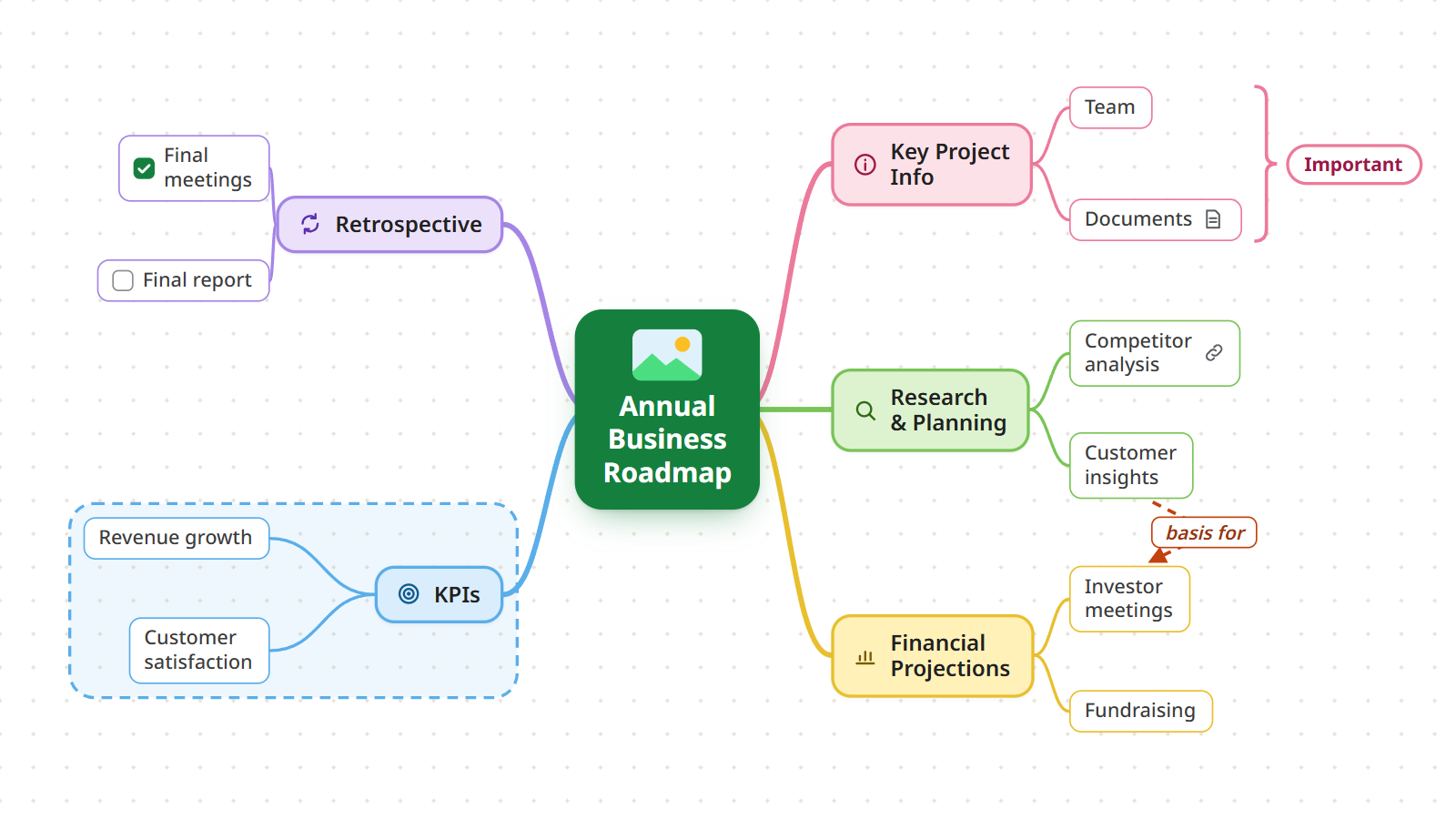
Draw the first level of branches around the central topic. Each one is a main category, key theme or stage of the subject. For the business roadmap, the main branches are:
- Key Project Info
- Research & Planning
- Financial Projections
- KPIs
- Retrospective
Aim for 3 to 7 main branches. Fewer, and the topic probably needs no map. More, and some of them belong one level down. Write each one as a keyword rather than a sentence.
3. Expand the branches with subtopics
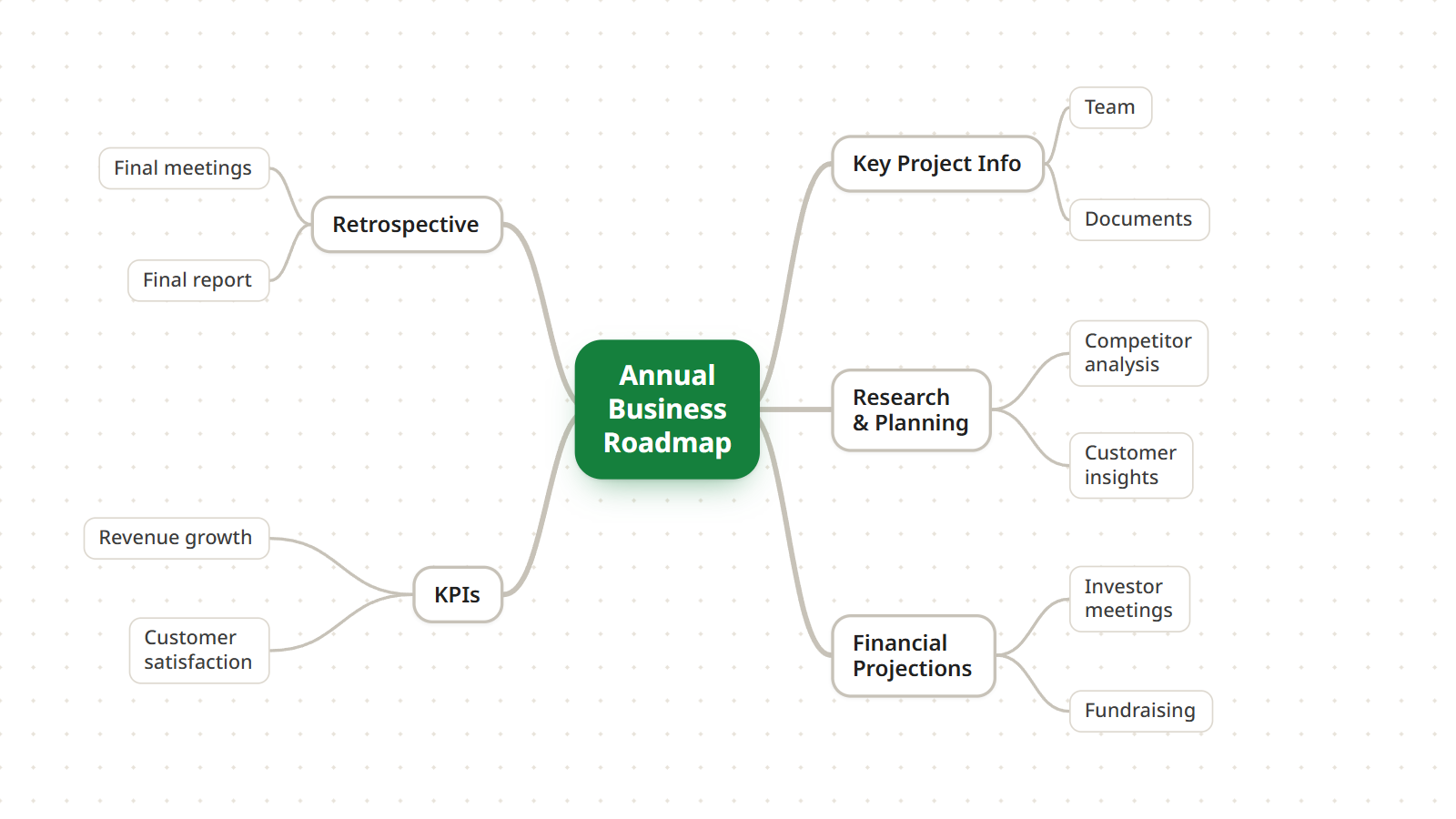
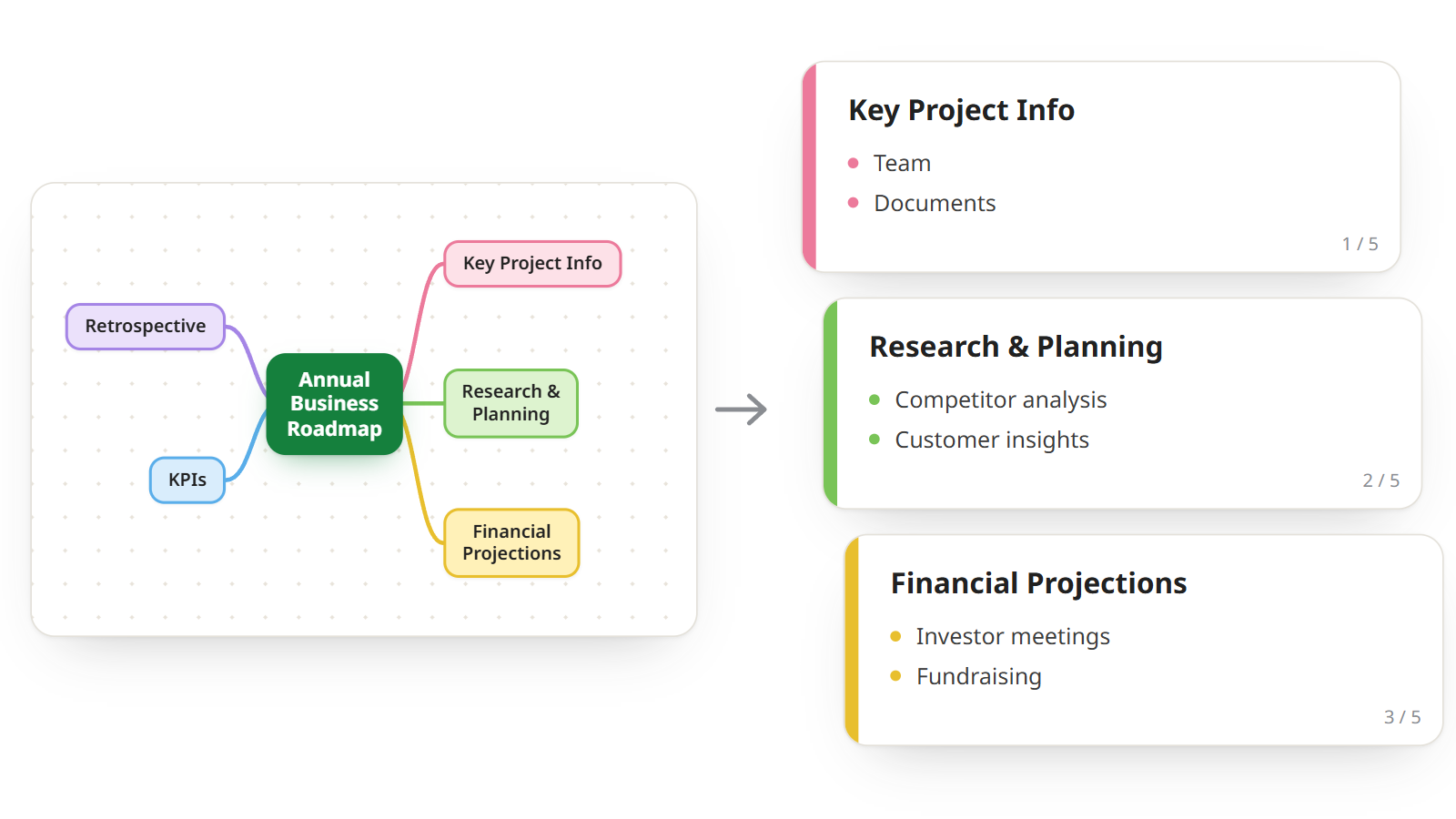
Now take each main branch and break it down into subtopics: the details, facts and examples that belong to it. Under Research & Planning, for example, go Competitor analysis and Customer insights.
Keep going until each branch reaches the level of detail you need. Each level should be more specific than the one above it, and each topic should still be a keyword or a short phrase.
If you work in Mindomo, AI can suggest subtopics for a branch when you run out of ideas.
4. Add colors, icons and images
A mind map is already visual, and a few visual cues make it much faster to scan:
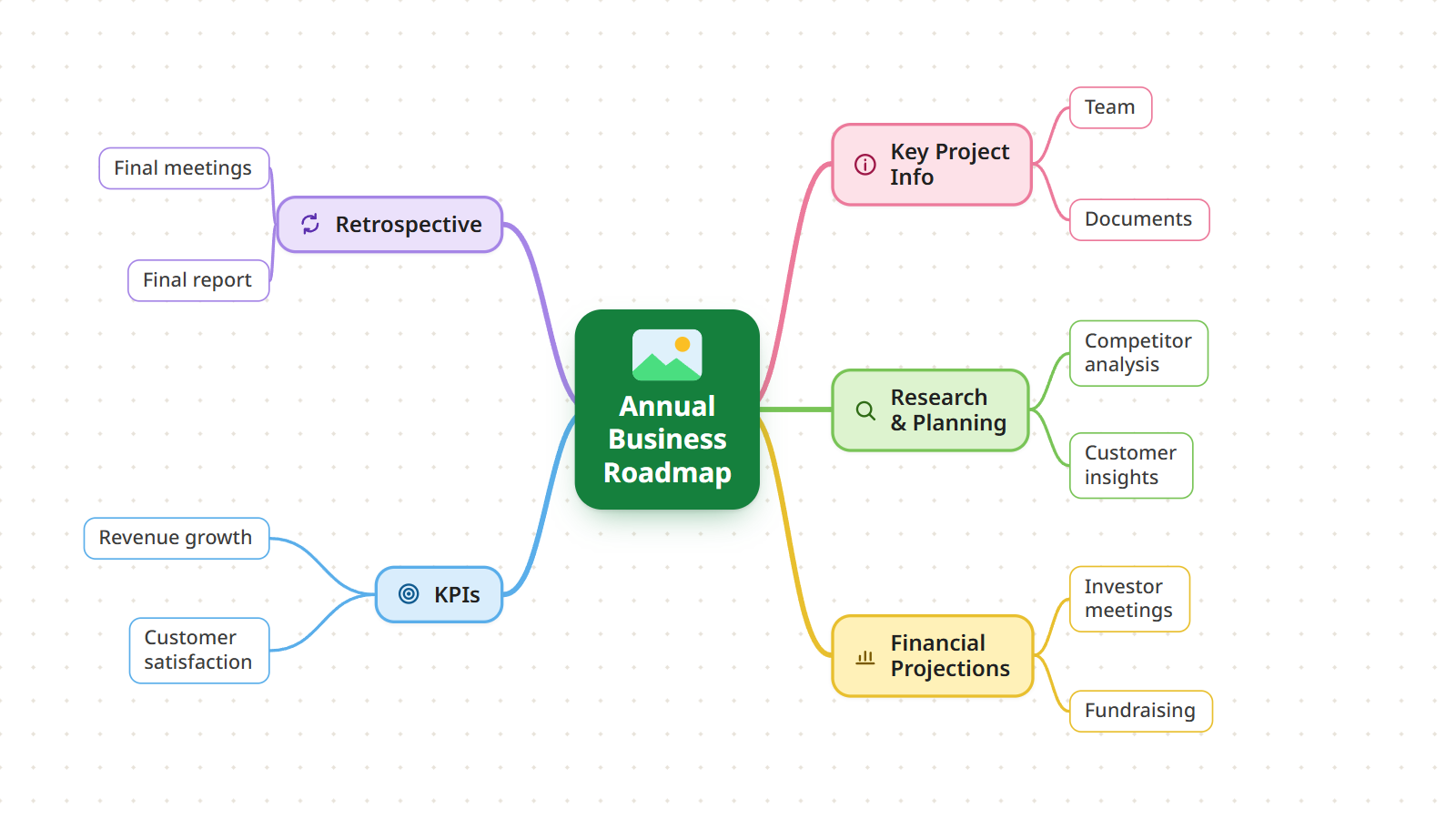
- Colors: give each main branch its own color, so you can tell at a glance which subtopics belong together.
- Icons and labels: mark important points or categories. In Mindomo you can filter topics by icon later.
- Images: a picture on the central topic, or on a branch, is easier to remember than a word.
Use them to support the structure, not to decorate it. One color per branch says something; a different color on every topic says nothing.
5. Connect related ideas and add resources
The tree shows which idea belongs to which, but some ideas are related across branches. Show those links with:
- Relationships: an arrow between two topics on different branches, with an optional label. In the example, Customer insights is the basis for Investor meetings.
- Boundaries: an outline around a topic and its subtopics, to mark them as a group.
- Summaries: a bracket that collects several topics under one conclusion.
Then attach what the map needs to be useful, without crowding it: notes for longer explanations, links and attachments for sources and files, and checkable tasks if the map will become a to-do list. Your mind map is now a workspace where ideas, resources and actions are connected.
6. Share, collaborate or export
A map you keep to yourself is finished here. A map for a team is not: share it and keep building it together.
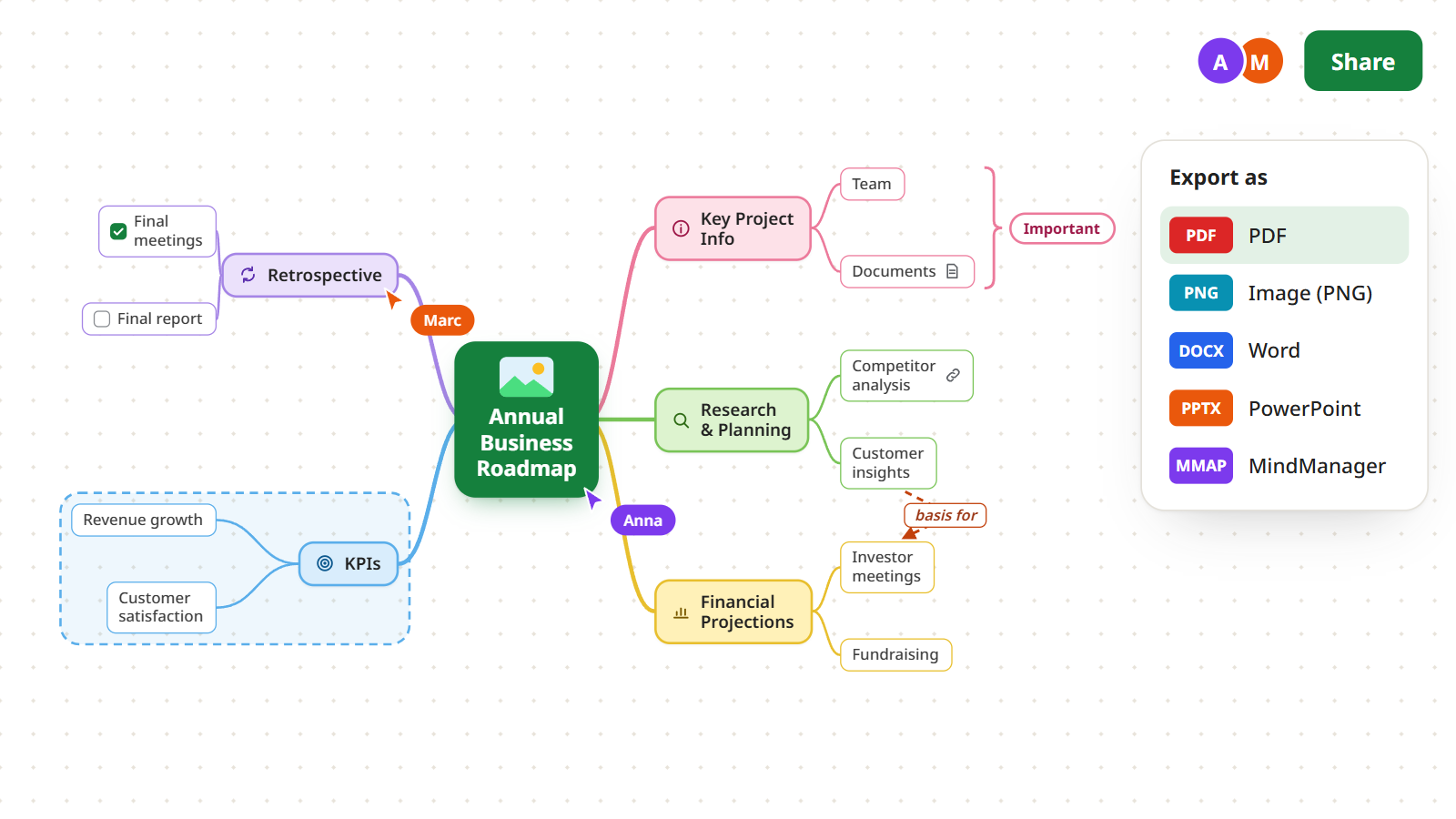
- Collaborate in real time: several people can view, edit and expand the same map at once, and see each other’s changes as they happen.
- Export it in more than 20 formats, including PDF, image, Word and PowerPoint, when you need it outside Mindomo.
Make a mind map with AI
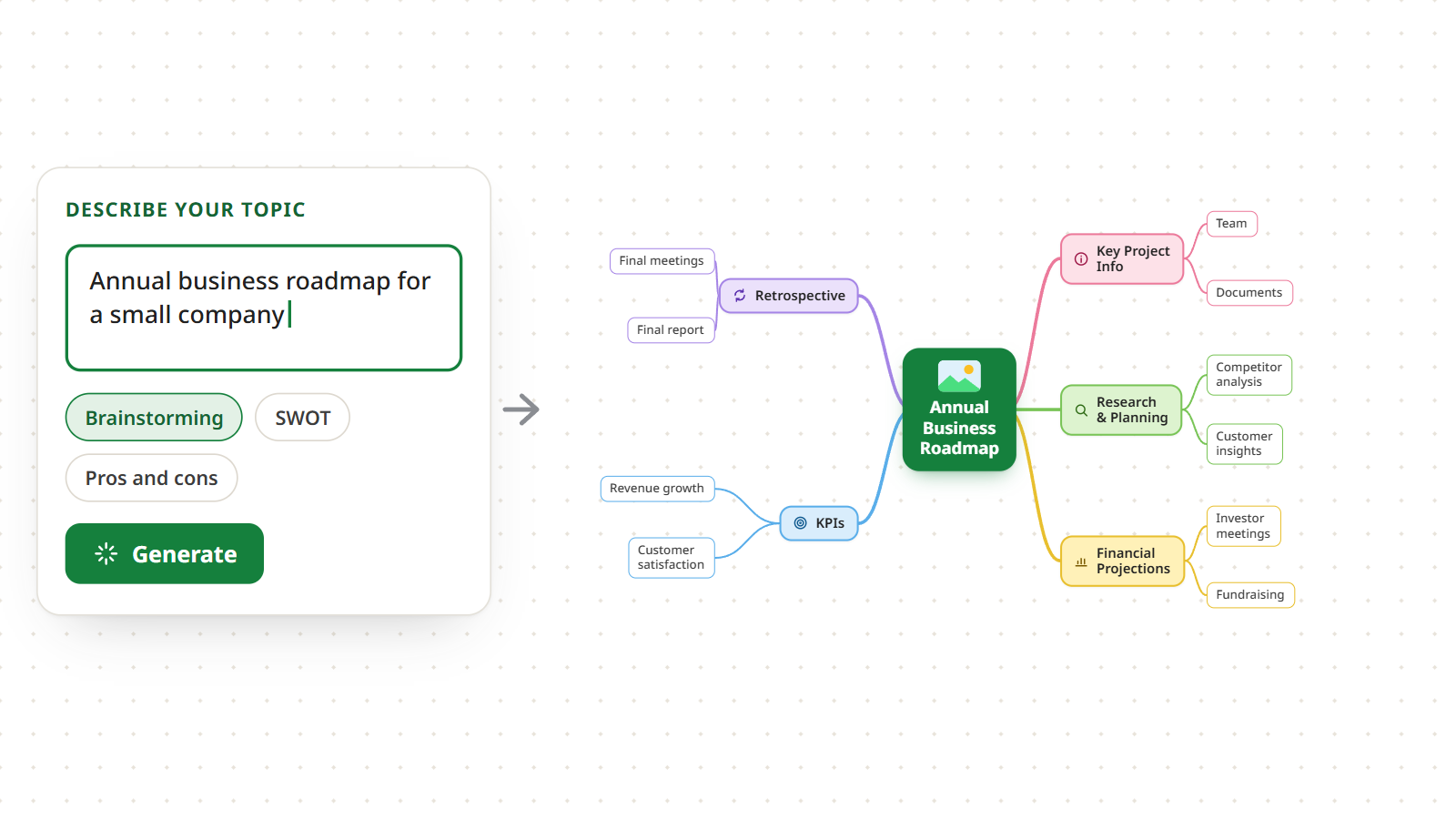
AI is the fastest way to a first draft. Instead of building every branch by hand, you enter a topic and the AI generates a complete map, which you then edit with the same steps as above.
In Mindomo you choose the kind of diagram to generate:
- Brainstorming: ideas around a topic.
- SWOT analysis: strengths, weaknesses, opportunities and threats of a project or business.
- Pros and cons: both sides of a decision.
- Website mind map: paste a link, and the AI maps the content of the page.
- Mind map from text: paste a document, article or essay, and the AI turns it into a structured map.
The generated map is a starting point, not a finished one. Read it, delete what does not fit, and add the branches only you know about. Try it with the AI mind map generator.
Start from a mind map template
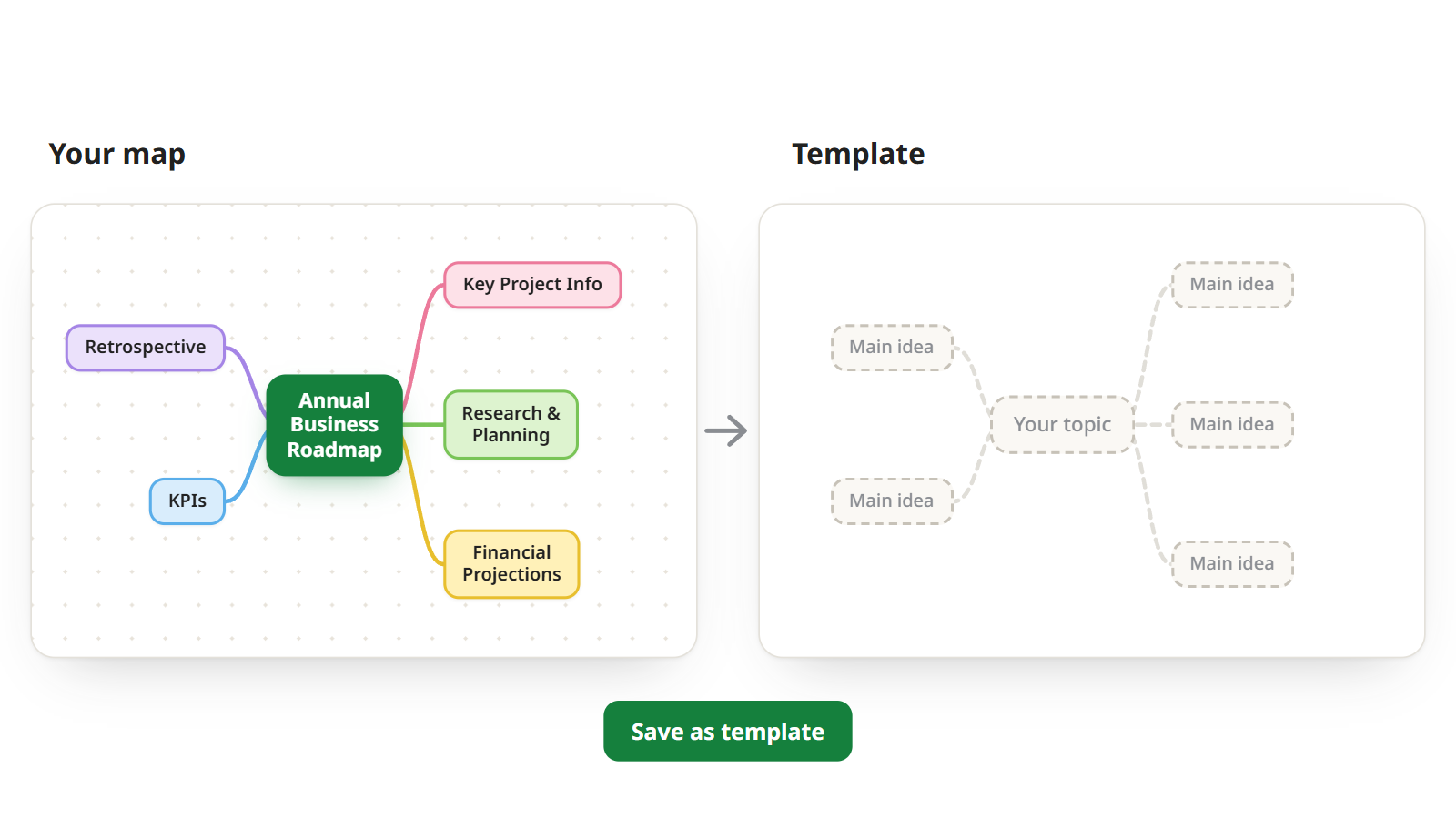
A template gives you the structure before you have the content. It is a ready-made map with placeholder topics, often with a hint in each one about what to write, so you never face a blank page.
Pick a template close to what you need, replace the placeholders with your own ideas, then add, move and delete branches as in the steps above.
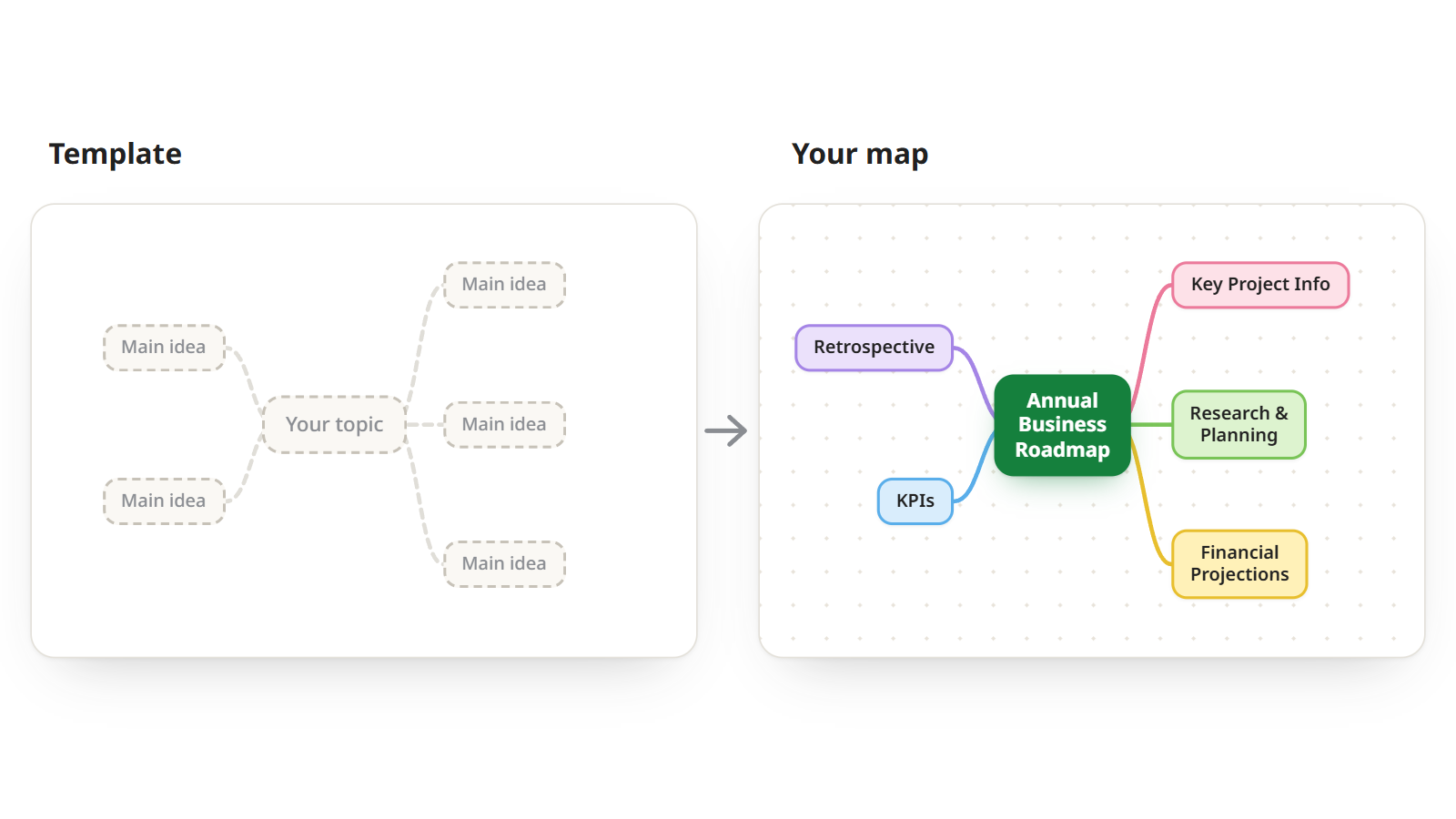
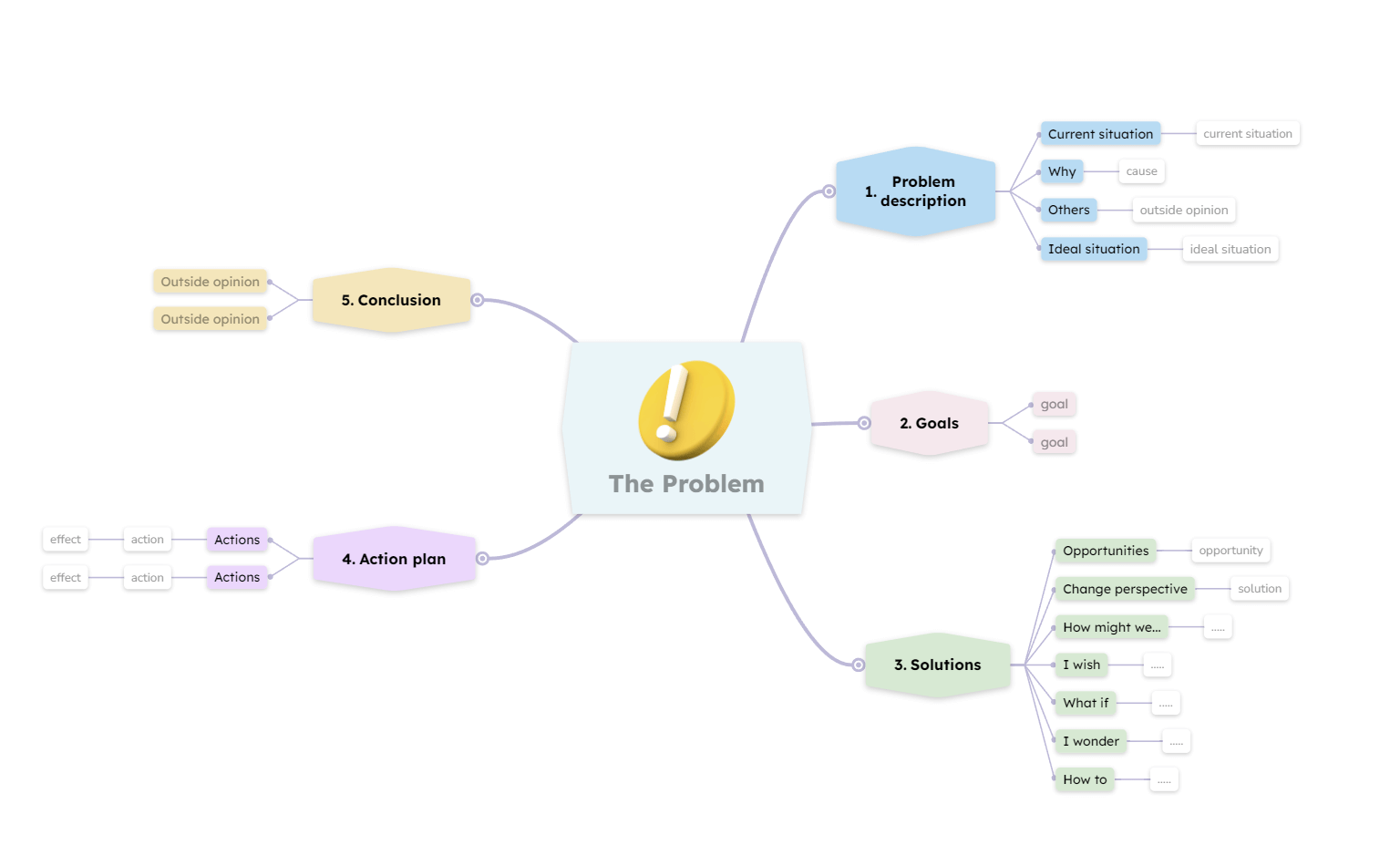
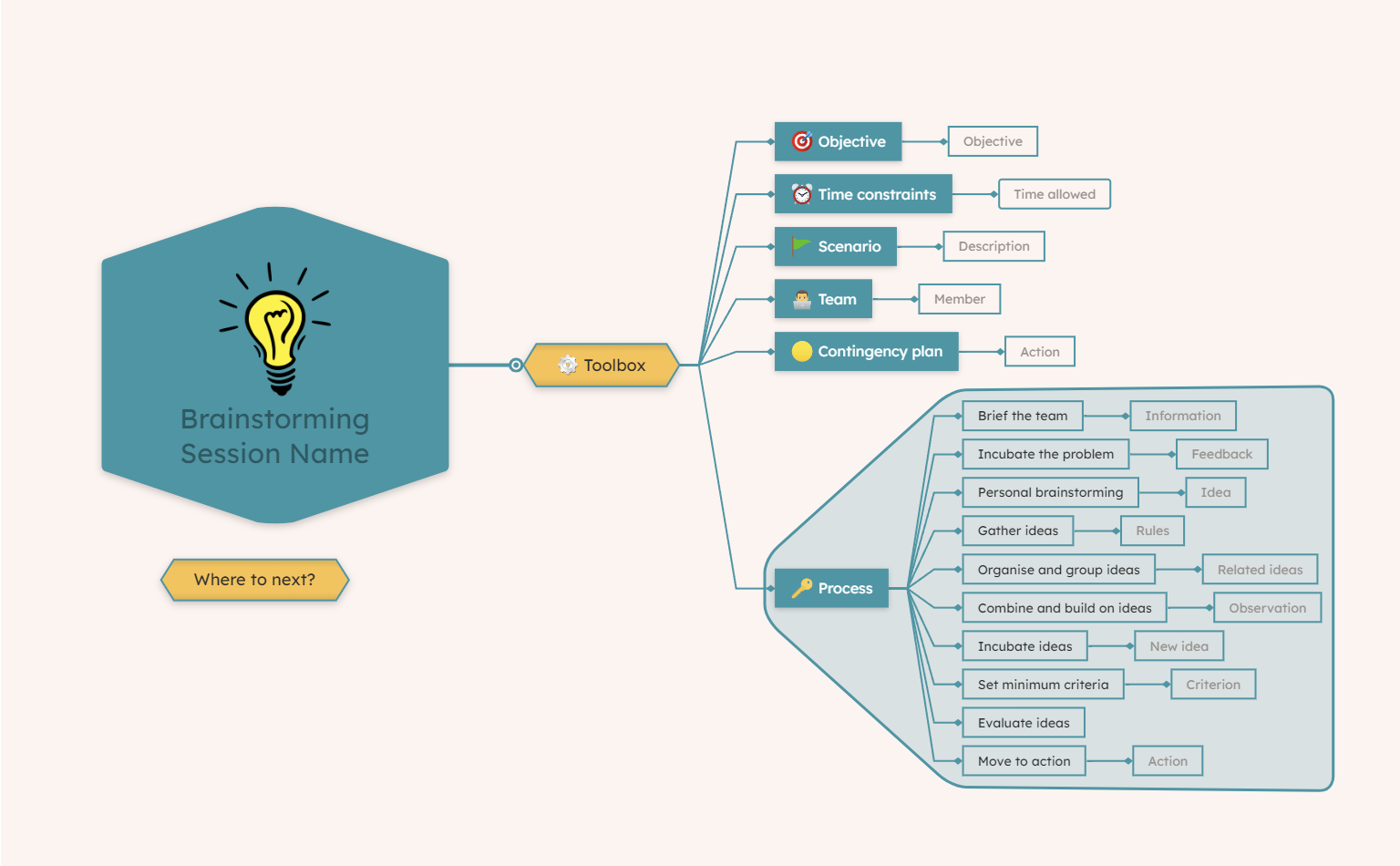
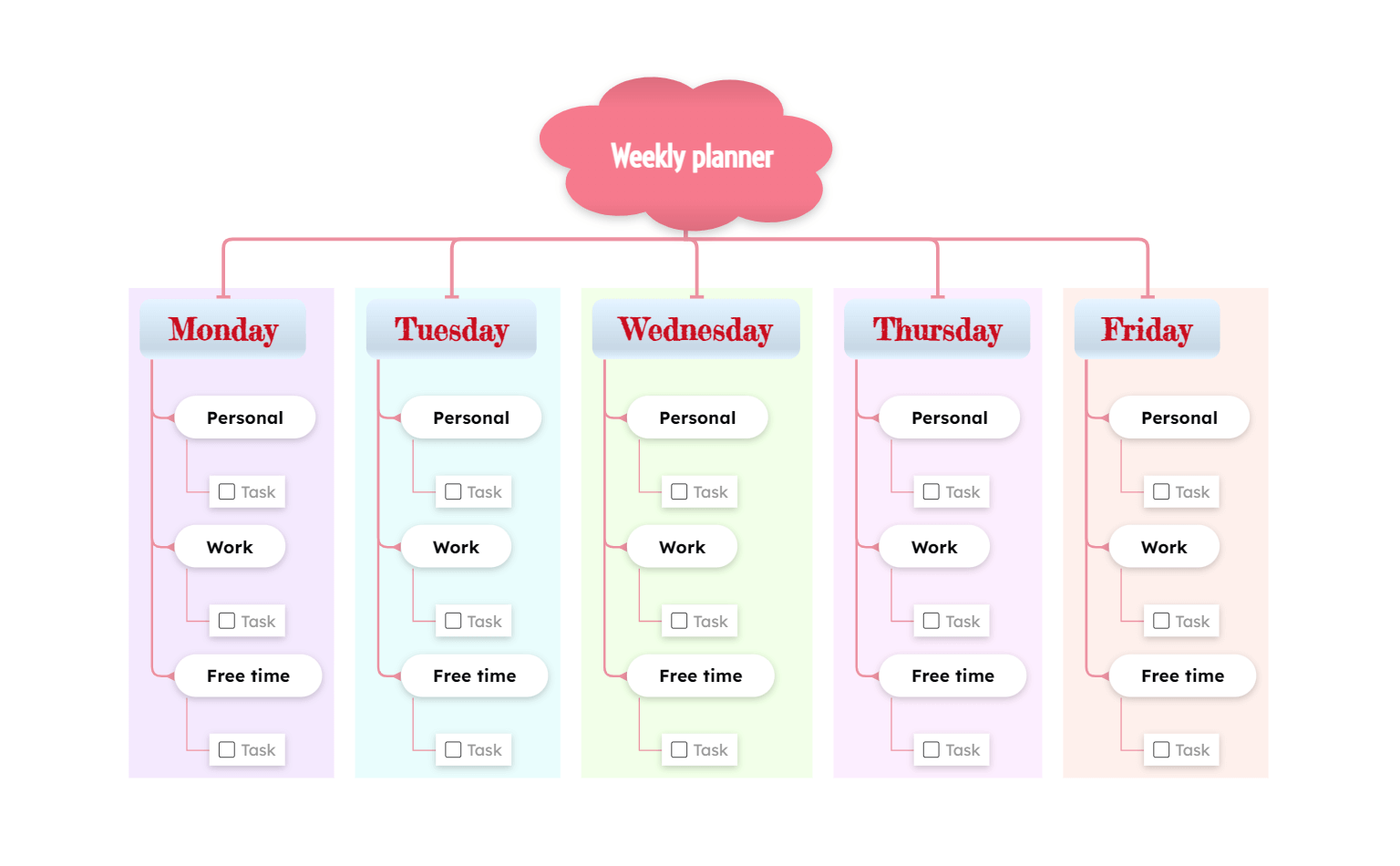
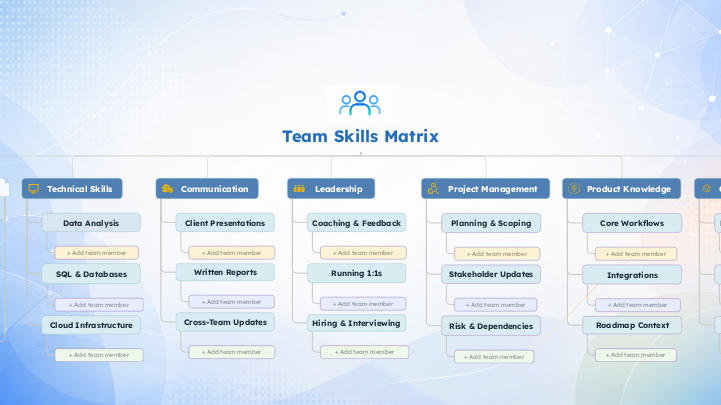
A few of the most used templates. The template library has many more, grouped by category:

Mind map example: an annual business roadmap
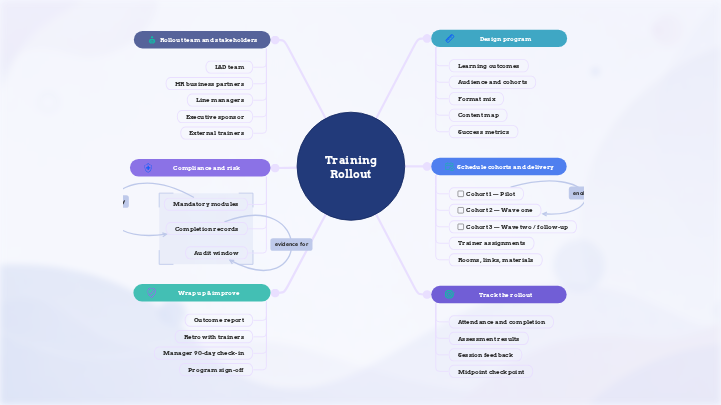
Here is the finished roadmap, the map the six steps built. Read it from the center outward: the central topic names the plan, the five branches are its stages, and the subtopics are the work inside each stage.
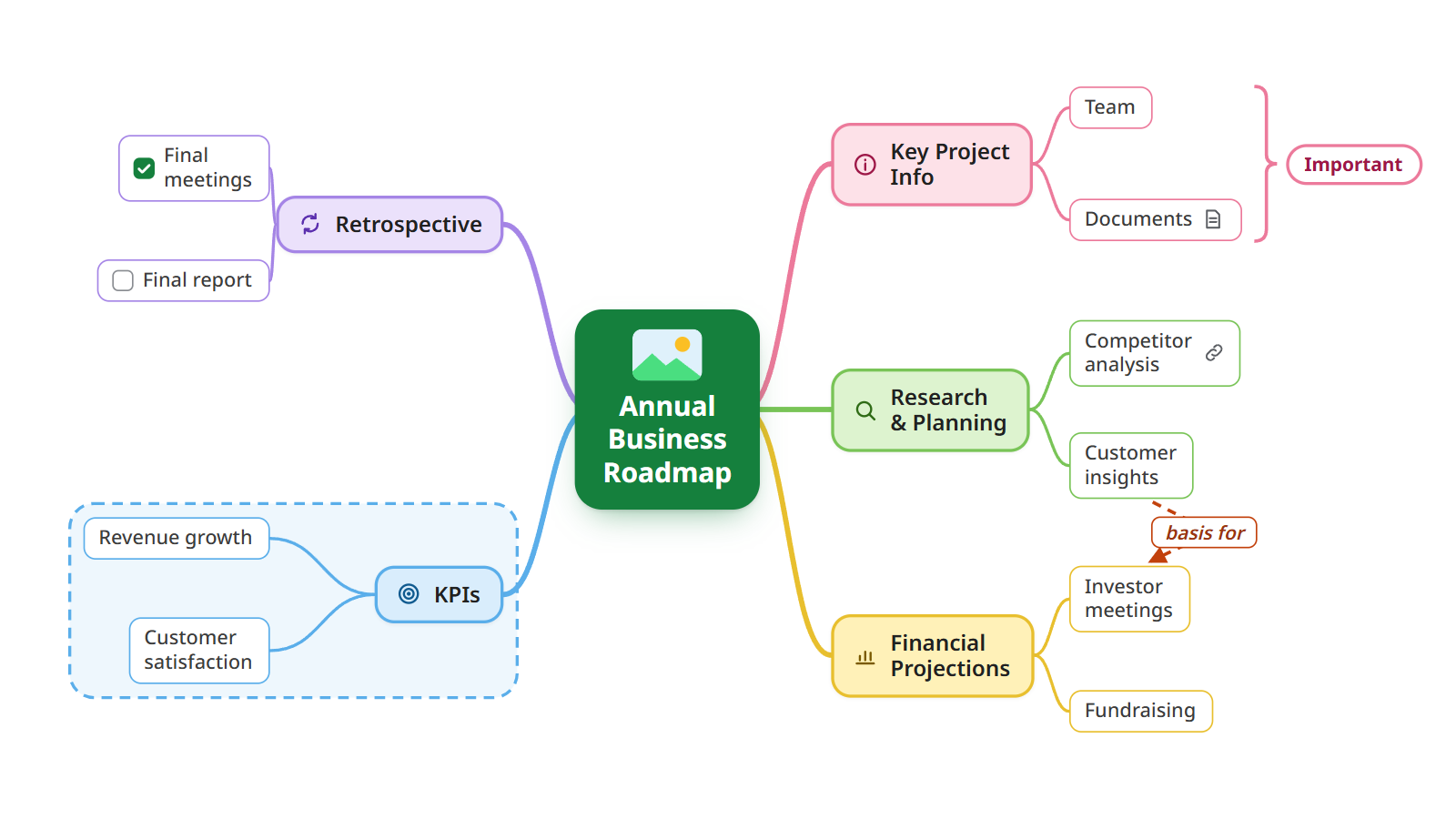
Notice what it leaves out. There are no full sentences and no paragraph-long topics: the details live in notes and attachments, so the map stays readable at a glance. For more maps on other subjects, from study notes to project plans, browse these mind map examples.
Video: making a mind map step by step
Prefer to watch? The video shows the same process in Mindomo, from the central topic to a finished, shared map.
Plays from YouTube. Google may set cookies once you press play.
Tips for clearer mind maps
Seven habits that make the difference between a map you use and one you abandon:
Keep the structure flexible
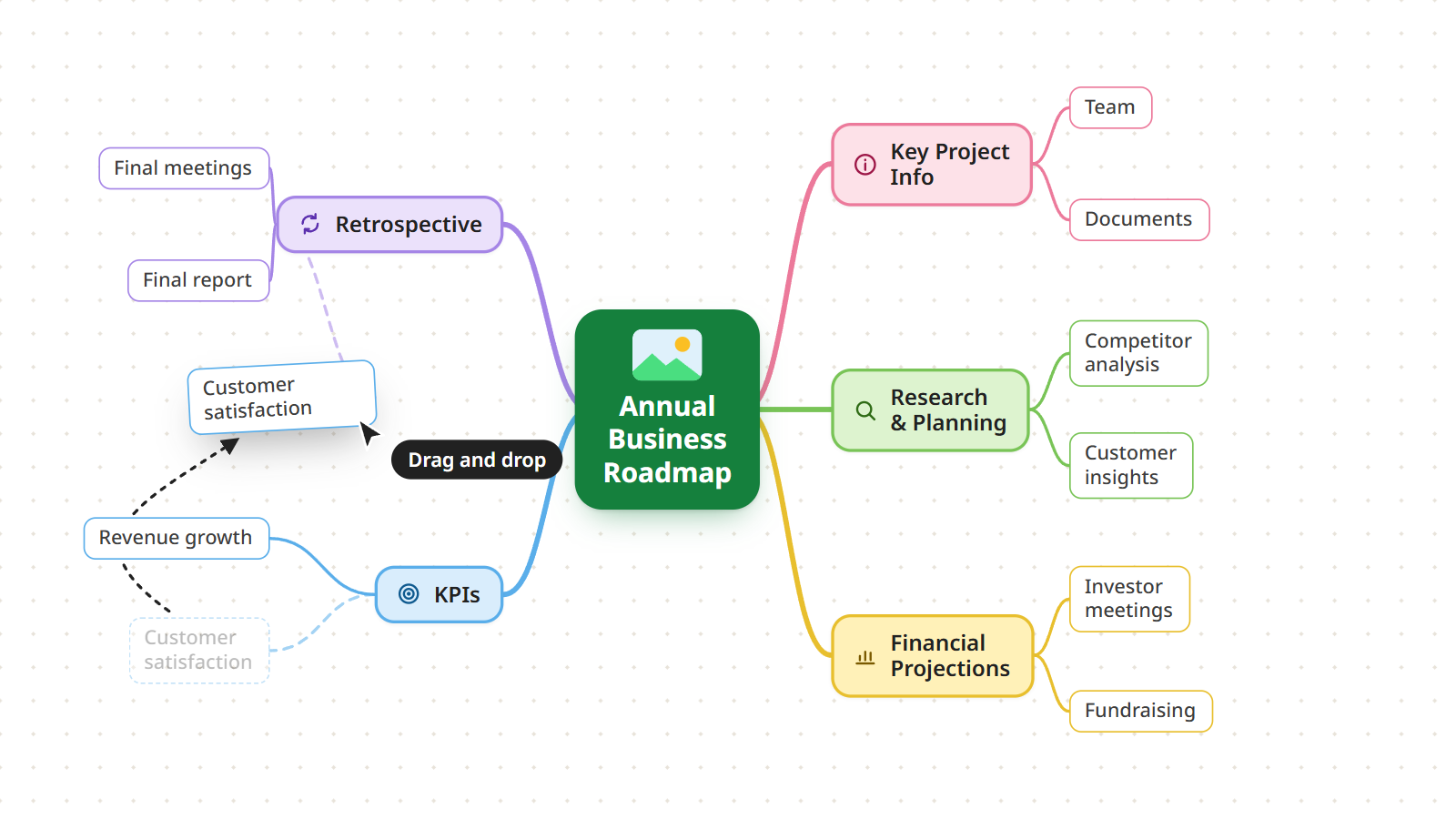
Move branches as your thinking changes. A topic that started under one branch often turns out to belong under another, and in a digital map you drag it there, with its subtopics, in one move.
Choose clarity over completeness
A good mind map is easy to scan. If a topic needs more than a few words, put the rest in a note, a comment or an attachment. The detail is one click away, and the map stays readable.
Make each level look different
A mind map is a hierarchy, so make the hierarchy visible:
- Use a different size for each level: font size, topic size or line thickness.
- Use a different color for each main branch or category.
- Use icons to mark important topics. In Mindomo you can also search and filter by icon.
- Combine layouts where it helps, for example a timeline for one branch of a radial map.
- Give the central topic an image, and add more images where they help you remember.
Use your mind map as a workspace
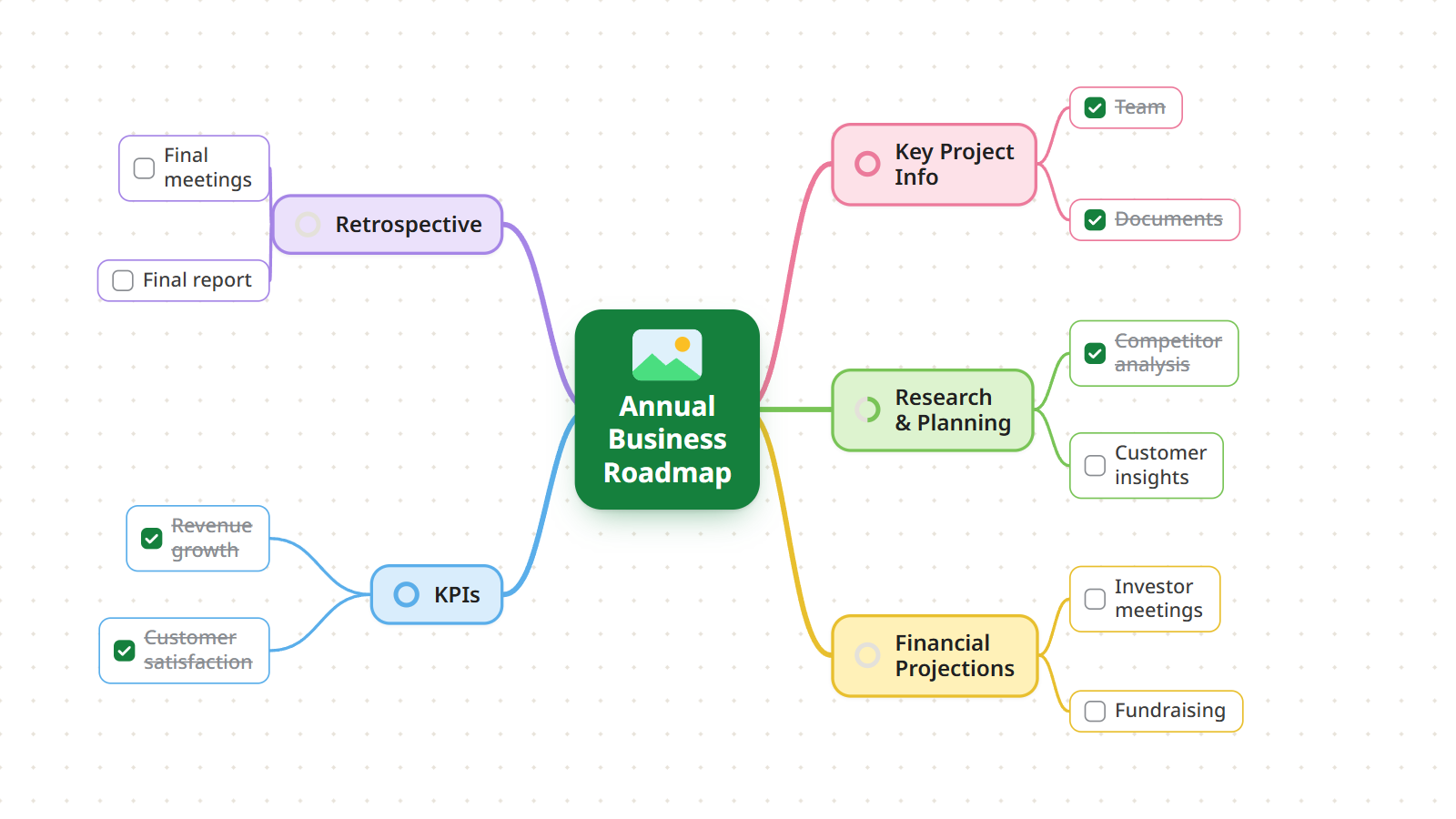
Don’t treat the map as a finished drawing. Keep it up to date, and when the ideas turn into work, turn topics into tasks with checkboxes, due dates and owners. Our guide to prioritizing tasks shows how.
Reuse your best maps as templates
If you build the same kind of map again and again, for every project, every client or every exam, save one as a template. The next map starts with the structure already in place.
Capture ideas on your phone
Ideas do not wait until you are at your desk. With the Mindomo app for iOS or Android you add a topic on the go, and it syncs to every device. It works especially well for taking notes and quick brainstorming.
Turn the map into a presentation
Your map is already the outline of a talk. Mindomo turns it into a slideshow, one slide per branch, so the audience follows the structure instead of a wall of bullets. See how to make effective presentations with mind maps.
Common mind mapping mistakes
Mind mapping is simple, but six mistakes come up again and again. Each one makes a map harder to read and less useful:
Too much text
Topics that hold whole sentences turn the map back into a document. Use keywords, short phrases or images, and move the rest into notes.
Sentences instead of keywords
A keyword is quick to scan and leaves room for new connections. A sentence closes the idea and takes far longer to read.
No clear hierarchy
If the levels are not distinct, the map stops showing what belongs to what. Keep a clear path from the center to the main branches to the subtopics.
Unrelated ideas mixed together
Put related topics on the same branch, and use a boundary or a separate branch to keep different subjects apart.
A map that never changes
A mind map should grow with your thinking or your project. Revisit it, move what no longer fits, and add what you have learned.
Design over clarity
Colors and images should help the reader understand, not distract them. If a decoration does not carry meaning, leave it out.
Paper vs digital mind maps
The steps are the same whether you draw by hand or use a mind map maker. What differs is what happens after the first draft.
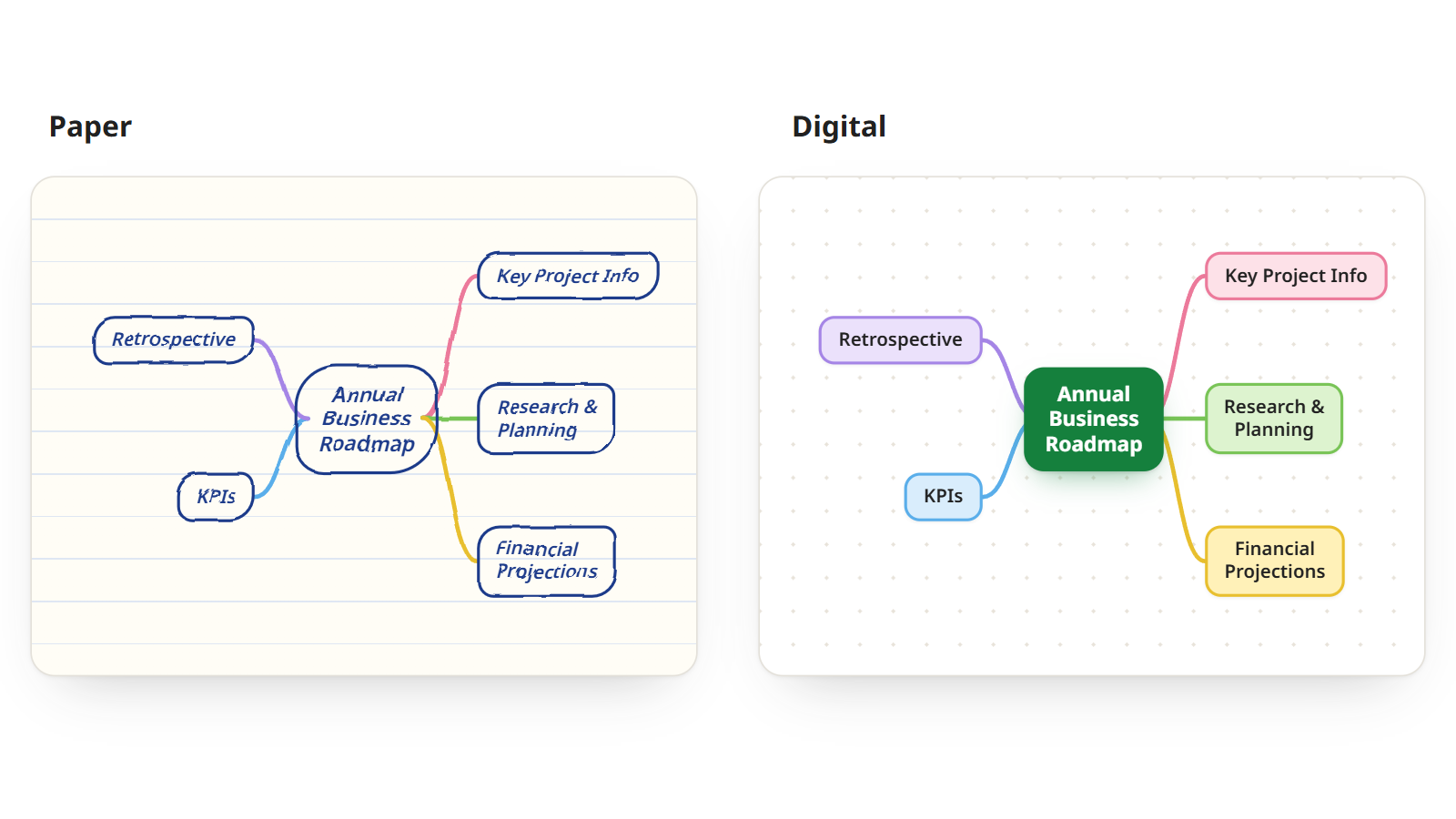
Paper
Pen, paper and nothing else.
- StartingSimple and quick, as long as you have pen and paper at hand.
- Best forFreehand brainstorming, with no distractions.
- EditingLimited space, and hard to change once drawn.
- ReadabilityCan become messy, hard to read or uneven as it grows.
- ContentLimited to what you can write or draw.
Digital
A mind map app on a laptop, tablet or phone.
- StartingSimple and quick on any device, with an AI generator and templates to skip the blank page.
- Best forComplex topics that keep growing, and work you share.
- EditingUnlimited space: move, add and restructure branches at any time.
- ReadabilityClear, well organized and consistent, however large it gets.
- ContentNotes, links, documents, images and videos, plus real-time collaboration.
Which one should you use? Paper is fine for a quick personal brainstorm. For anything you will reorganize, share or come back to, a digital map is faster and easier, and it can grow as far as the topic needs.
Frequently asked questions
What is a mind map used for?
A mind map organizes ideas, structures information and shows how concepts connect. It is used for brainstorming, note-taking, project planning, studying and problem-solving. Read more in our guide on what a mind map is.
Can I collaborate on a mind map with others?
Yes. In Mindomo you share a mind map with teammates, classmates or friends, and everyone can view, edit and expand it together in real time.
How do I export a mind map?
You can export a mind map in more than 20 formats, including PDF, PNG, JPG, SVG, Word, PowerPoint, MindManager and FreeMind, to share it or open it in another application.