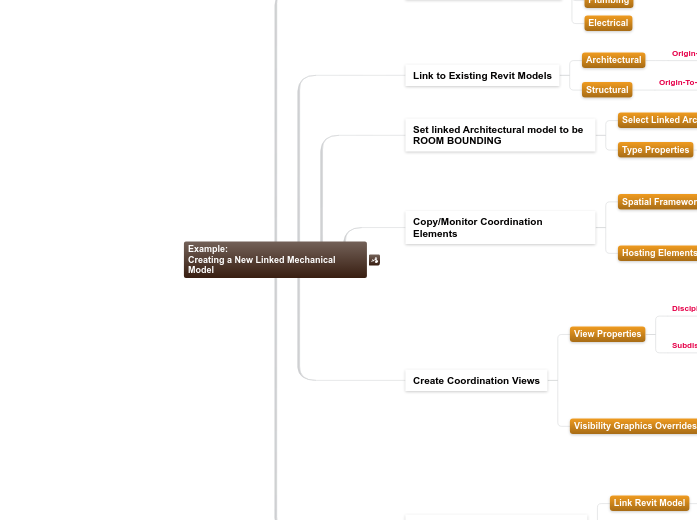
Example:
Creating a New Linked Mechanical Model
Use the Appropriate Template
Imperial Multi-Discipline
Contains Views and Components for all Disciplines
Discipline-Specific Templates
Structural
Mechanical
Plumbing
Electrical
Link to Existing Revit Models
Save Your New Model as Cloud Revit Model
Architectural
Project Base Point to Project Base Point
Structural
Project Base Point to Project Base Point
Set linked Architectural model to be ROOM BOUNDING
Select Linked Arcthitectural Model
Type Properties
Room Bounding
Copy/Monitor Coordination Elements
Spatial Framework
Levels
Grids
Hosting Elements
Walls
Grilles
Ceilings
Air Terminals
Create Coordination Views
View Properties
Discipline
Mechanical
Coordination
Subdiscipline
HVAC
Visibility Graphics Overrides
Show
Curtain Walls
Curtain Panels
Curtain Mullions
Walls
Doors
Cross-Link New Mechanical Model
Back to Original Models
Link Revit Model
Project Base Point to Project Base Point
Adjust Views
Show HVAC Elements in Linked Model
Mechanical Equipment
Ducts
Air Terminals