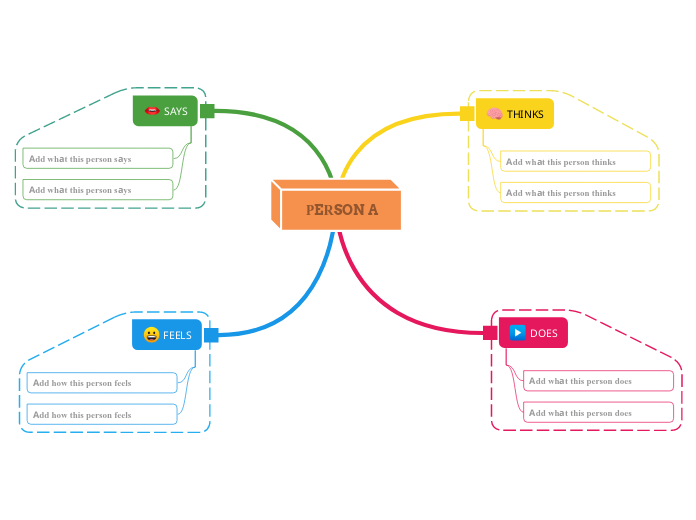
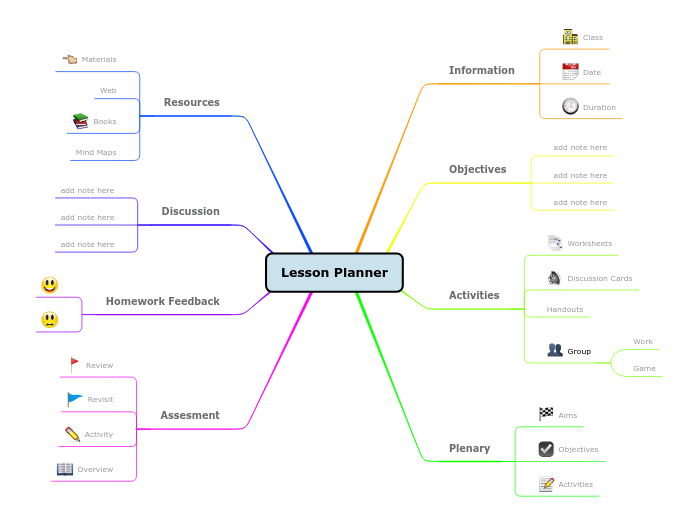
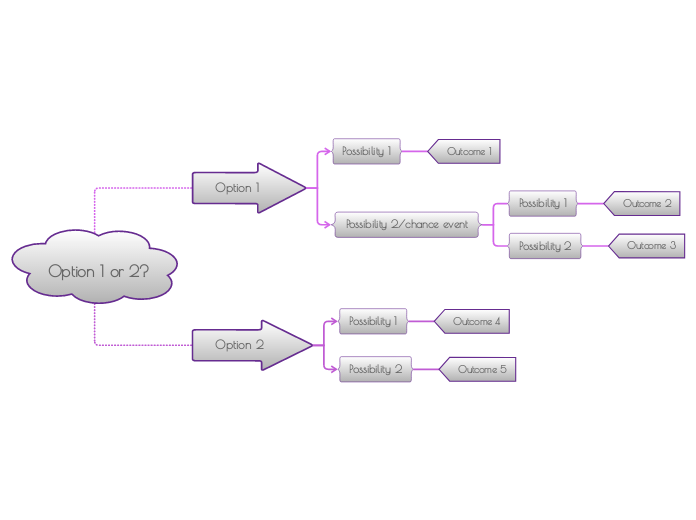
This colorful design using pastel colors is perfect for visually organizing information with ease. The three circles represent three groups of elements/concepts. Type their name, and add the specific characteristics in the zone where is the group name. Then add the common aspects of two circles in the highlighted areas, and in the end, you can add the common aspect of all three groups of elements/concepts. Optional: add an observation about the common aspect. If you don't want to add it, you can delete the topic. Type the first group name. Type the second group name. Type the third group name. Type the element/characteristic you want to add to this group. Type the common aspect between the two groups. A Venn Diagram compares items/concepts by showing the similarities between them in the overlapping areas of the circles. Mind maps help you brainstorm, establish relationships between concepts, organize and generate ideas. However, mind map templates offer an easier way to get started, as they are frameworks that contain information about a specific subject with guiding instructions. In essence, mind map templates ensure the structure that combines all the elements of a specific subject and serves as a starting point for your personal mind map. They are a resource for providing a practical solution to create a mind map on a particular topic, either for business or education. Mindomo brings you smart mind map templates that allow you to function and think effortlessly. You can choose from a variety of mind map templates from Mindomo's business or educational accounts, or you can create your own mind map templates from scratch. Any mind map can be transformed into a mind map template map by adding further guiding notes to one of its topics.Venn Diagram Maker
This three-circle Venn Diagram compares 3 groups of elements/concepts/items by showing their similarities and differences.
Keywords: Venn diagram, Venn diagrams, circle diagram, circle, circles, similarities, differences, comparison, compare, comparing, compare and contrast, contrast, quick diagrams.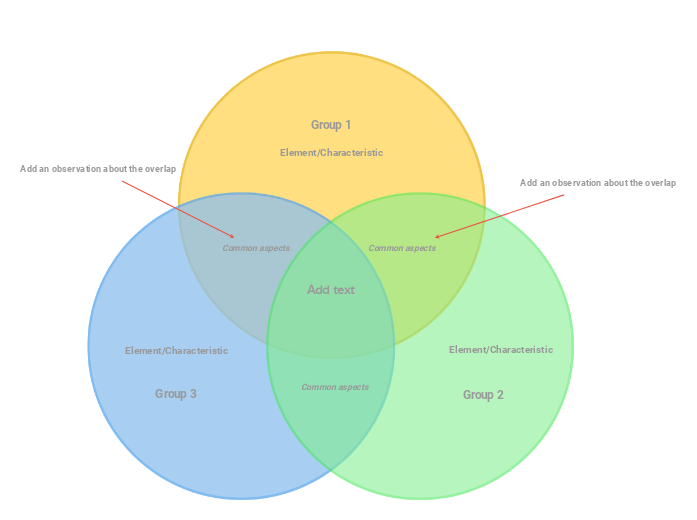
Venn Diagram (pastel three-circle) template
Add an observation about the overlap
Group 1
Then double-click in the circle area to add elements/characteristics in this group only or in the overlapping areas.Group 2
Then double-click in the circle area to add elements/characteristics in this group only or in the overlapping areas.Group 3
Then double-click in the circle area to add elements/characteristics in this group only or in the overlapping areas.Element/Characteristic
Common aspects
Add text
Type the common aspects between the three groups (or you can leave this empty).Why use a Mindomo mind map template?
A template has various functionalities: