Become a better version of yourself with mind mapping


Let’s start the week with some great news! We are so excited to announce the launching of our new website. We’ve been working on it for quite a while and we put all our efforts into rebuilding the design and content, to offer you the most complete guide for mind mapping with Mindomo. We focused on delivering you all the information you need at your fingertips and we developed specific pages for using mind maps,…
Experts estimate that our minds have between 60,000 – 80,000 thoughts a day. Our brains work like little factories and the synapses never cease to pass chemical or electrical signals to each other. In fact, this is the beauty of our amazing brain. Each thought generates another one and so on and by the time we reach a certain opinion, we begin to wonder how it all started. This is not another study made by…

The replicas of our database servers got unsynchronized. We are running a repairing procedure right now. Until repairing is finished editing of your map will be disabled. We are deeply sorry about this. We will get back with more details once we are finished. UPDATE: We managed to solve the technical problems with our servers. Our servers are up and running and you should be able to login and access your maps.If you encounter any…

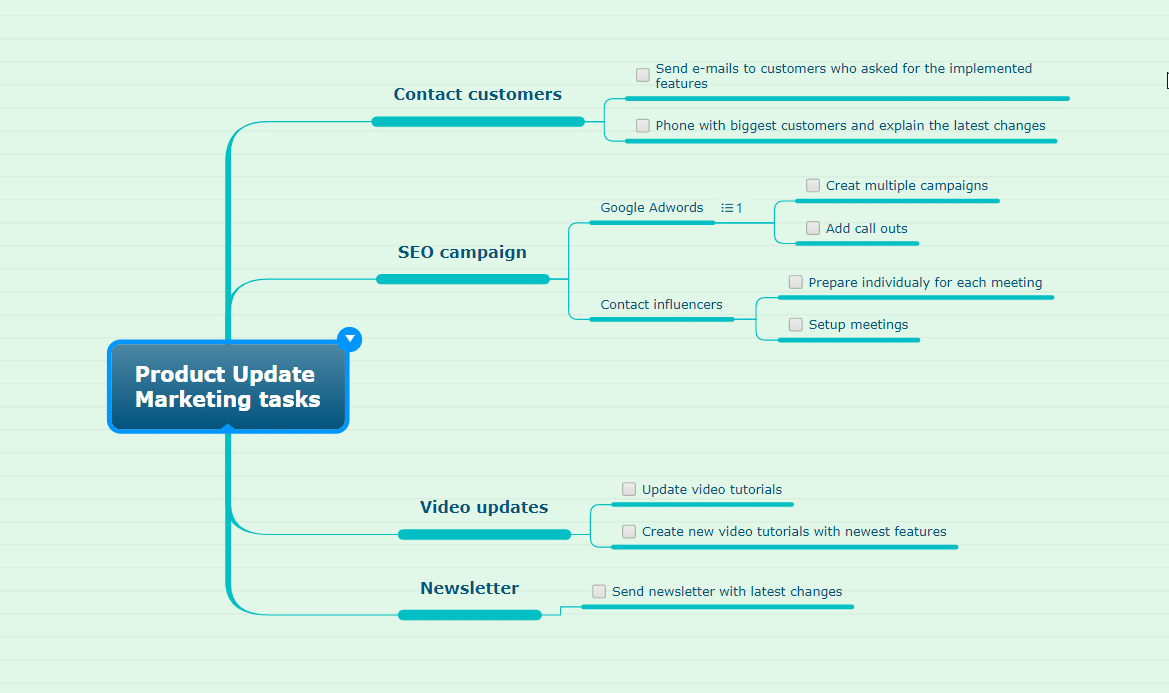
We are back with the third upgrade of this series: integrating the task functionality into normal mind maps. Use tasks to keep your information organized, set due dates for your projects, prioritize your work, set completion rates or assign them to your collaborators. You can now turn topics from your mind map into tasks (Ctrl+K) or manually insert a task subtopic to any topic you like (Alt+Shift+Enter) from the Insert panel. Checkboxes will be automatically…

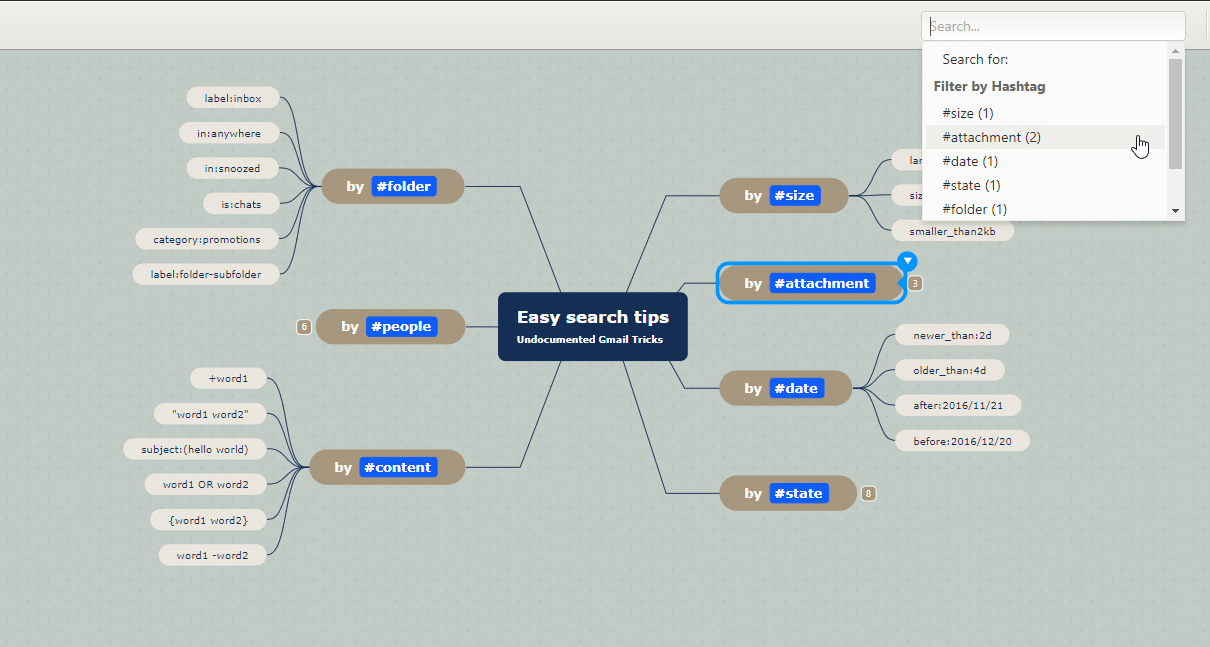
Did you know that you can now add hashtags to your mind map and use them as filtering instruments? Add hashtags to your topics to easily label them, and the next time you type #, you will see an autocomplete list. Continue typing if you want to insert a new hashtag or click on an existing one to add it to your topic. Hit ENTER or click outside the topic to activate the hashtag functionality.…