Products
Mind Mapping Software
Outlining Software
Gantt Charts Software
Uses
Mind Maps for Education
Mind maps for Business
Mind Maps for Personal Development
Mind Mapping Benefits
Resources
Features
Education
Personal & Work
Desktop
Video Tutorials
Watch tips and tricks about using Mindomo.
Help Center
Detailed help guide on configuring and using Mindomo.
Articles
What is a Mind Map?
How to Mind Map?
How to Take Notes with Mind Maps?
How to Prioritize Tasks with Mind Maps?
What is a Concept Map?
Top 29 Mind Map Examples
Pricing
Log in
Sign Up
Products
Mind Mapping Software
Outlining Software
Gantt Charts Software
Uses
Mind Maps for Education
Mind maps for Business
Mind Maps for Personal Development
Mind Mapping Benefits
Articles
What is a Mind Map?
How to Mind Map?
How to Take Notes with Mind Maps?
How to Prioritize Tasks with Mind Maps?
What is a Concept Map?
Top 29 Mind Map Examples
Features
Education
Personal & Work
Desktop
Help
Video Tutorials
Help Center
Pricing
Sign Up
Log in
Categories:
All
-
requirements
-
navigation
-
framework
-
review
by
Sean Mullen
11 years ago
590
eLearning Webinar
Open
More like this
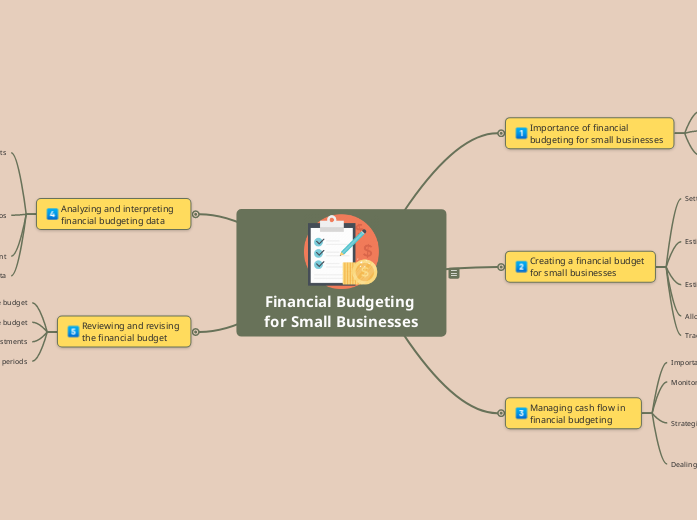
Financial Budgeting for Small Businesses
by Mindomo Team
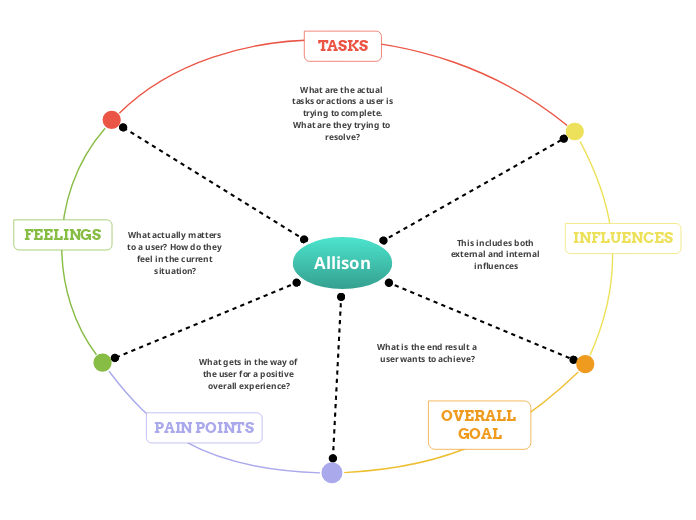
Example of an empathy map - Allison
by Mindomo Team
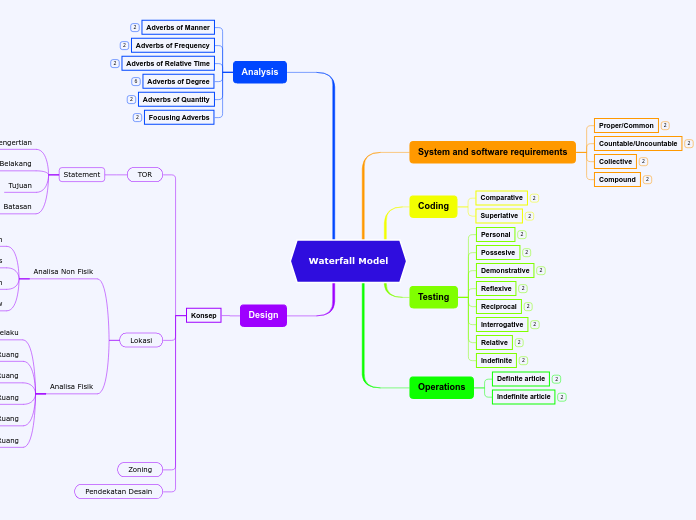
Waterfall Model
by petro tobolu
Archive | Productivity
by Colin Robertson
Slide #12 Welcome To Module #2
Slide #1: Welcome
Slide #11: Module 1, Review Question 3
If Pass Review Questions
If Fail, penalty to module 1 refresh
Slide #10: Module 1, Review Question 2
Slide #9: Module 1, Review Question 1
Slide #8: Transition Slide to Review Section
Suggestive Image
Slide #7: Content 3 (audio, video, both?) 2-4 mins.
Slide #6: Content 2 (audio, video, both?) 2-4 mins.
Slide #5: Content 1 (audio, video, both?) 2-4 mins.
Slide #4: "Welcome to Module 1"
Goals for Module 1, review section,proceed to module 2
How to navigate this course
Screen Shot
Introduce "Review Sections" & penalties
What happens if someone doesn't pass the review?
How may review sections, requirements to proceed
Review = Quiz or Survey, just don't use that word!
Define the module/lesson/unit
Levels of interactivity
Rules of navigation
Usual lengths, goals per "module"
Slide #3: Course Goals & Rules
"Click Forward to Start Course"
Playbar
Requirements
How do they complete or pass couse?
How much time?, can they resume?
Recommended courses or skills
Frequency
Repeat Audience + how is supports them
Slide #2: About This Course
Make 30 seconds or less, insert some move to next slide automatically
Quickly mention who is the course intended for.
Who's the author? Add contact info, logo, seal, etc.
Title of Course
Course Framework for Adobe Presenter and/or Captivate
Main topic