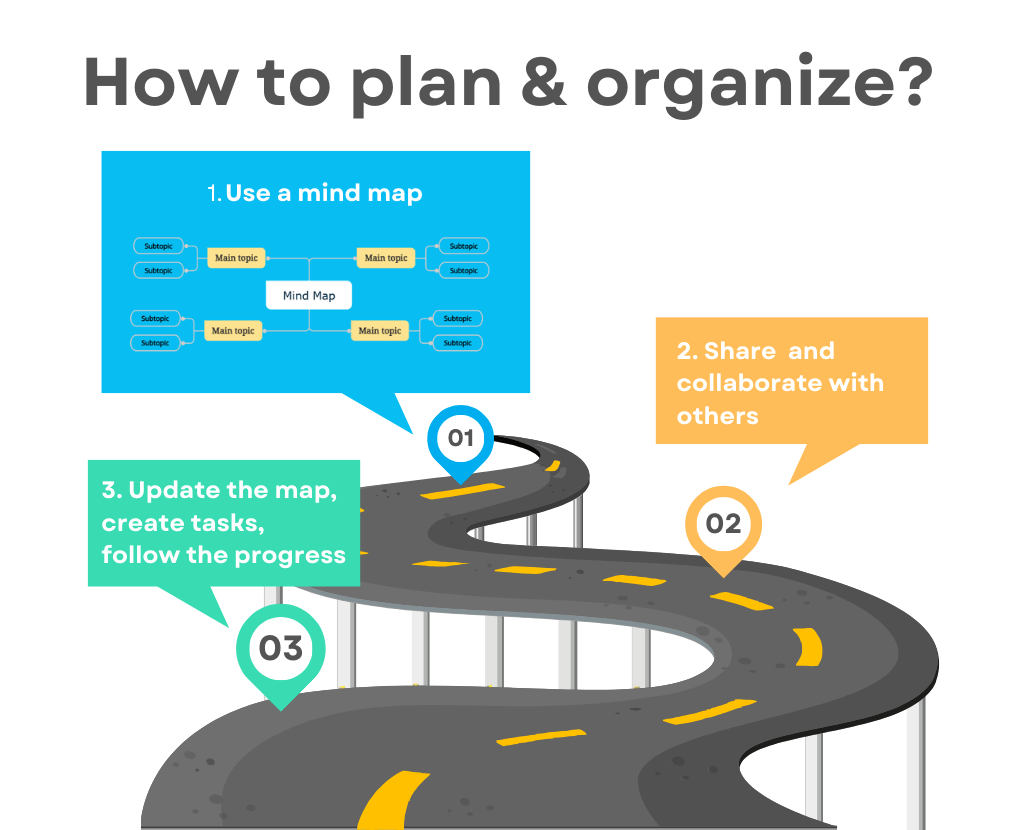
Why mind maps?
Whether we talk about an event, a house renovation, a project, the products you need, or a travel plan, everything is information. Information can be categorized into lists.
And what is the simplest way to view all of this? A hierarchical structure that always shows you the main structure, the connections between each item and another, and the overall context at the same time.
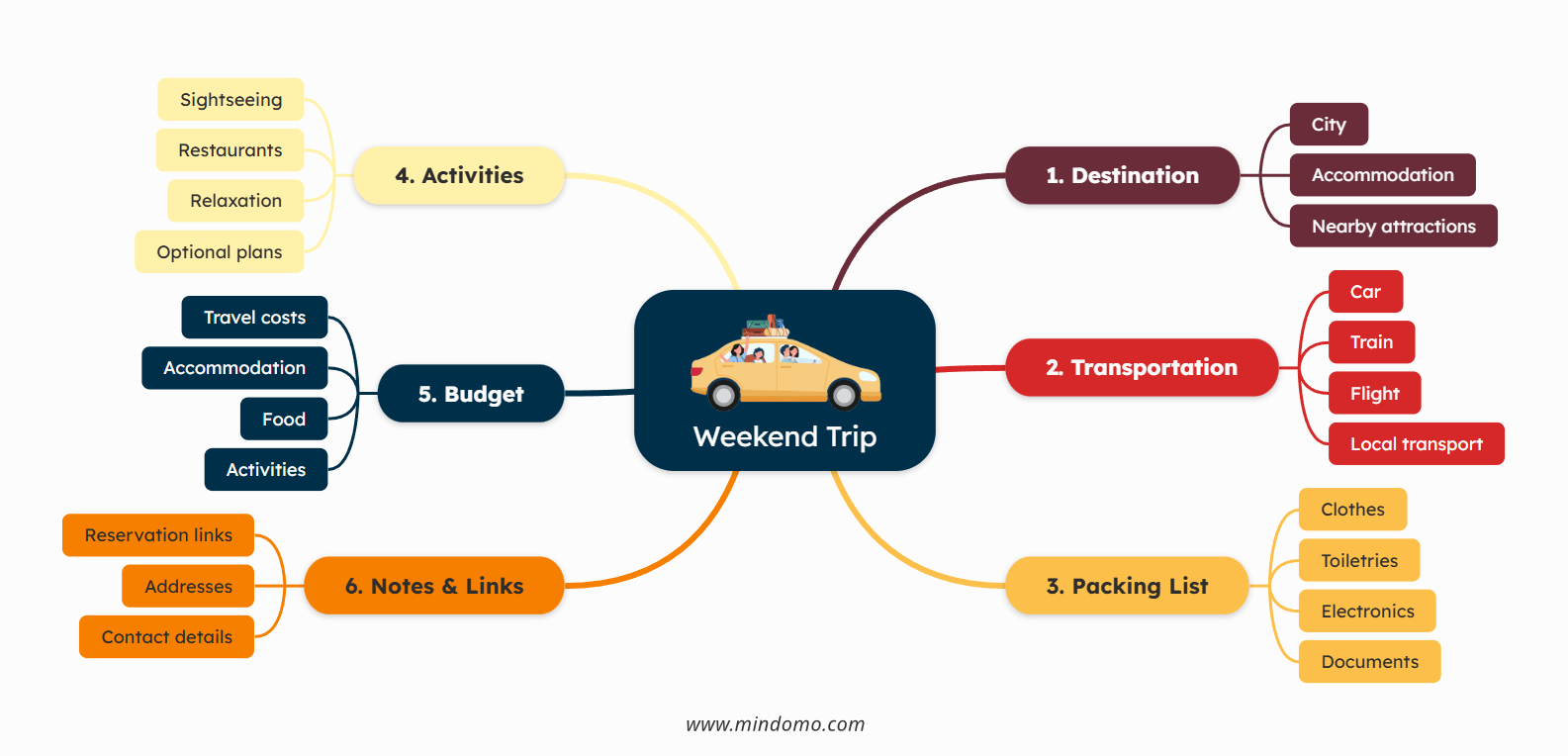
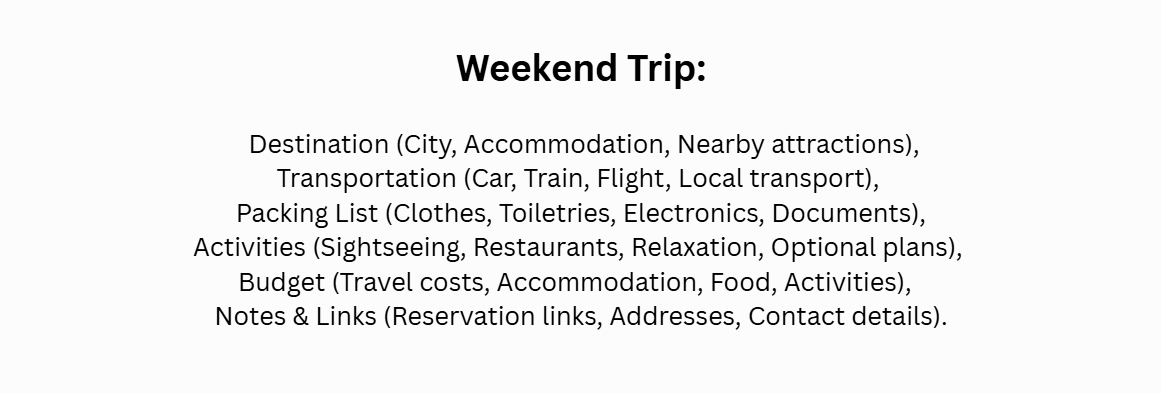
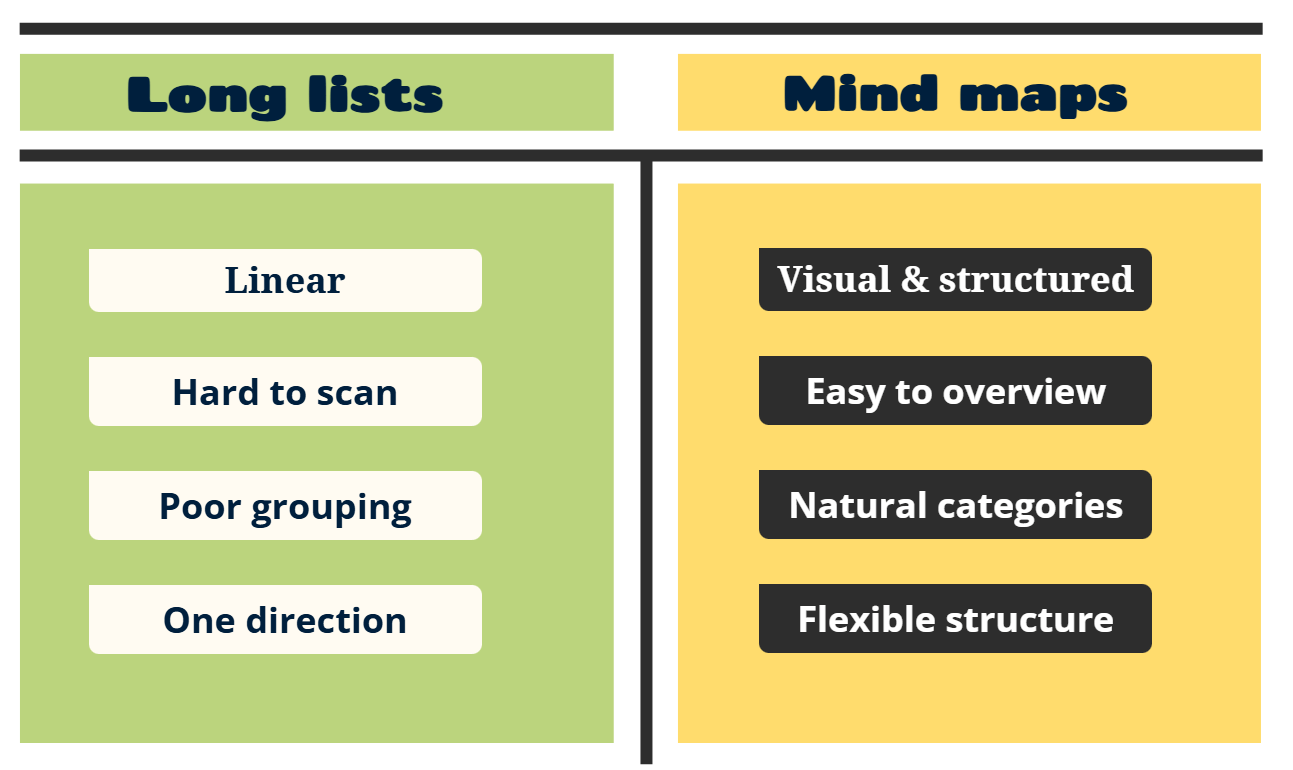
Why mind maps work better than long lists?
The difference becomes obvious as information grows.
Long lists force you to read line by line, making it harder to spot patterns, group related items, or understand how everything fits together.
They are also difficult to update and reorganize. As new details are added, traditional lists quickly lose structure and clarity.
Mind maps, on the other hand, keep related items grouped together and make it easy to see how everything connects at a glance.
They are also easy to modify. Items can be added, removed, or rearranged effortlessly. With modern mind map software, you can enrich each item with links, documents, images, and more. A mind map is not just a visual representation of information; it brings everything together in one clear, connected view.
Best practices for planning and organizing with mind maps
1. Start simple, then add details
Take it step by step. Start with the main idea and add details as you go. Don’t go into too much detail too fast. Once you crayonate the skeleton with main categories, it will be easier to find connections between them. That’s when you can start adding more detail.
That is the best way to make sure you don’t repeat the same information in different places.

2. Always use short keywords
The key to a diagram lies in simplicity. It should look simple and minimalistic while still containing all the information you need.
Always think about how you can use a keyword that will help you remember the information later. Try to keep 1-3 words per topic. Never add long phrases or sentences. Avoid connection words like “and”, “or”, “but”, “because”, “therefore”, “however”, etc. This is a diagram, not an essay.
Remember that if you:
- need to add a long phrase or sentence ➡️ you should add it in the notes
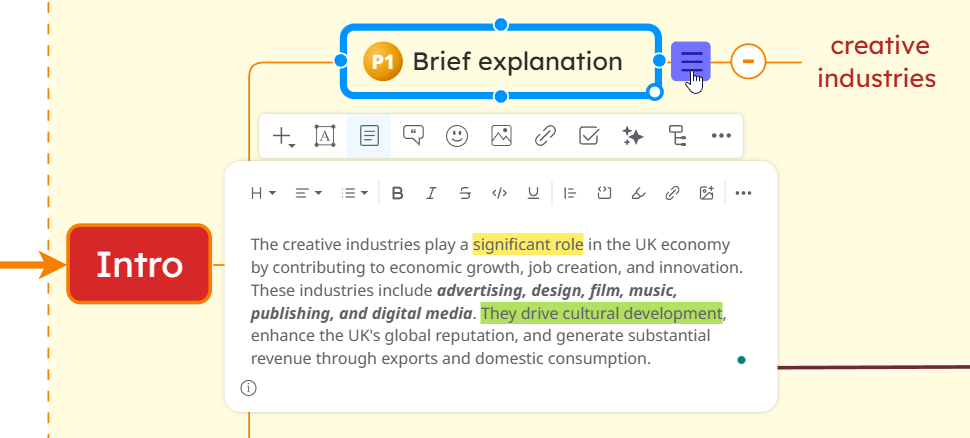
- need to add a connection word ➡️ you should split the topic into two or more topics or use a labeled relationship
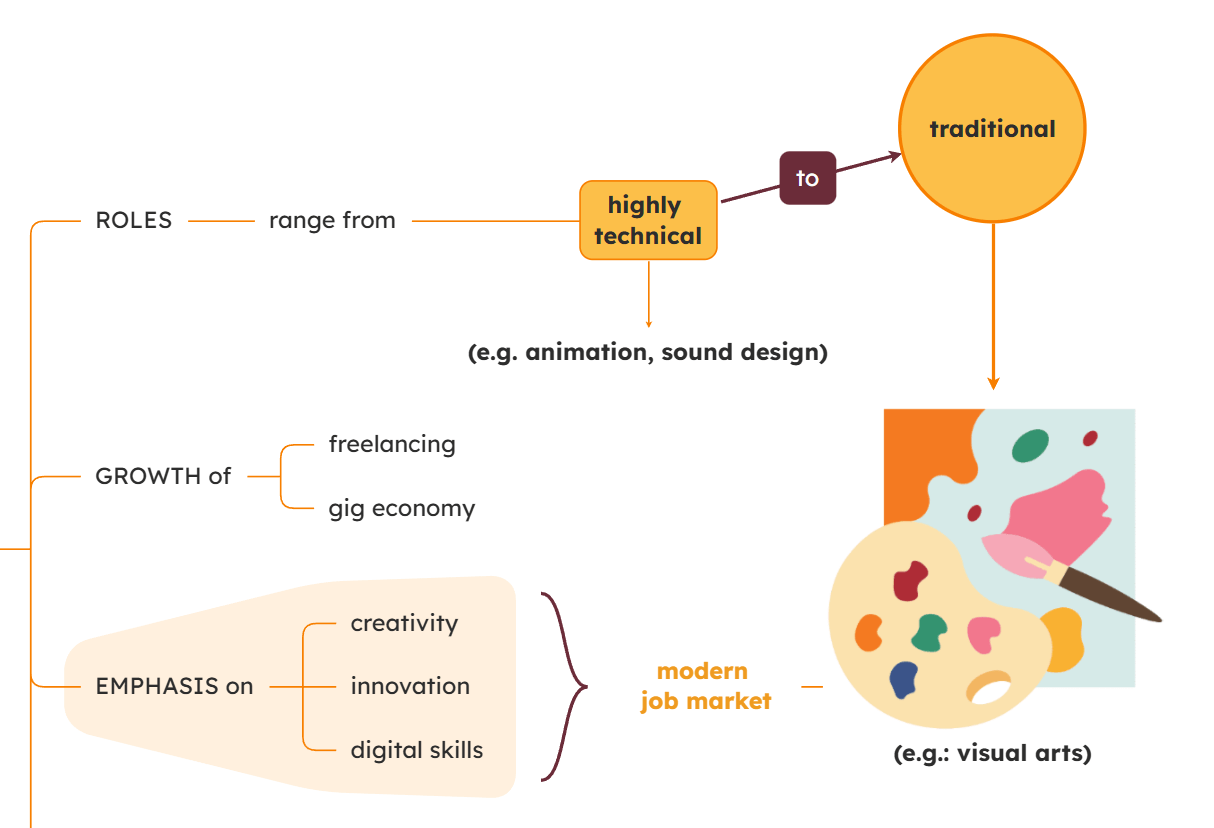
- need to add multiple options ➡️ you should add it in separate topics and maybe add a summary or boundary
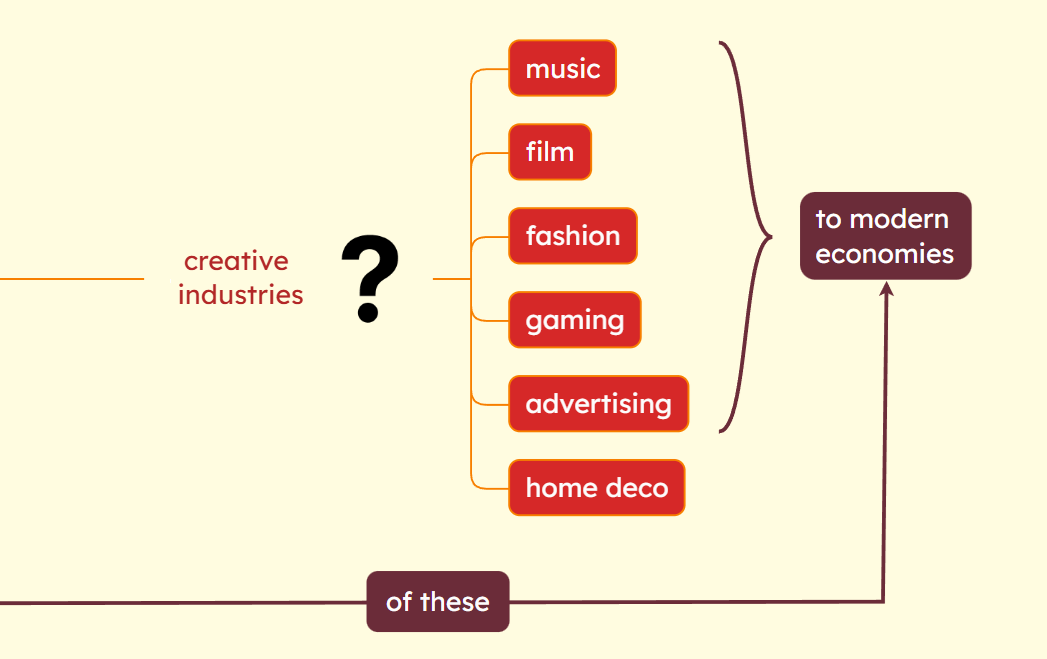
3. Color coding
🎨 Color coding by level
One approach is to use the same color for each level of the map, which helps visually distinguish main topics from subtopics and details.
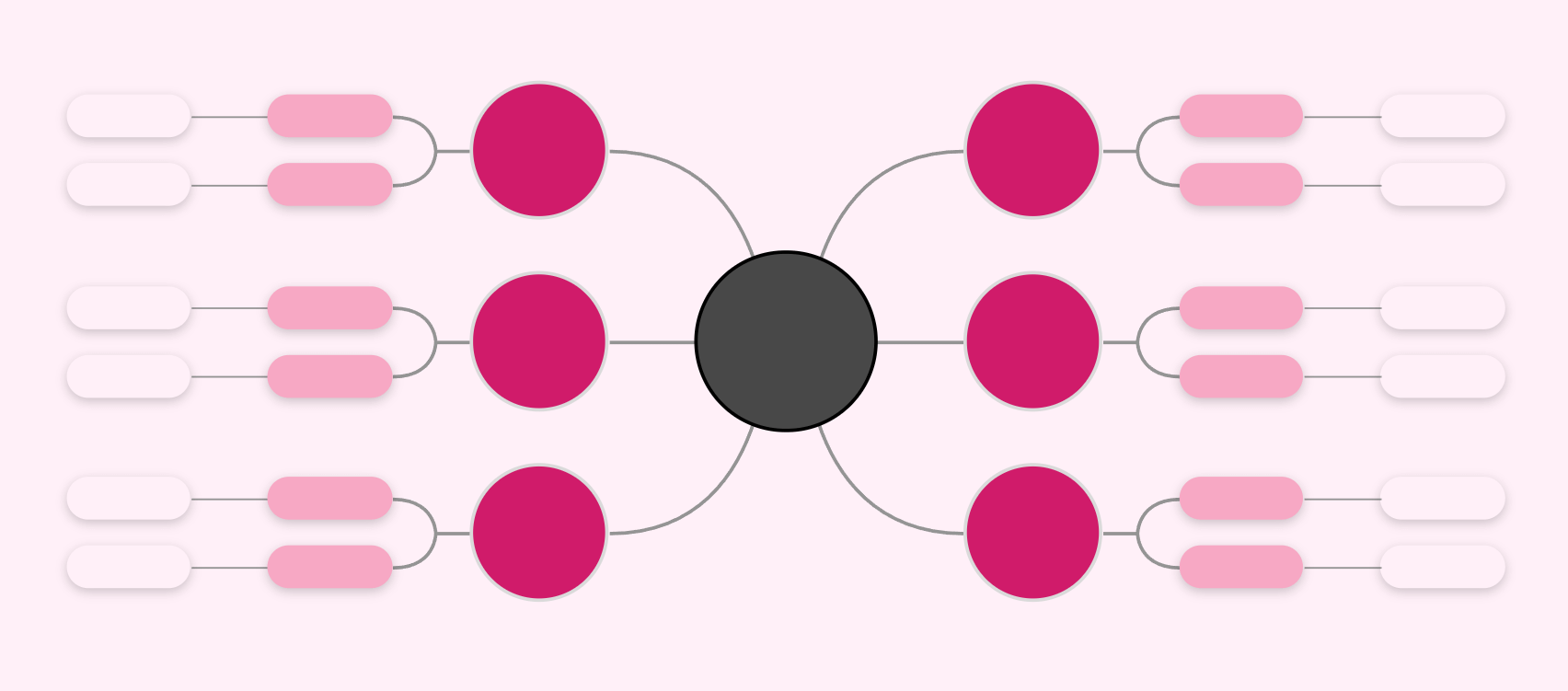
🎨 Color coding by category
Another approach is to use different colors for each category, which helps visually distinguish different categories of information.
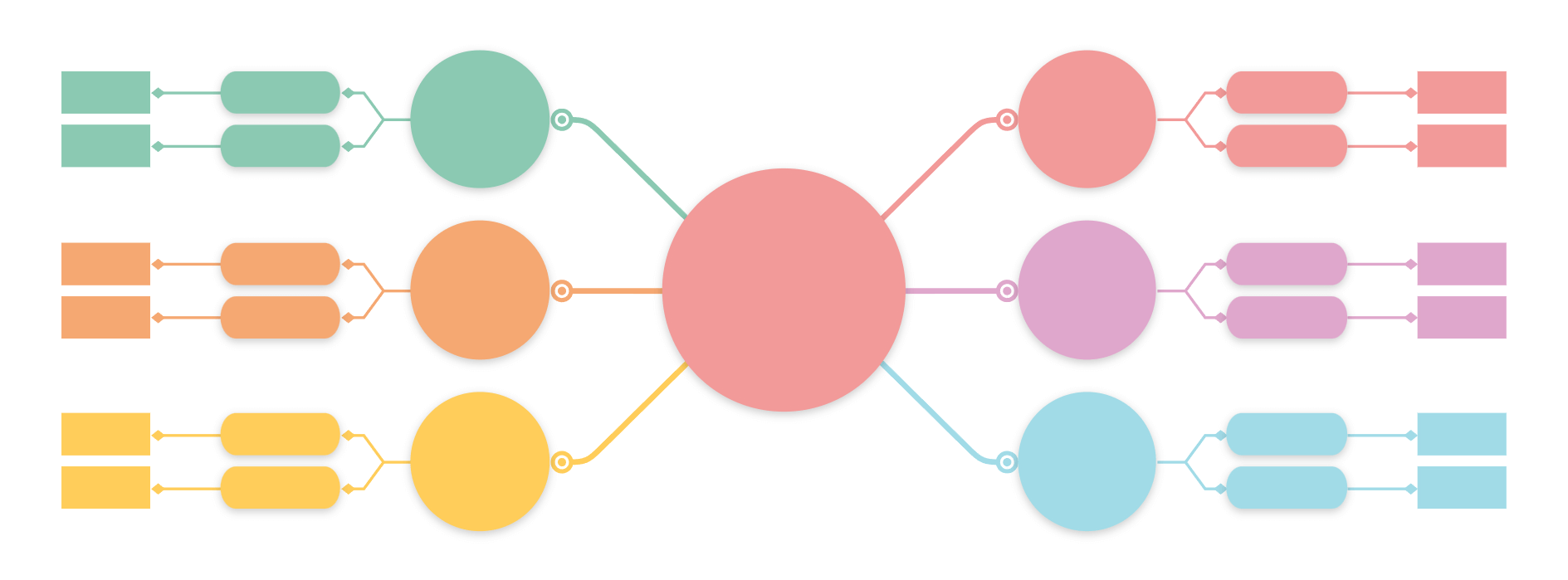
4. Use search and filter
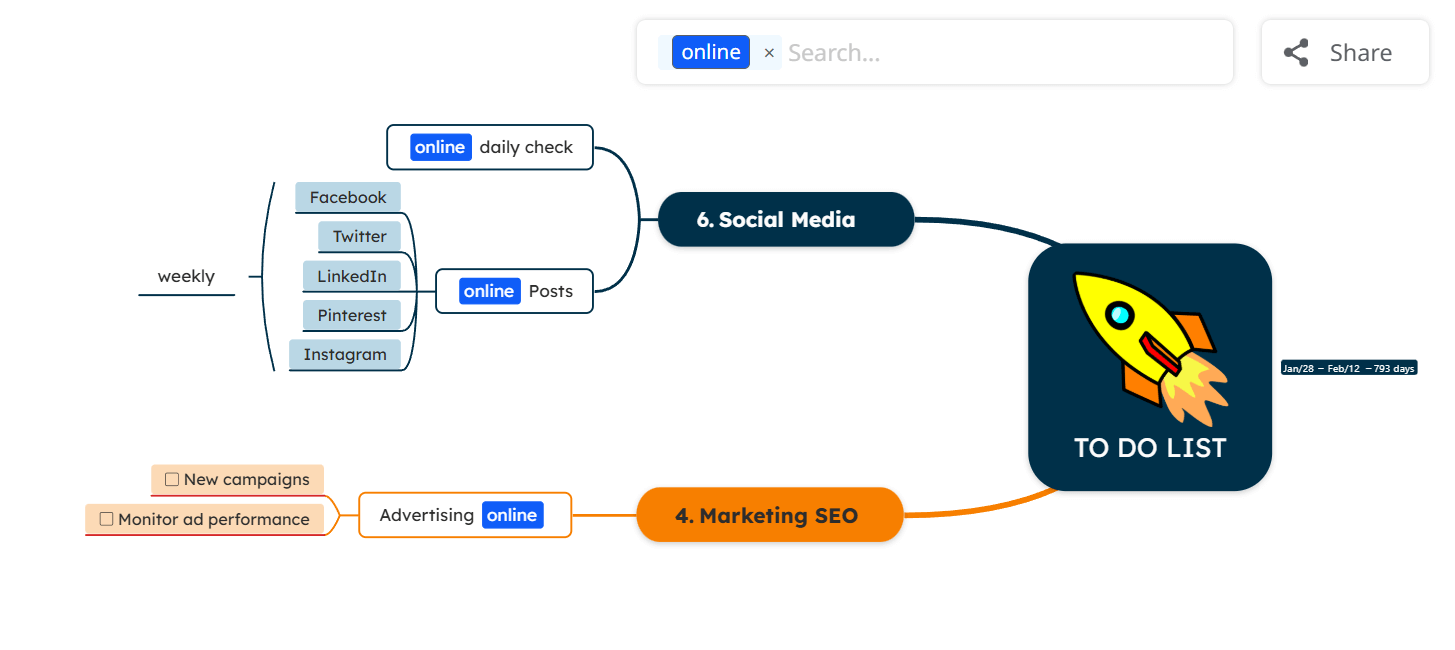
The filtering option is a game-changer. With Mindomo, icons and labels are more than just visual markers. They can be used to search and filter topics. When maps grow larger, the search and filter options become more powerful.
How to use these filters effectively?
1. Icons
You can create a legend for your diagram by adding a floating topic that explains the meaning of each icon you plan to use. Once the meaning of each icon is established, you can use icons to filter topics across the map.
In the top-right corner of the map, you’ll find the search bar. Clicking on it displays a list of all the icons used in the diagram. Select an icon to filter the map and view only the topics that contain it.

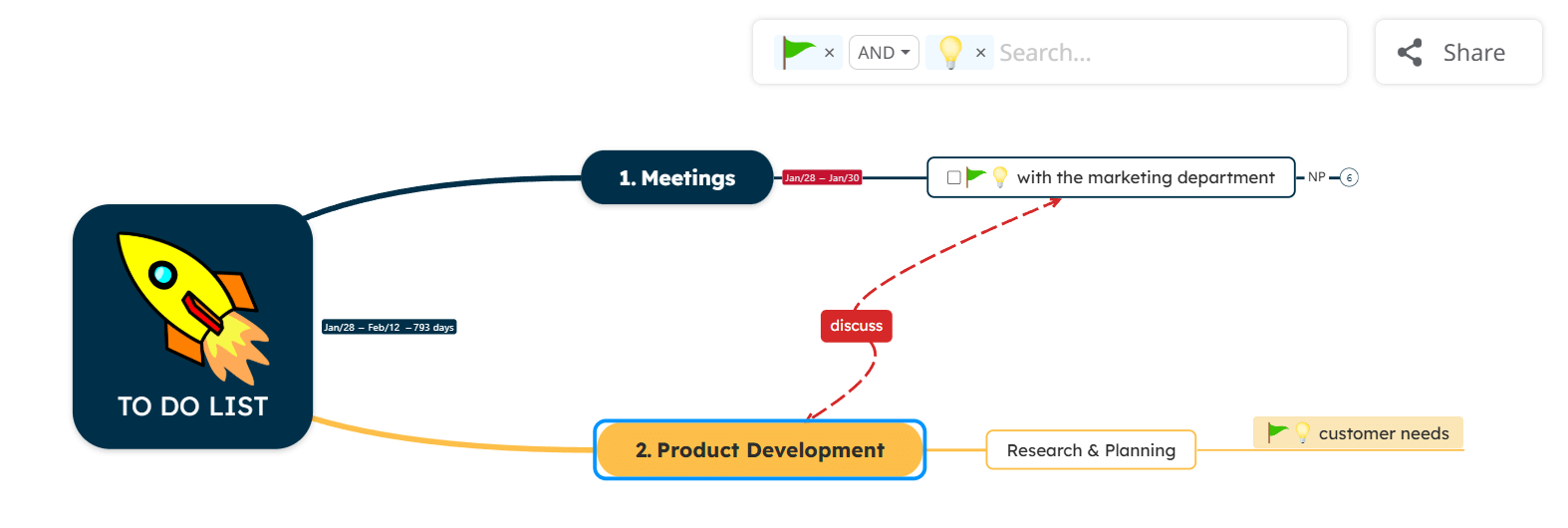
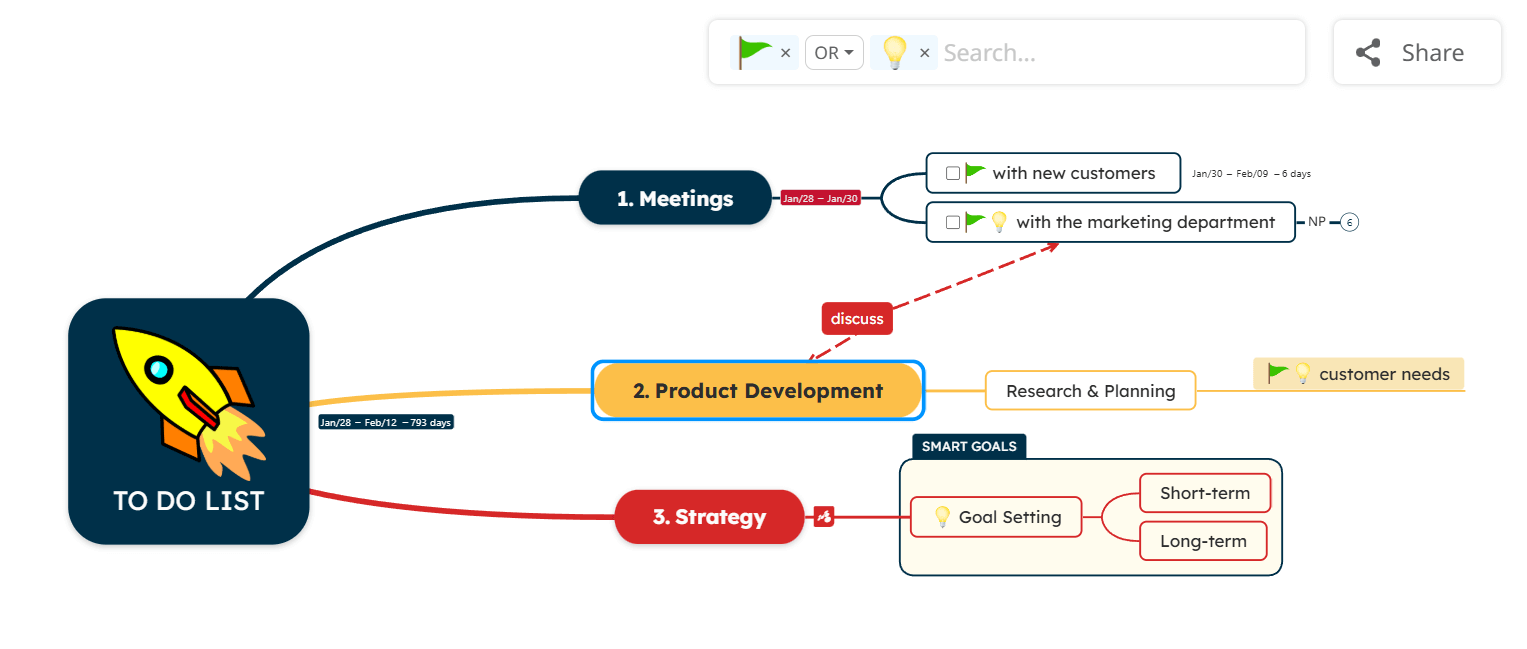
💡 You can also search using multiple icons at once:
- to view only the topics that contain all selected icons.
- to see all topics that contain at least one of the selected icons.
2. Labels
Labels are another powerful way to filter topics in a mind map. They are like keywords, but more descriptive and specific.
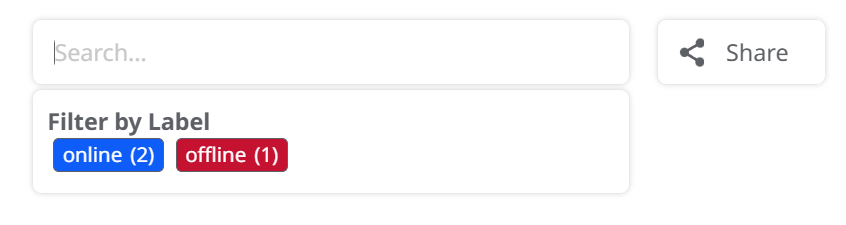
3. Tasks
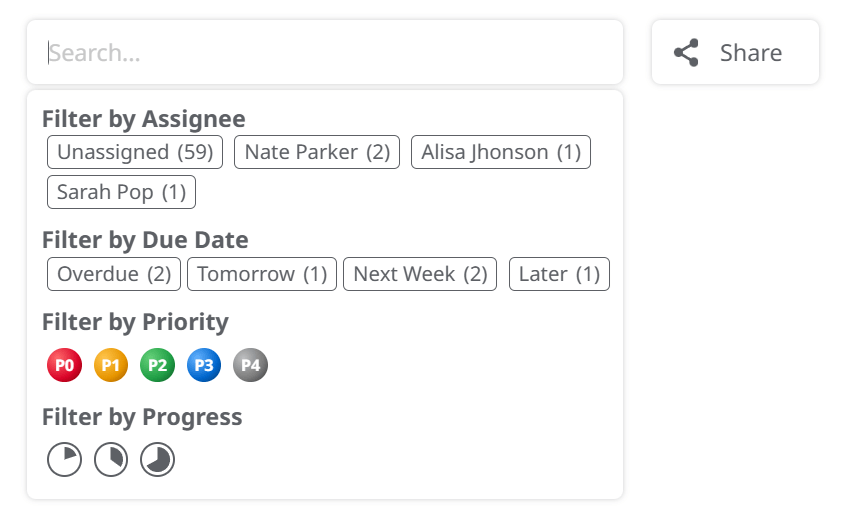
You can use diagrams to organize tasks. And these tasks can be filtered by due dates, progress, priority, and assignee.
5. Review and reorganize
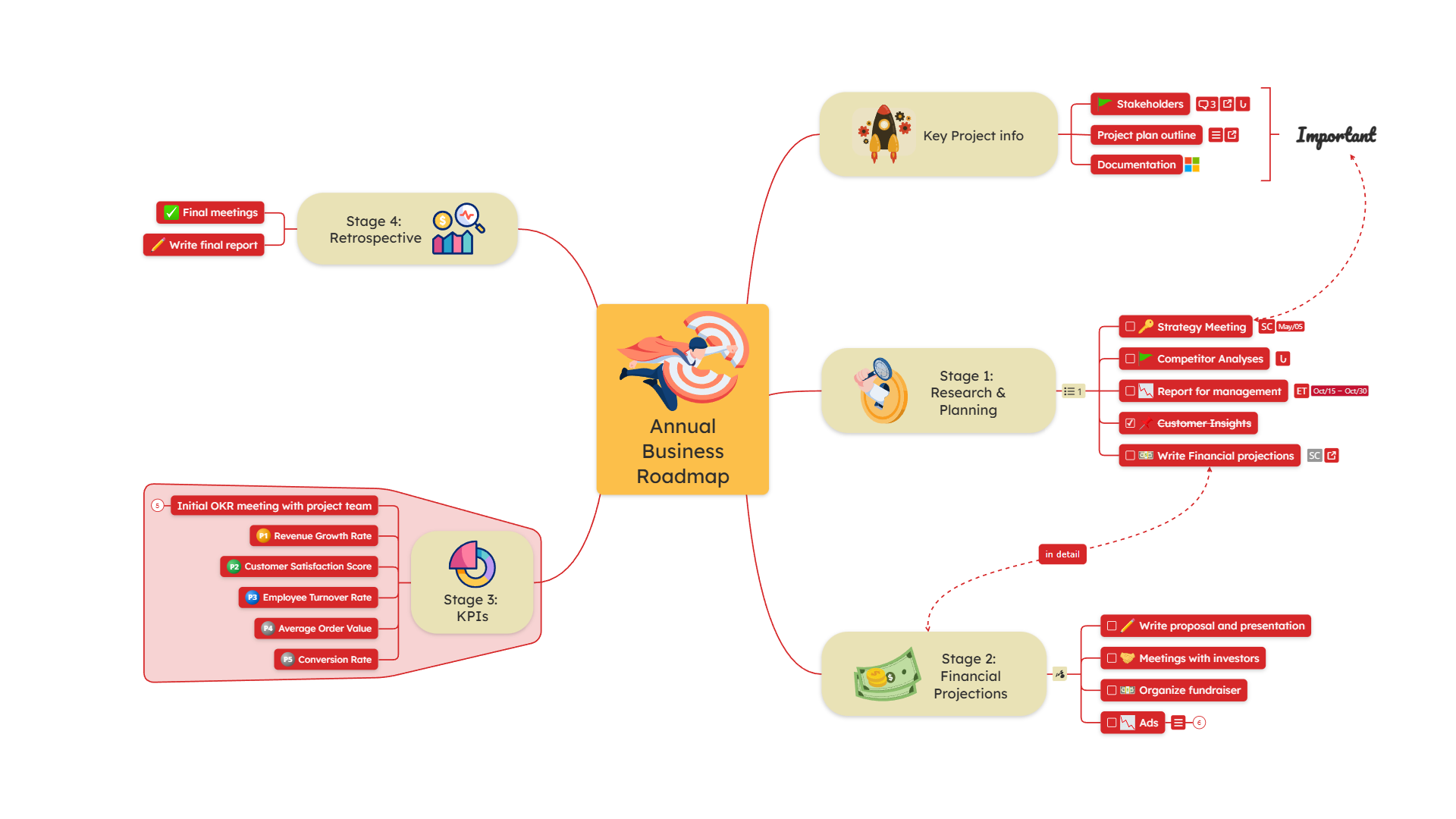
Unlike fixed lists or documents, mind maps are designed to change as your information evolves. You’re not restricted to a fixed structure. You can add more information and reorganize it accordingly at any time. This is one of the biggest advantages when it comes to planning and organizing information.
You can drag and drop topics from one category to another. But you can also change the whole layout of a topic or the whole map to fit your needs.

For example, let’s say you started with a simple mind map. After you added ideas, you would prefer to see them in a timeline format. You can do that by changing the map’s layout.
There are over 13 different layouts to choose from.
Planning and organizing methods using mind maps
1. Use the power of AI
The easiest way to organize a piece of information is to let AI handle it. With Mindomo, you have the following options that will ease your planning process:
1️⃣ Turn plain text into a mind map with AI.
Open the AI text to mind map generator, paste your text, and click on Generate. It can be a description, a part of an article, or you can extract text from a document, etc. In a few seconds, you’ll get a diagram with the main topics and subtopics structured. If you want to create a mind map from a website, you can paste the link in the Website tab.

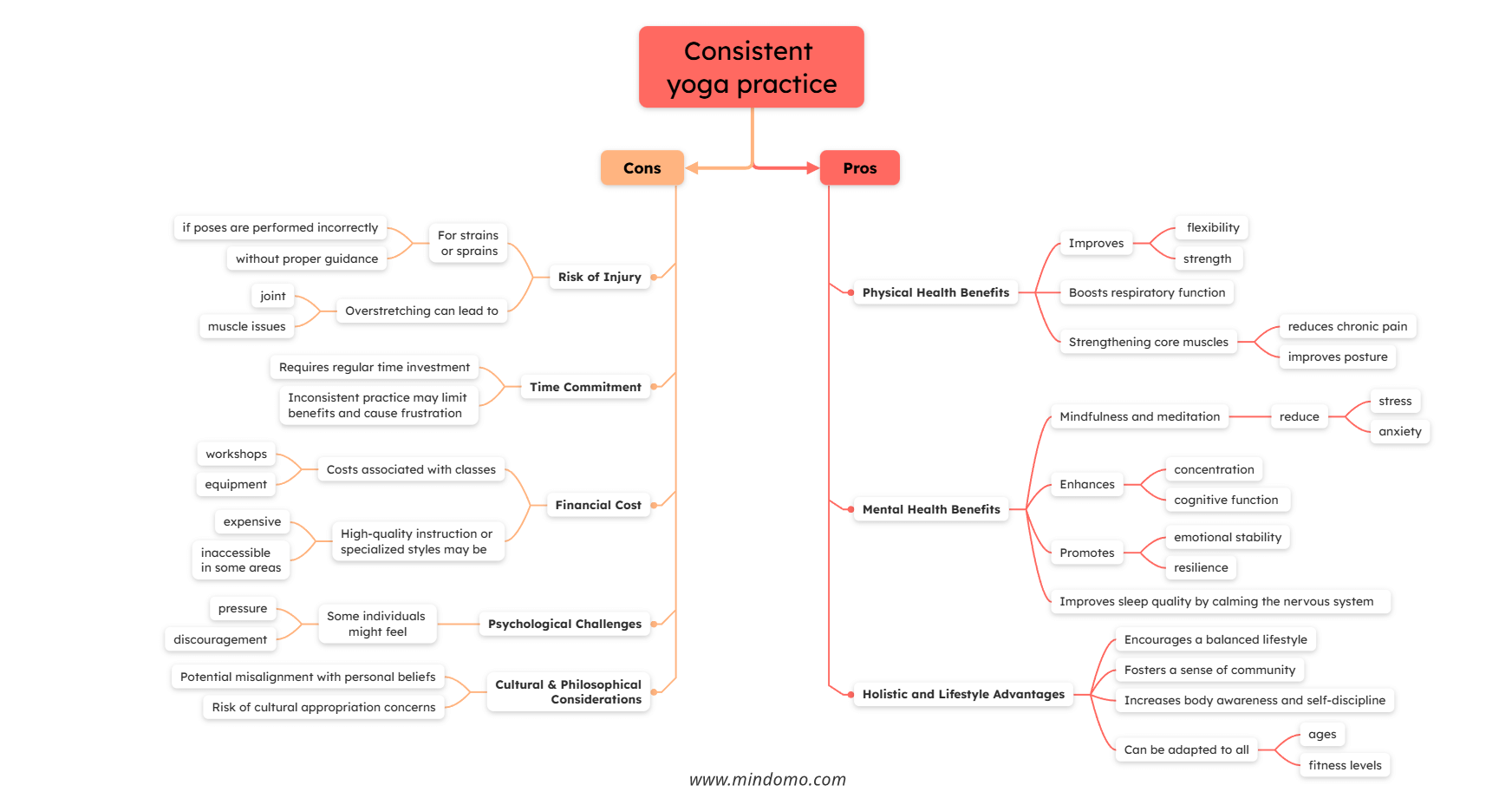
2. Use mind map templates
Starting from a template is one of the easiest ways to organize information with mind maps, especially if you already know what you want to organize but are not sure how to structure it. Templates give you a ready-made framework, so you can focus on adding and organizing information instead of building everything from scratch.
Mindomo offers a wide range of templates in its template library. They are designed around use cases and information structures. They help you see how information can be grouped, connected, and expanded, while still allowing you to customize the map to your needs fully.

Why use a template?
Using a template helps you:
- start with a clear structure instead of a blank page
- organize information faster and more consistently
- avoid missing important categories
- adapt an existing structure to your own content
Examples of planning & organizing templates
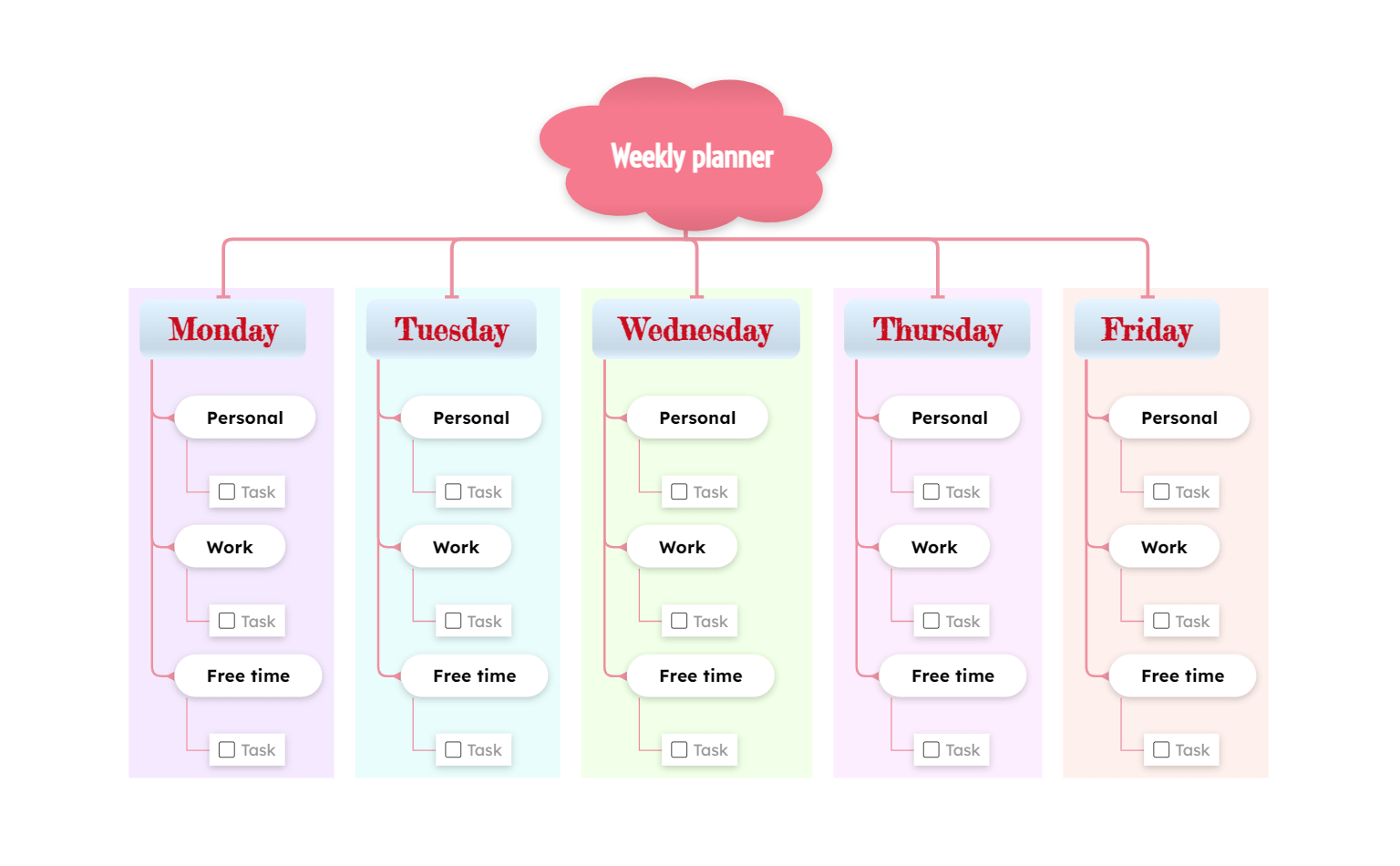
1️⃣ Weekly Planner
The Weekly Planner template lets you organize information by days of the week, with each weekday acting as a main branch. Each day, you can group items into categories such as work, personal, or free time, making it easy to structure your plans clearly.
You can drag and drop topics to reorganize them as priorities change, and checkable items can be marked as completed to track progress. You can also add due dates when needed, turning the map from a simple information organizer into a flexible planning tool.
2️⃣ Budget Planner
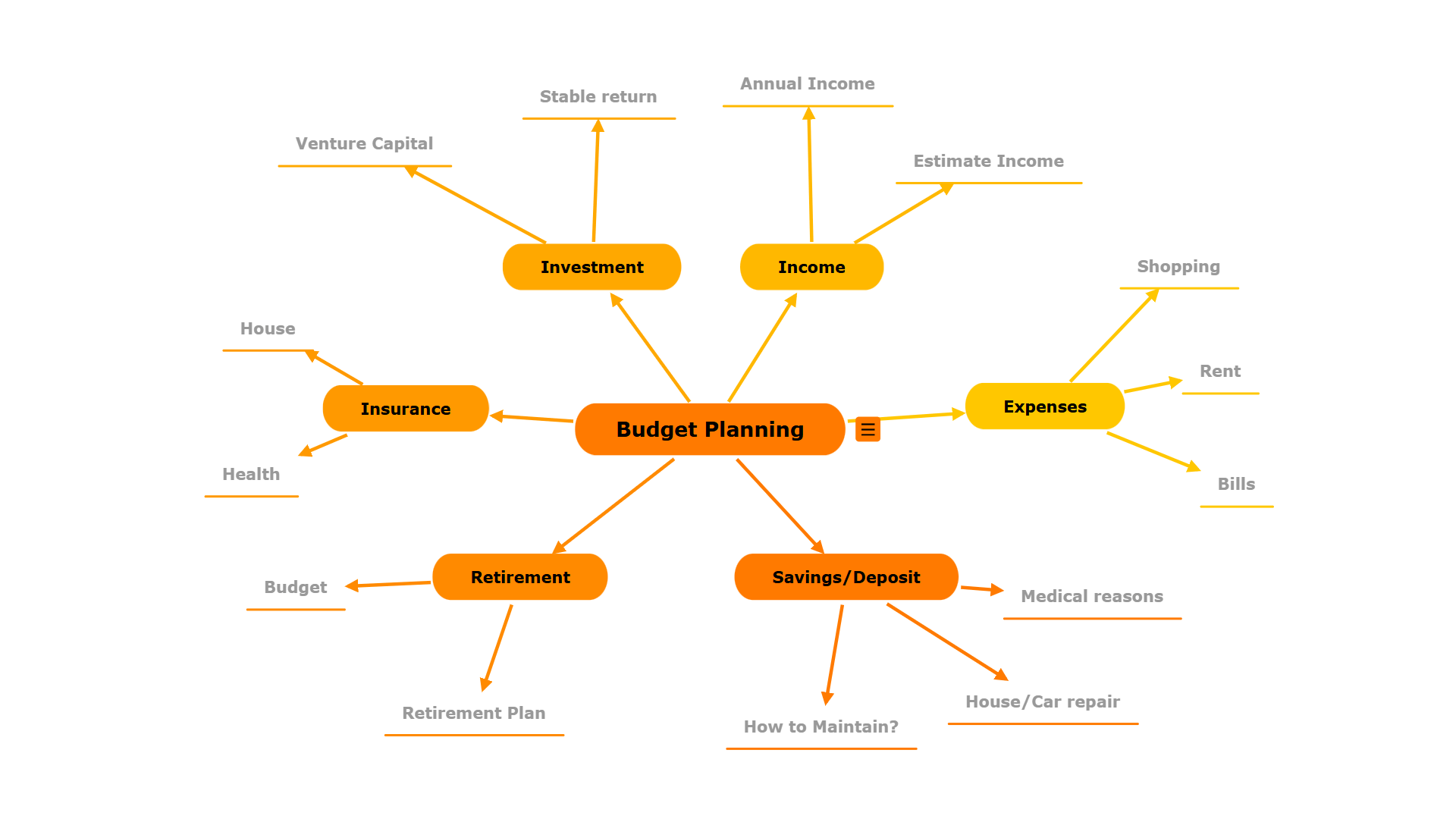
The Budget Planner helps you organize financial information by grouping related items into clear categories, such as income sources, fixed expenses, variable costs, and savings.
Why is this better than a simple list?
☑️ Instead of working with long tables or scattered notes, a mind map lets you see how different budget elements relate to each other at a glance.
☑️ You can easily add, remove, or rearrange categories as your situation changes.
☑️ You can add notes and comments to each item to help you remember why you added it and what you need to do with it.
☑️ You can even attach documents or images (for instance, invoices, receipts, etc.) to each item.
☑️ You can track amounts or due dates when needed.
☑️ This visual structure makes budgeting easier to understand, adjust, and maintain over time.
3️⃣ Decision Tree Template
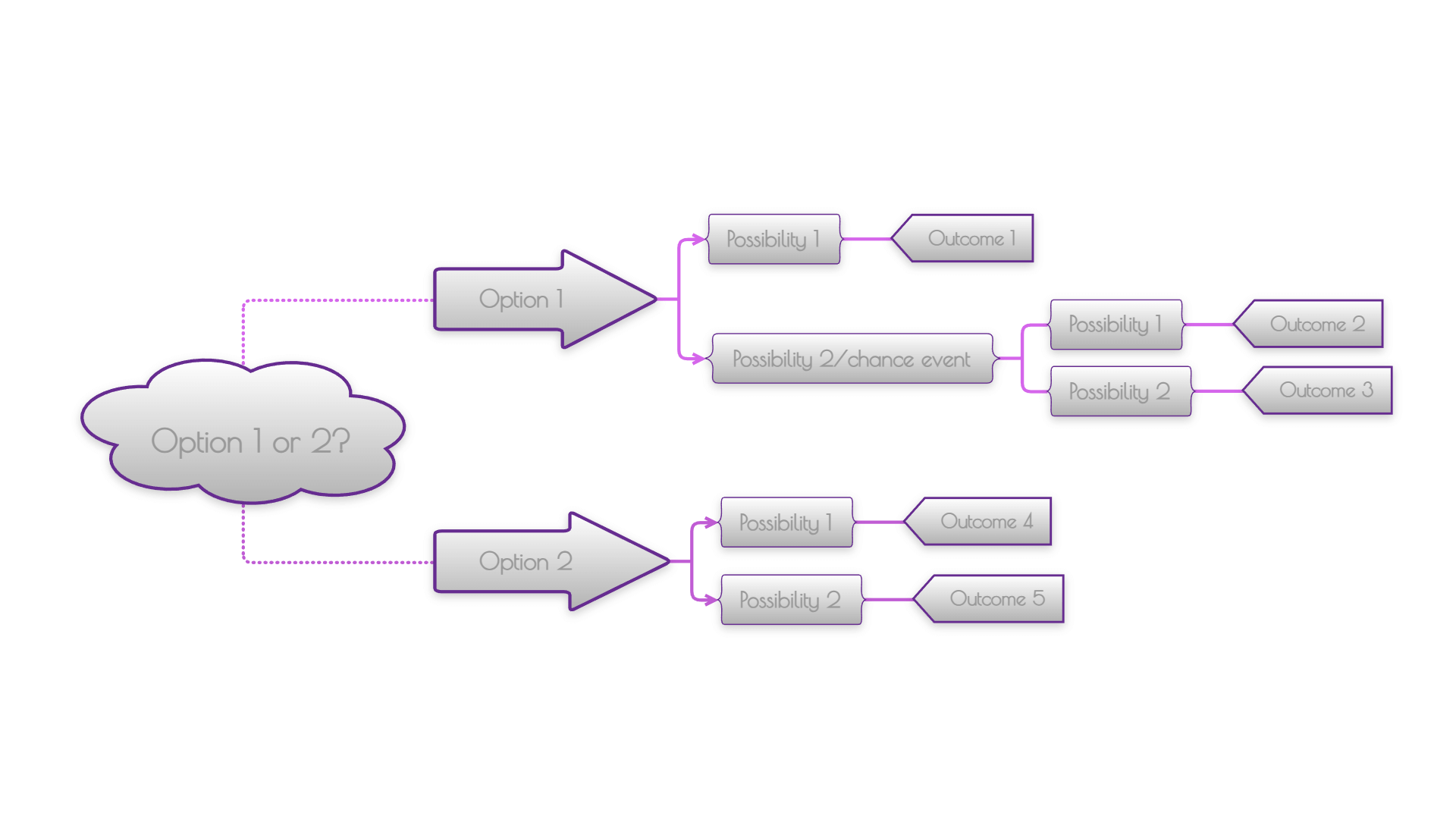
The Decision Tree template helps you organize choices, conditions, and possible outcomes in a clear visual structure, making complex situations easier to understand.
By laying out options step by step, you can quickly see how different decisions lead to different results, without jumping back and forth between notes or mental lists.
This structured approach reduces uncertainty, helps you compare paths more easily, and allows you to reach decisions faster by keeping all relevant information visible in one place.
4️⃣ Event Planner Template
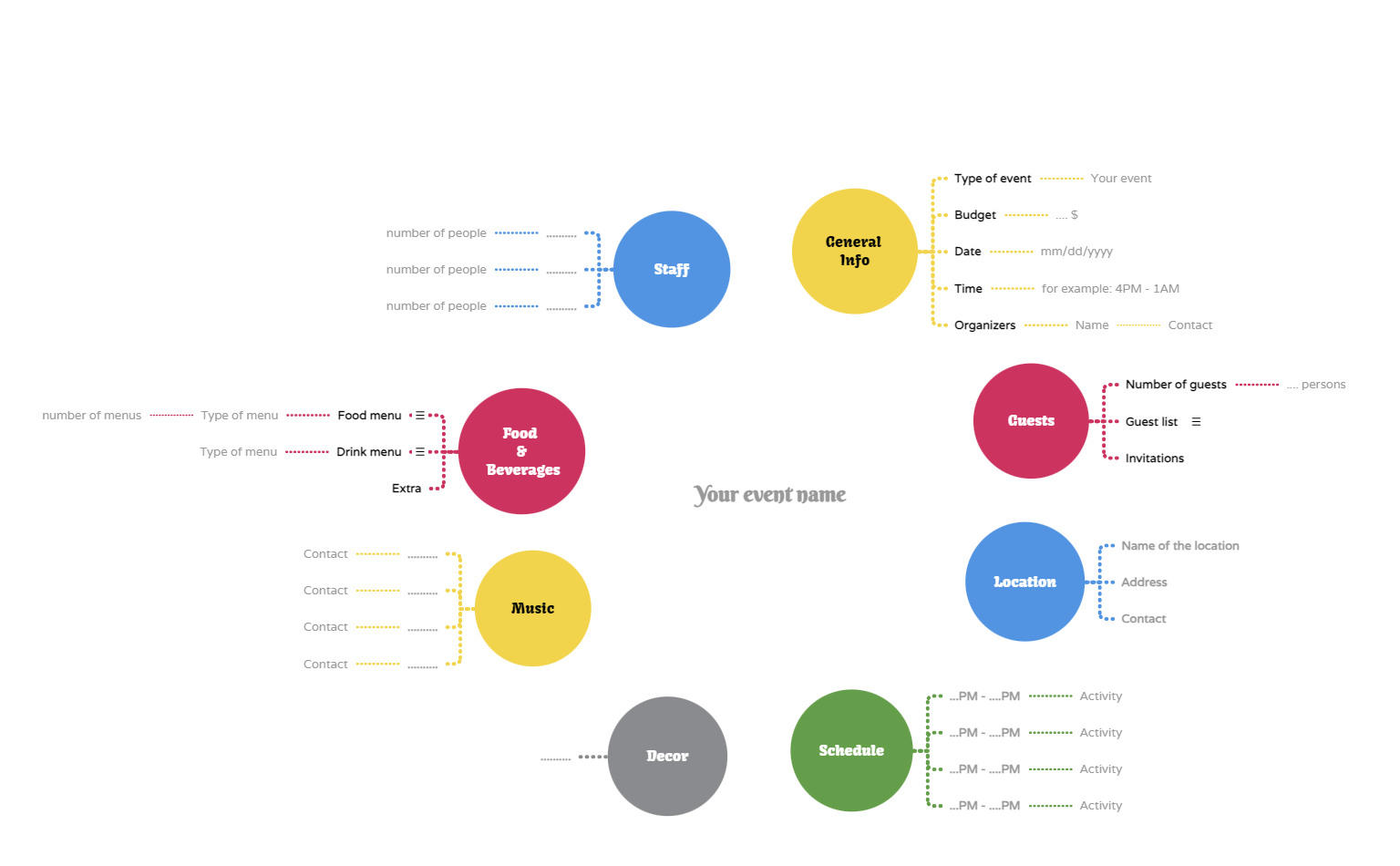
We all know how time-consuming planning an event can be. There are many details to consider, and even small things can make a big difference. To make sure nothing is overlooked, you need a straightforward way to organize and plan all the information.
With a visual diagram, you can see all event details in one place, understand how everything connects, and keep a clear overview. You can add images for décor ideas, include links to venues or suppliers, create invitation lists, and use icons to mark who has confirmed or declined.
All information stays organized, easy to manage, and always accessible (on a laptop or mobile device).
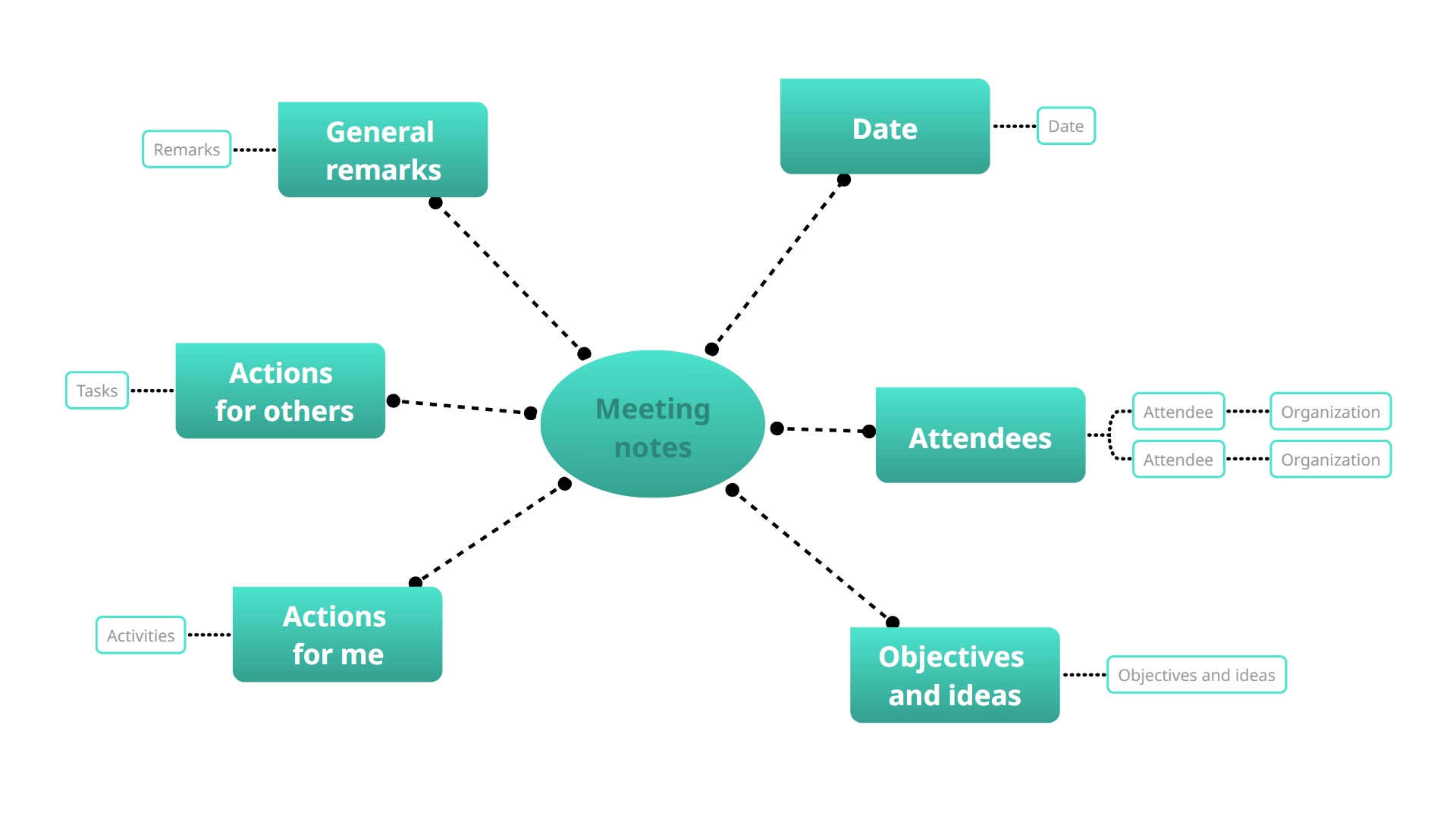
5️⃣ Meeting notes
Taking notes in a visual format is a revolutionary approach. Why? Because it increases the chances that you’ll return to your notes and makes it easier to find all the details you need.
The key is to write each element using simple, short keywords and avoid overloading the diagram with long phrases.
3. Structure from scratch
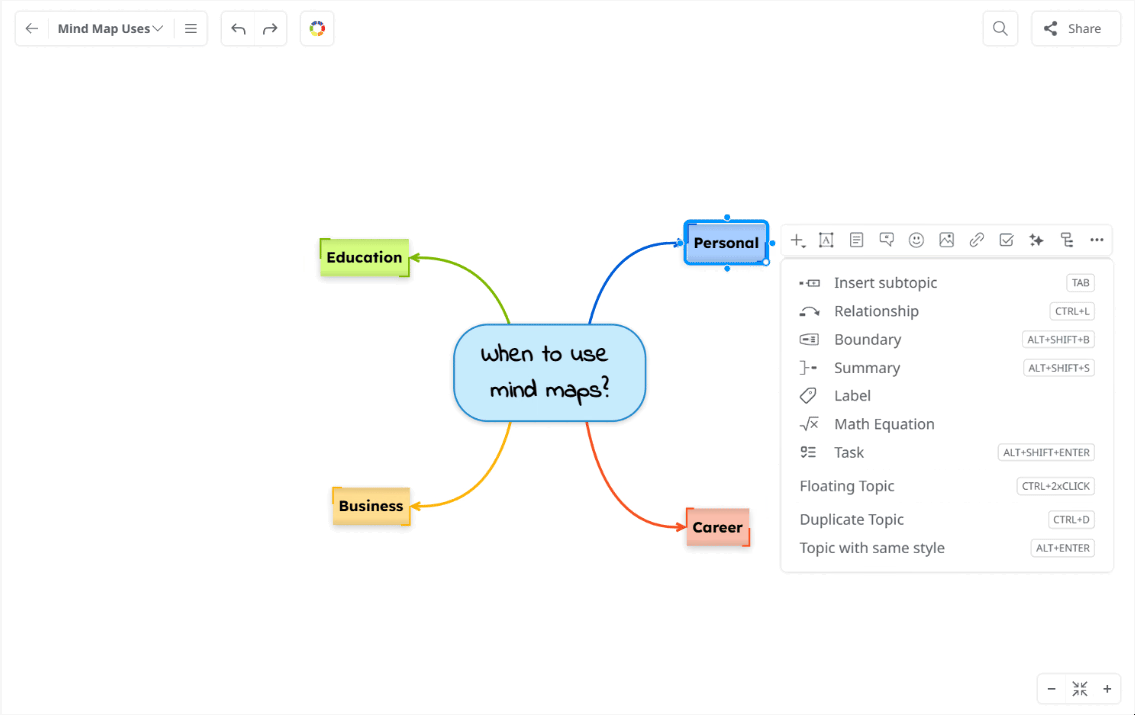
They say that putting your thoughts on paper helps you make sense of them. Mind mapping goes one step further by helping you place those thoughts into a clear structure from the start.
Creating a mind map from scratch gives you complete freedom to organize information in a way that matches your own thinking.
You can use it to brainstorm ideas, start a new project, or learn something new by structuring the information as it develops.
Instead of adapting your content to a predefined layout, you build the structure step by step, shaping the map as your ideas evolve.
Bring your plans and ideas together
Planning and organizing don’t have to be complicated. By using mind maps, you can turn scattered information into clear, structured overviews that are easy to understand, update, and build on. Whether you start with AI, a template, or a blank map, the key is to choose the approach that fits your way of thinking.
You can get inspiration from other mind map examples to see how other people use them to plan and organize their information.
Now it’s your turn. Start creating your own mind map in Mindomo and see how easy it is to organize information, shape ideas, and plan with clarity.