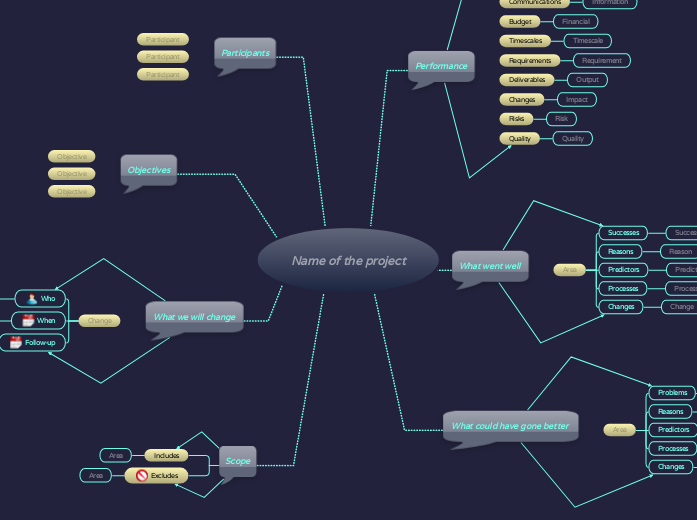
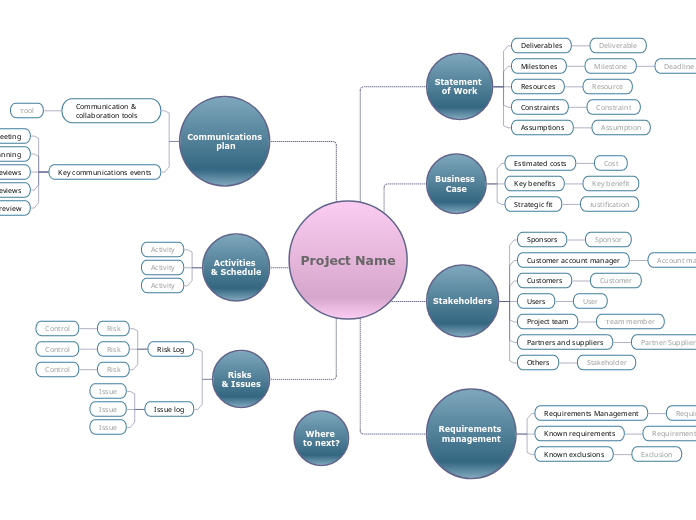
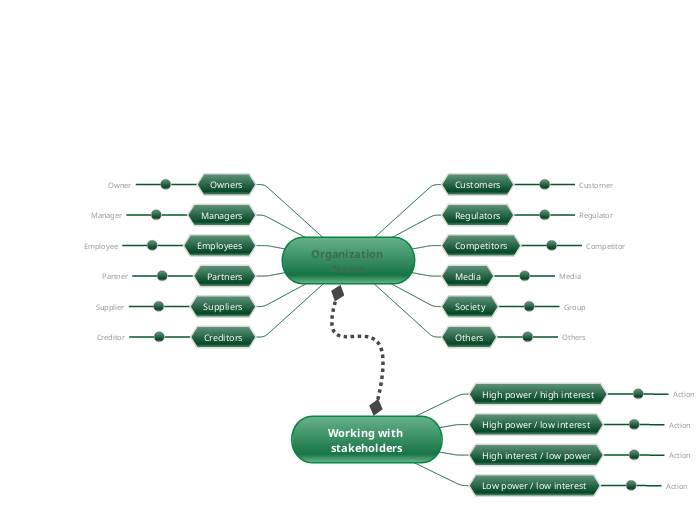
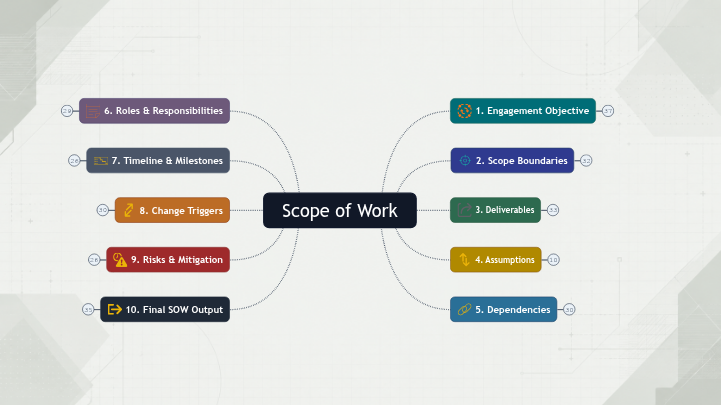
Evaluate the successes, reasons, and processes and think of what went well and what you'd like to repeat on future projects. Afterwards, think of what could have gone better and identify the areas that need improvement. Consider the challenges, reasons, and processes you can make to prevent all these from happening on the next project. Once you measured the highs and lows, reconsider the changes you can make, which may include project planning, redefining requirements, technical processes, etc. The project review analyses the results achieved to date and defines whether or not the project has met the targets set. With this in mind, clearly define the next objectives that will support you in accomplishing the project and add the participants that will contribute to it. Type in the name of the project that is under review, and press Enter. Add an aspect or area of the project which is excluded from this review. Add an aspect or area of the project which is included in this review. Review the analysis of performance, what went well and what could have gone better and summarise the changes that you will make as a result of this review. Follow up When will the implementation of the change be followed up? When will the change be implemented? Person Who will implement the change? The objectives of the review should be explained to participants and kept in mind during the review. Who should take part in the project review? Add a participant. Add an area that could have gone better, and which could be improved in future projects. What changes could be made to processes and methods to avoid default in future projects? What role did processes play? Were there any predictors? Add some notes about the reasons behind the project. Problem Add some notes about what went wrong with the project. Add an area that performed well, that the team was proud of and that you would like to repeat on future projects. Change What changes could be made to processes and methods to ensure that the success of the project can be repeated in future projects? Process What role did processes play? Predictor Add indicators that will show how the project will go. Reason Add some notes about the reasons for the success of the project. Success Add some notes about what went well with the project. Add some information about the quality performance of your project. Add some information about the risk performance of your project. Add some information about the impact of change in your project. Add some information about the performance of deliverables. Add some information about performance against requirements. Add some information about the timescale performance of the project. Add some information about the financial performance of the project. Add some information about the performance of the communication of the project. 心智圖能幫助您集思廣益、建立概念之間的關聯,並整理與激發想法。 而心智圖範本讓入門更容易,因為範本是已含特定主題資訊與引導說明的架構。換句話說,範本先替您搭好能涵蓋該主題所有要素的結構,可作為您個人心智圖的起點。無論用於商業或教育,心智圖範本都能為特定主題的心智圖提供實用的解決方案。 Mindomo 提供智慧心智圖範本,讓您輕鬆工作、順暢思考。 您可以從 Mindomo 商業版或教育版帳號中挑選各式心智圖範本,也可以從頭建立自己的範本。只要在主題上加入進一步的引導說明,任何心智圖都能變成心智圖範本。關於此範本
Begin the project retrospective mind map template by assessing the performance and identify the budget and requirements against deliverables, risks, and quality.
Name of the project
Scope
Excludes
Includes
What we will change
Think about changes to:Follow-up
Add a follow-up date or meeting.When
Add a target date for completion.Who
Identify the person(s) responsible for implementing this change.Objectives
Objective
Add an objective after reviewing your project.Participants
Participant
Consider:What could have gone better
Think about:
Was it due to:Problems
Was it:What went well
Area
Think about:Processes
Predictors
Reasons
Was it due to:Successes
Was it:Performance
Quality
Risks
Risk
Changes
Impact
Deliverables
Output
Requirements
Requirement
Timescales
Timescale
Budget
Financial
Communications
Information
為什麼要使用 Mindomo 心智圖範本?
範本提供多種功能: