What is mind mapping?
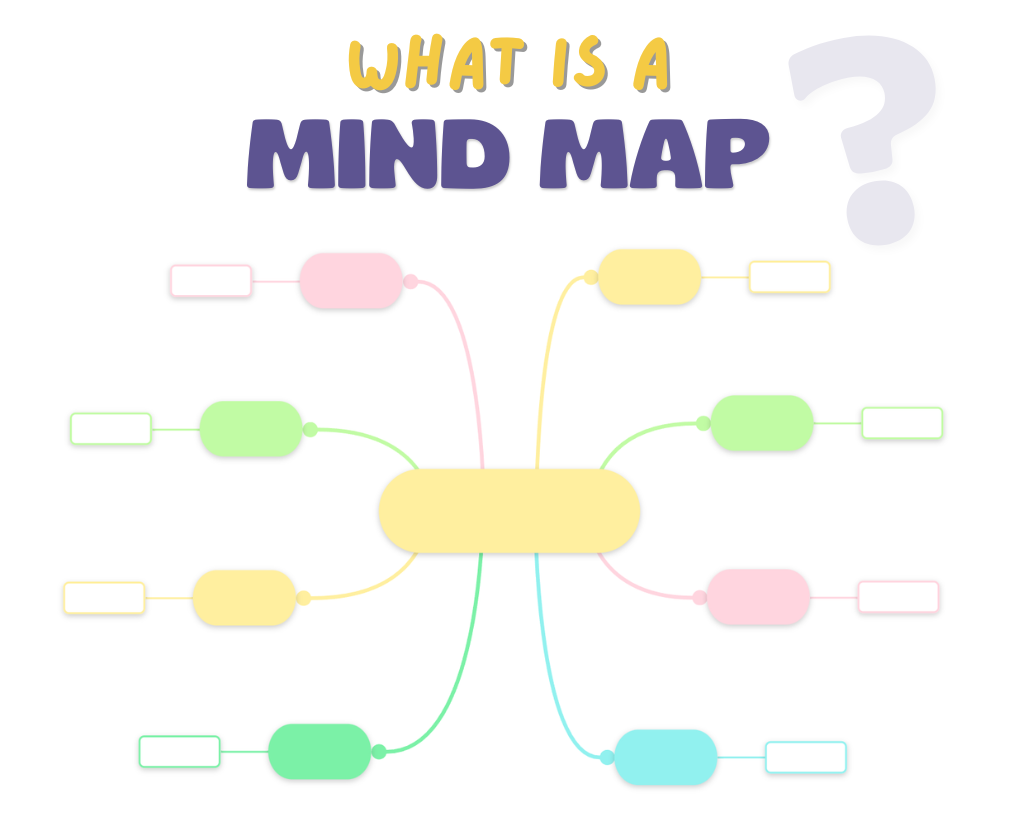
Mind mapping is a visual thinking method used to organize information around a central idea. Also known as a “spider diagram”, it replaces long paragraphs with a structured visual layout that shows how ideas connect. Its power lies in its simplicity.
A mind map follows a clear hierarchical structure: it begins with one central topic placed at the center, from which main ideas extend outward as branches. Each branch can then divide into smaller subtopics, creating multiple levels of detail.
As a result, information radiates outward from the center, forming a network of connected ideas.

Why mind mapping?
Research on the visual dominance effect shows that people tend to process visual stimuli more strongly than auditory or other sensory input.
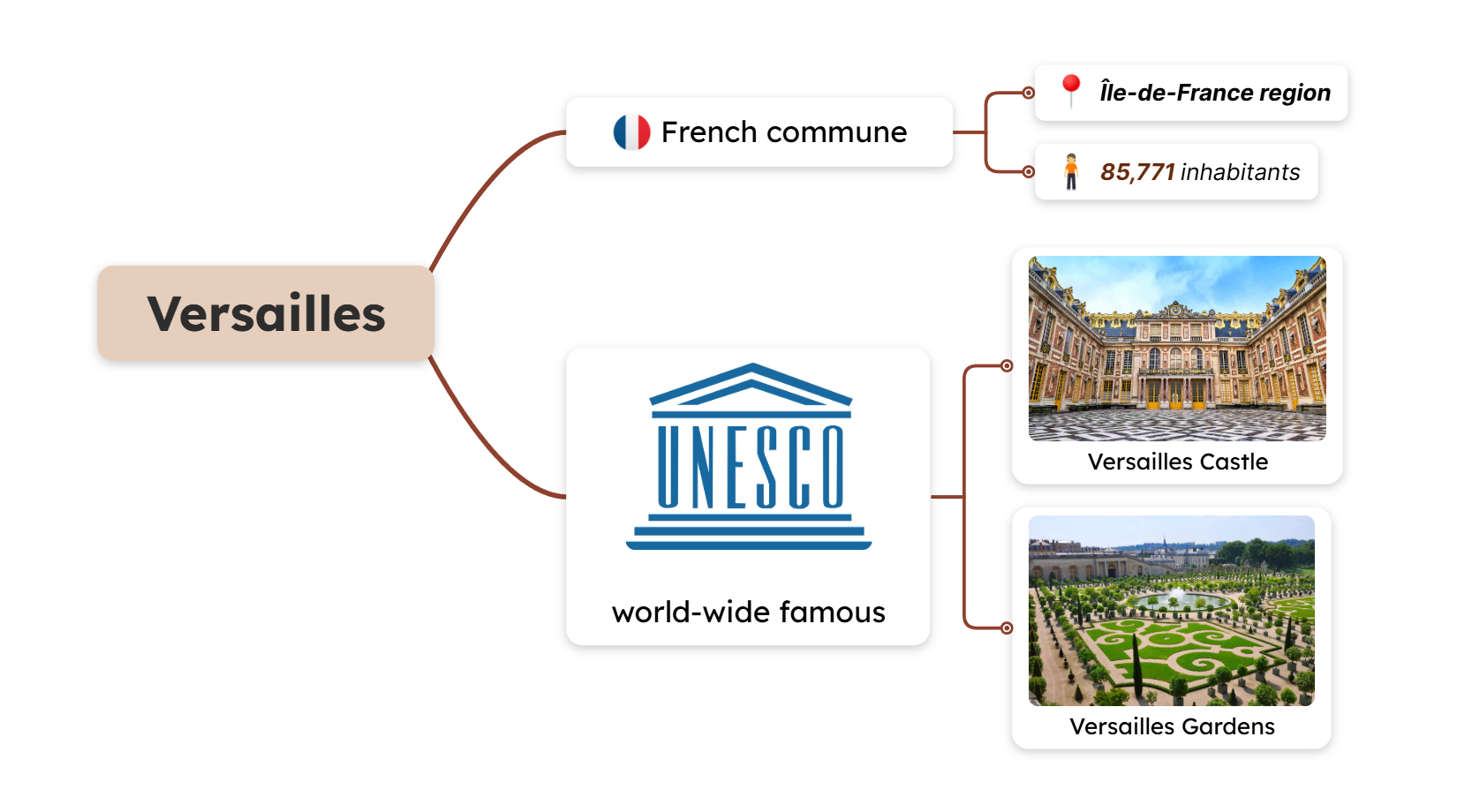
Let’s see a practical example and compare the same information represented as plain text and a mind map.
Plain text:
Versailles is a French commune, capital of the Yvelines department in the Île-de-France region, known worldwide for its castle as well as for its gardens, sites classified by UNESCO as sites of outstanding cultural value to humanity. According to the 2015 census, the city has 85,771 inhabitants.
Mind map:
Mind Maps and the Brain’s Natural Architecture
Mind maps imitate the brain’s natural way of thinking: bouncing ideas. This is why they are a better option for organizing information than linear notes or plain text.
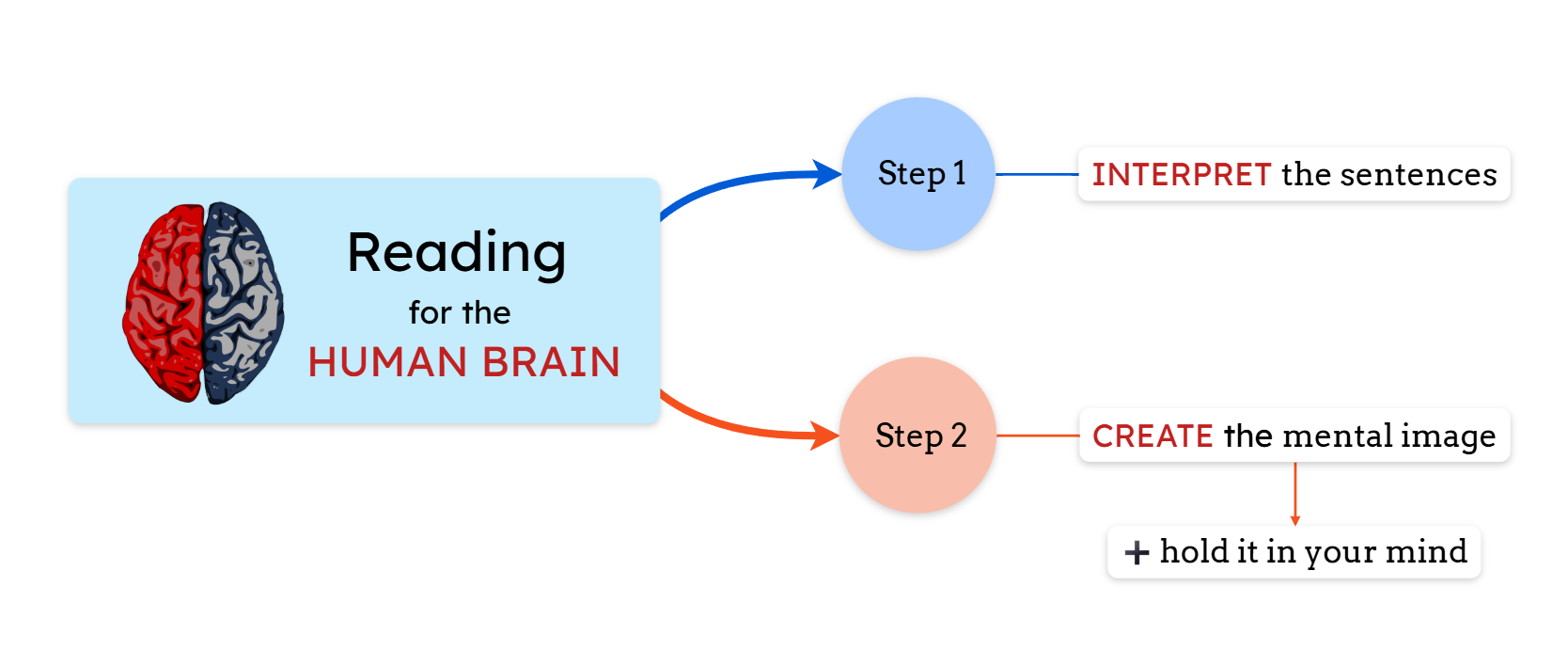
To understand a text, you have to read it first. Reading is a two-step process:
1️⃣ First, you interpret the sentences.
2️⃣ Then, you create a mental image and hold it in your mind.
To understand a mind map, you need to visualize it. A mind map directly represents the mental image that you would have to create after reading a text. You understand the structure in a single step rather than two.
Mind map elements
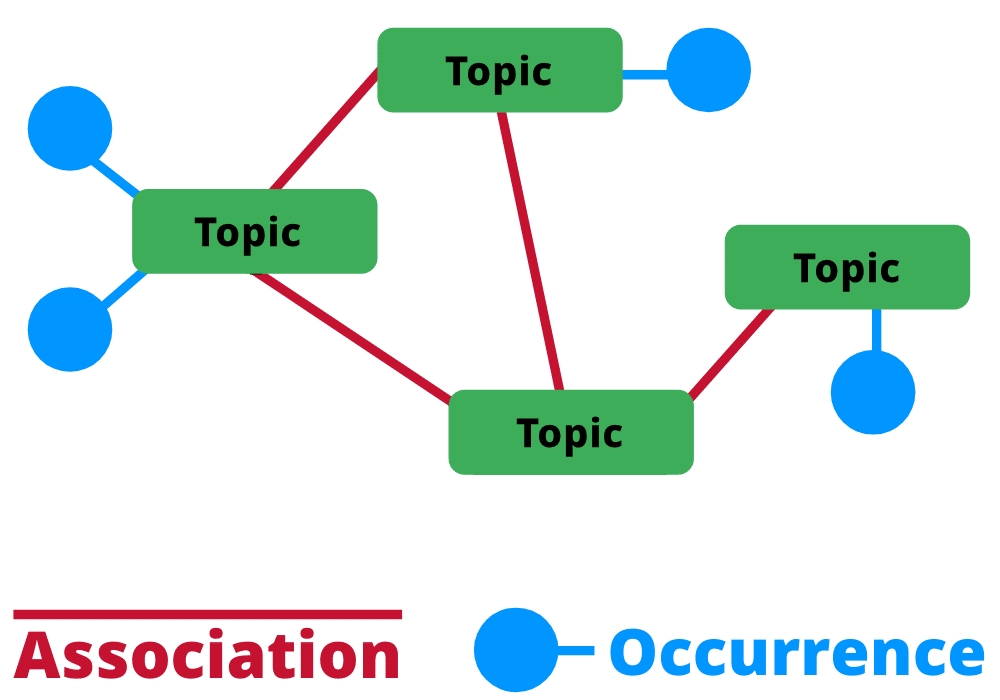
A mind map is a subtype of a topic map. It has a similar structure, composed of three main elements:
1. Topics
The topic is represented by the central concept, which is the parent concept of the ideas that are connected to it. Topics are usually represented by: single words, images, or both.
2. Subtopics (occurrences)
The subtopics are the subideas connected to the topics. They are also called children. A mind map can have multiple levels depending on the number of “generations” of subideas. Like the topics, they are usually composed of single words or short phrases, which images or icons can accompany.
3. Connecting lines (associations)
The connecting lines represent the association between a topic and a subtopic. Usually, they are curved, but they can also be straight.
Besides these 3 elements, modern mind map software allows you to add additional elements:
-
Floating topics: unattached topics in the background. They belong to the mind map, but are not joined to the tree.
-
Boundaries: You can draw boundaries around a topic and its subtopics to visually highlight them as a group.
-
Relationships: You can draw relationships between topics to show connections that cross the tree visually.
Mind map vs Concept map
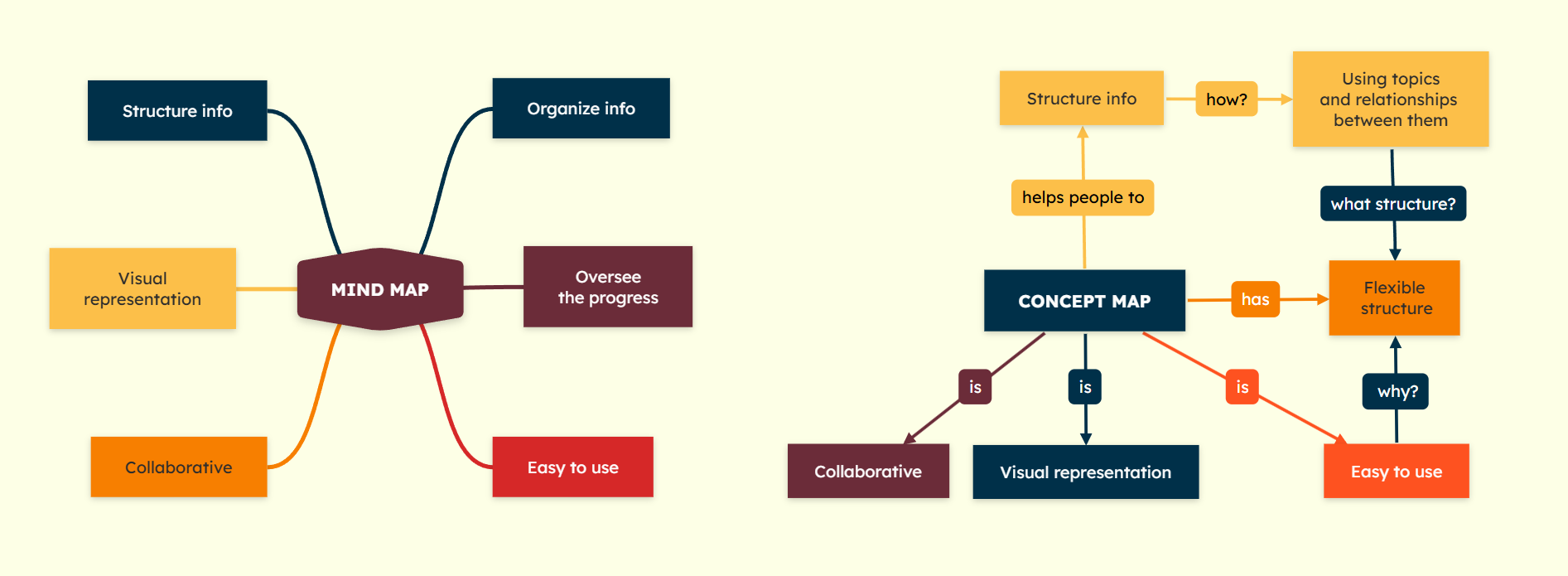
Many people often confuse mind maps and concept maps, but they are not the same. There are some differences between their structures and purposes.
Firstly, the concept maps follow a similar structured format, but the difference is that the connecting lines are replaced with labeled arrows. The labels have the role to explain the relationship between the concepts.
Secondly, a concept map offers a more flexible layout and many-to-many relationships, allowing one concept to link to several others across the diagram.
Because of this structure:
💡 Concept maps are typically more analytical and detailed.
💡 Mind maps are more intuitive and idea-driven.
If you’d like to understand better how concept maps work, read our guide on what is a concept map.
History of mind mapping
When it comes to the origin of mind mapping, Tony Buzan is a significant name. He is a British psychology author who popularized this technique, as well as mental literacy and radiant thinking.
He mentioned and made the “mind map” term popular in 1974 on a BBC TV series where he discussed radial thinking.
He introduced this term, but the technique itself has roots in the 3rd century, when philosophers started to use graphic elements to diagram ideas, concepts, and thoughts.
When Buzan created this concept, he was inspired by famous historical thinkers, such as Leonardo da Vinci, Albert Einstein, and later on by Joseph D. Novak (who created the concept maps).
Over time, mind mapping evolved from hand-drawn diagrams to digital formats, making it easier to create, edit, and share ideas with mind mapping software.
Traditional vs Digital mind maps

✏️ Traditional mind maps are drawn by hand using pen and paper. They are simple to create and useful for quick brainstorming sessions or personal note-taking. However, once completed, they can be difficult to reorganize or expand without starting over.
💻 Digital mind maps offer more flexibility. You can easily edit branches, reorganize ideas, add multimedia elements or documents, and collaborate with others in real time. You can also access them from anywhere at any time. They are especially useful for complex projects or ongoing work that evolves over time.
If you’re considering going digital, read our guide on how to choose the best diagram software to find the right tool for your needs.
Effectiveness: Benefits of using mind maps
Mind mapping is a powerful tool for organizing and understanding information. It helps you see the big picture while keeping all the details connected.
Some of the main advantages of mind mapping include:
✅ Clearer organization of ideas: complex topics become easier to structure and navigate.
✅ Better memory retention: visual representations help the brain process information more effectively.
✅ Faster brainstorming: ideas can expand naturally without a rigid structure.
✅ Improved planning and problem-solving: relationships between ideas become easier to identify.
✅ More effective learning: studies show that visual tools like mind maps can improve academic performance. For example, a Johns Hopkins study found that students who used mind maps improved their grades compared to those who used traditional note-taking methods.
✅ Engaging study and teaching methods: mind maps encourage active learning and help students organize knowledge more effectively. Many studies highlight Mindomo’s efficiency in education.
What does a mind map look like?
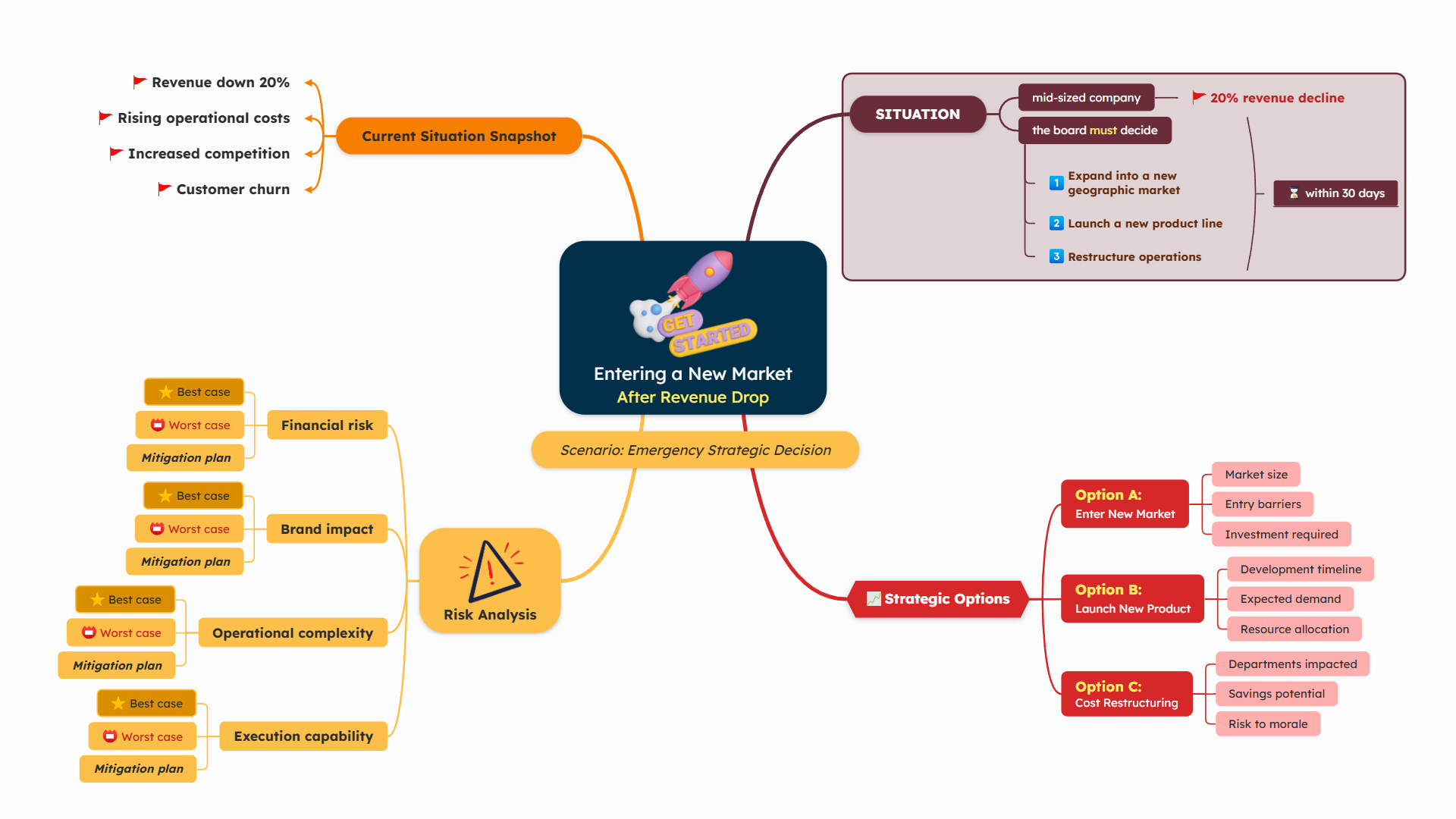
A mind map presents information as a visual overview of a topic, making it easy to scan and understand key ideas at a glance.
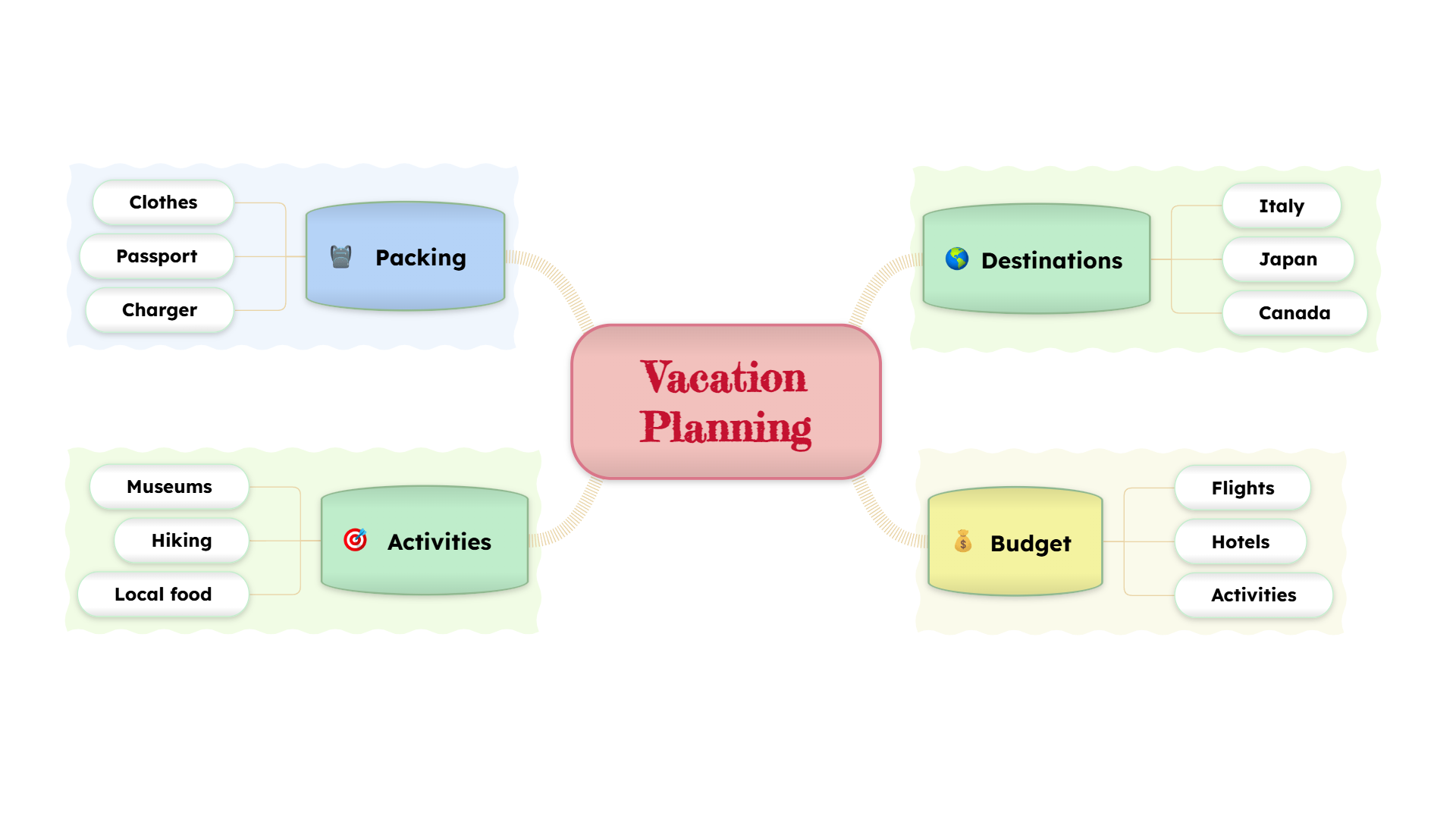
Colors, keywords, icons, and images are often used to highlight important concepts and make the map more memorable. Below you can see an example of a mind map.
What are mind maps used for?
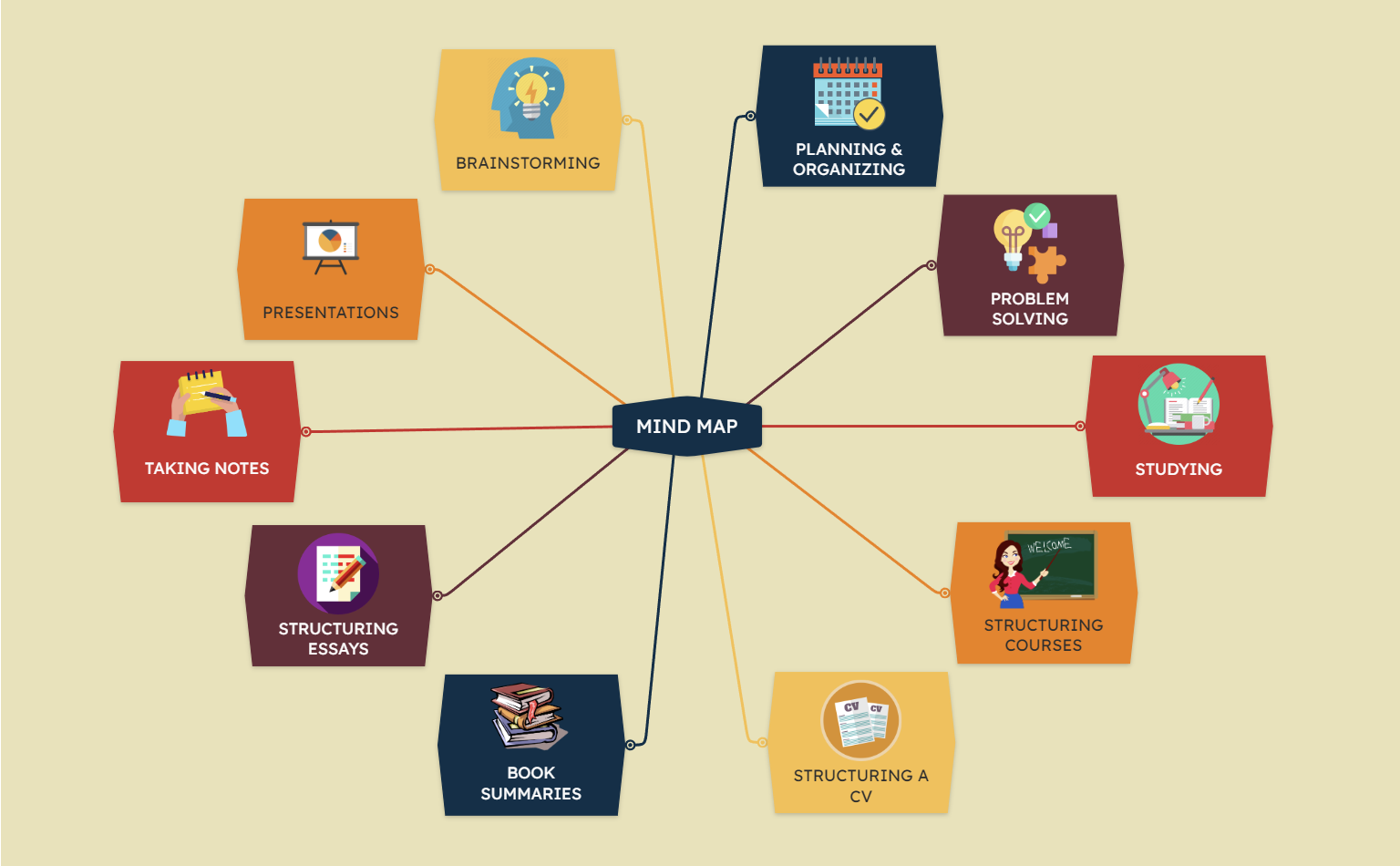
1️⃣ Brainstorming
Mind maps are widely used for brainstorming because they allow ideas to expand freely from a central concept. Instead of listing ideas one by one, you can visually explore connections and develop new thoughts more naturally.
You can also generate a brainstorming mind map automatically using AI, which can quickly turn a topic or prompt into a structured set of ideas that you can refine and expand.

2️⃣ Essay writing
Mind maps are very useful when preparing to write essays because they help organize ideas, arguments, and supporting details before you start writing.
How do I turn my mind map into an academic essay?
Once your ideas are mapped out, each main branch can become a section of your essay, while sub-branches provide supporting arguments and examples.

3️⃣ Task list
Mind maps can help organize priorities and transform ideas into actionable steps. Once your ideas are mapped out, you can convert branches into tasks and organize them logically.
Did you ever wonder how do I turn my mind map into a task list? Well, it’s very simple.
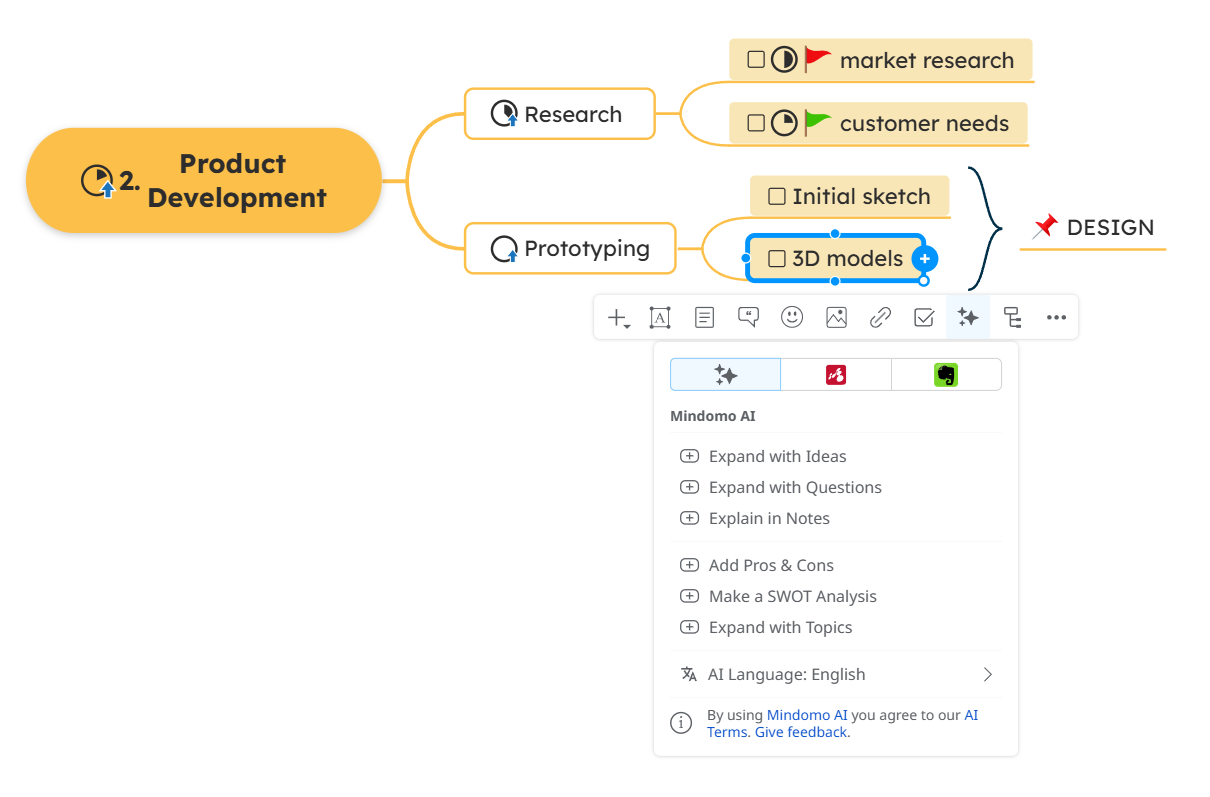
Mindomo lets you add checkable boxes to your topics and turn a basic brainstorming mind map into a task list. You can also add deadlines, assign the task to a collaborator, prioritize the tasks, and more.

4️⃣ Slideshow presentations
Imagine you are preparing a presentation by gathering ideas in a mind map. Then you refine the ideas, and you add more details.
How do I turn my mind map into a presentation?
Instead of copying all these into a PowerPoint presentation, you can use Mindomo to create a slideshow presentation directly from your mind map.
You can also automatically generate slides from your existing branches, then adjust them as needed.

5️⃣ Note-taking
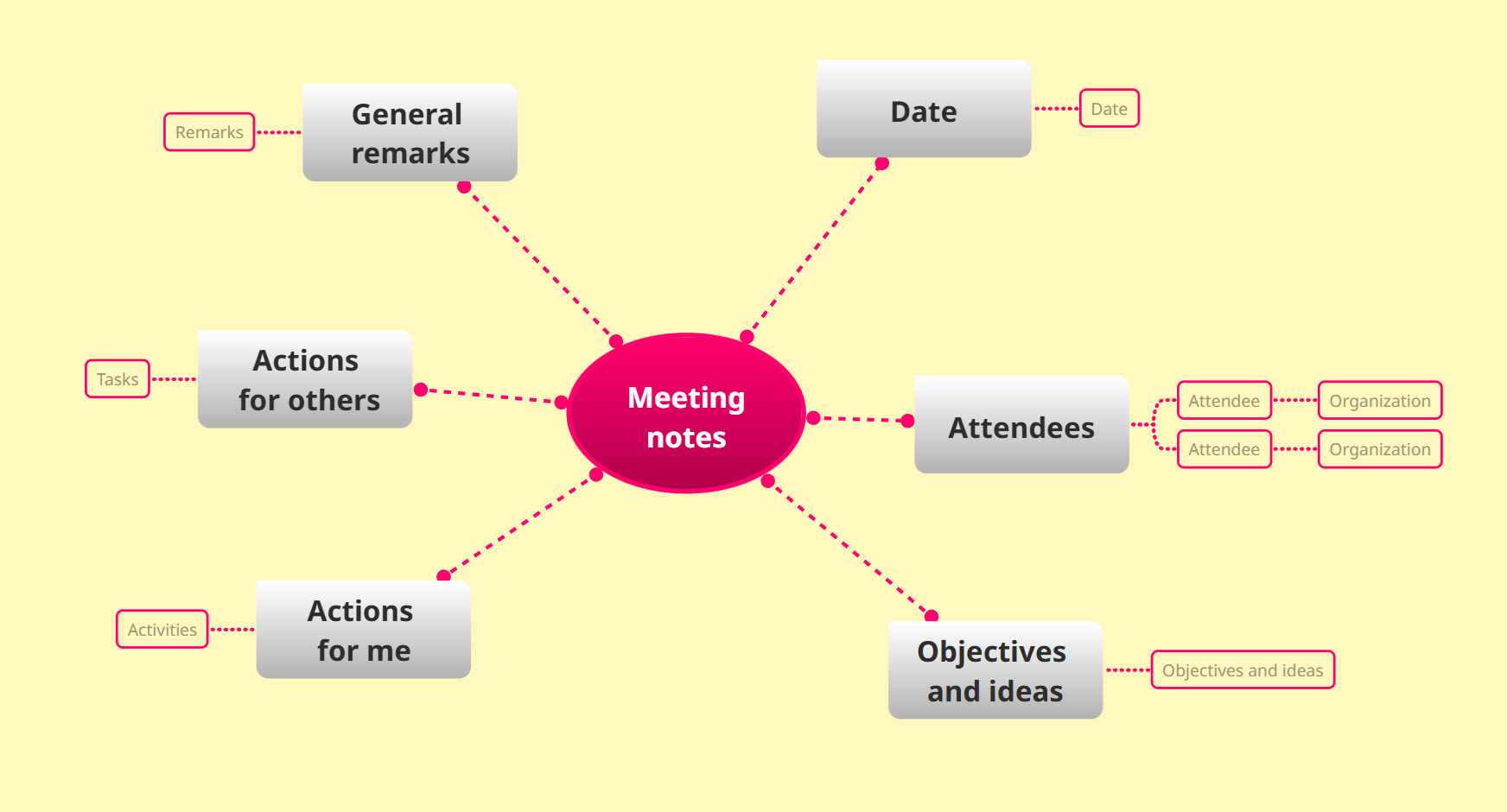
Another very common use of mind maps is taking notes. They can also replace traditional note-taking methods by capturing key ideas and connections instead of long sentences.
This approach helps you focus on the most important concepts and see how information relates, making notes easier to review and remember later.
How do I get started with mind mapping?
Getting started with mind mapping is simple. Begin with a central topic, then add main ideas as branches and expand them with supporting details as your thoughts develop.
You can create mind maps using pen and paper or with a digital mind map maker to help you organize, edit, and expand your ideas more easily.
To learn the step-by-step process, read our guide on how to mind map.
Tips on how to create a mind map

💡 Use AI to generate ideas quickly
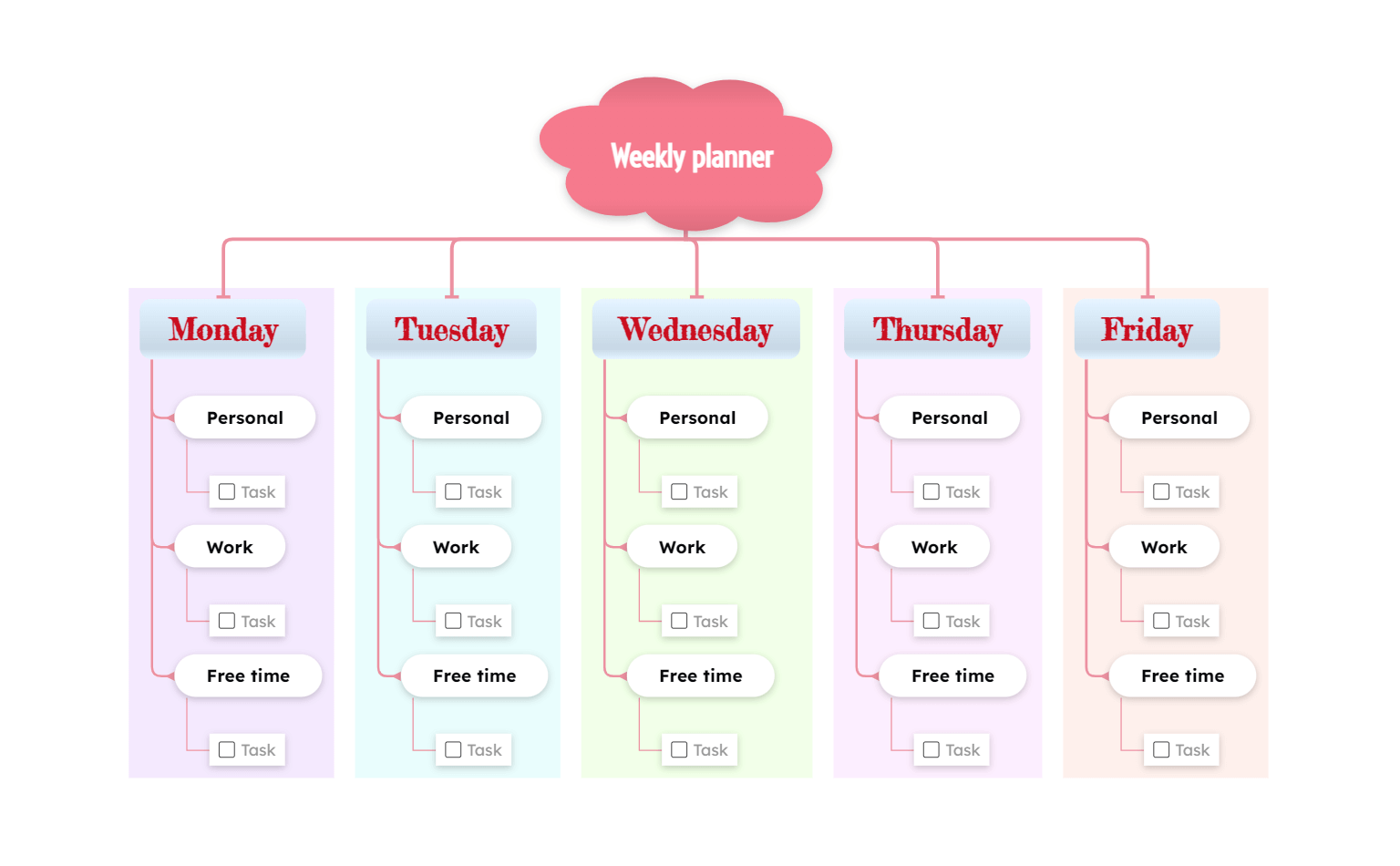
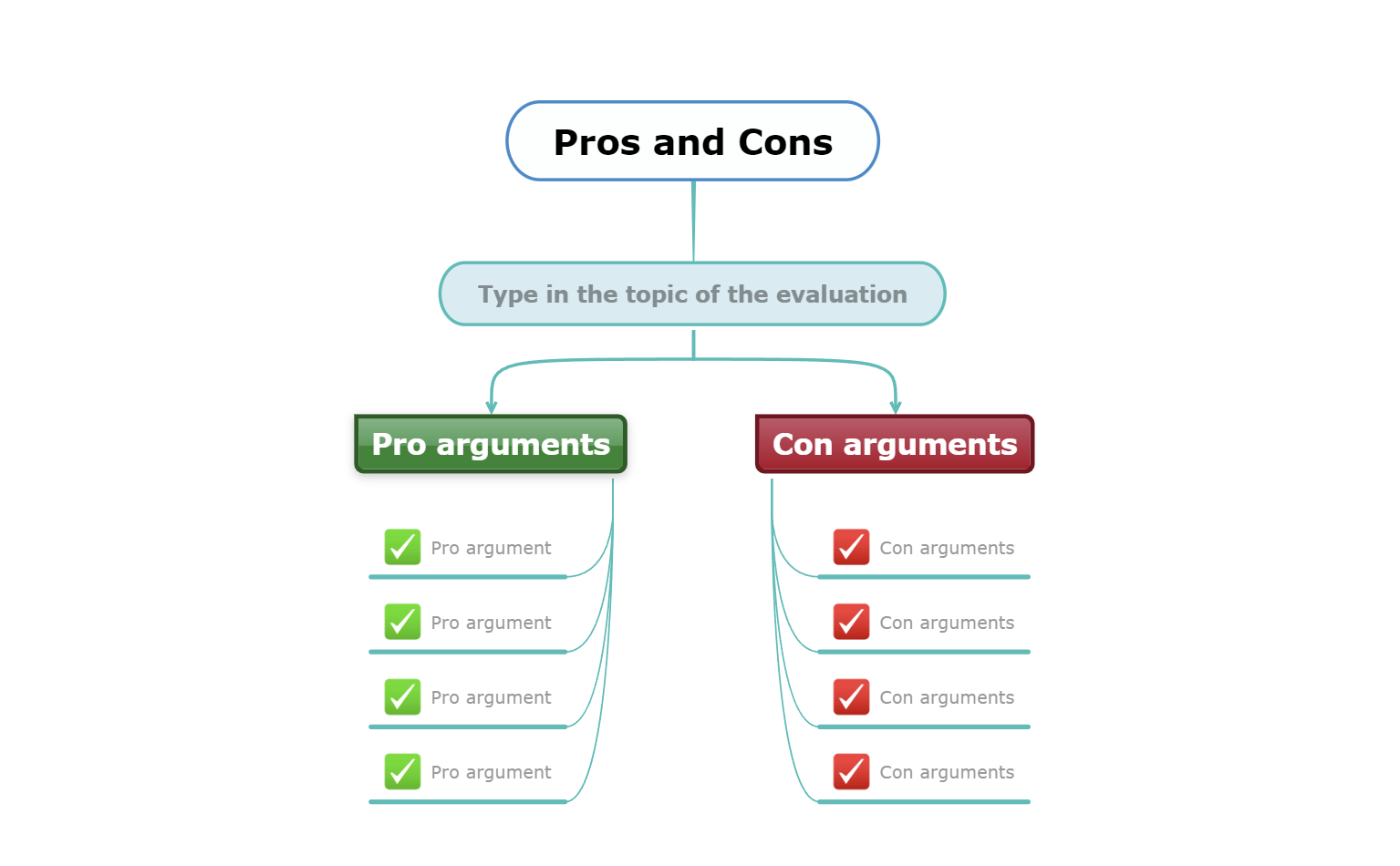
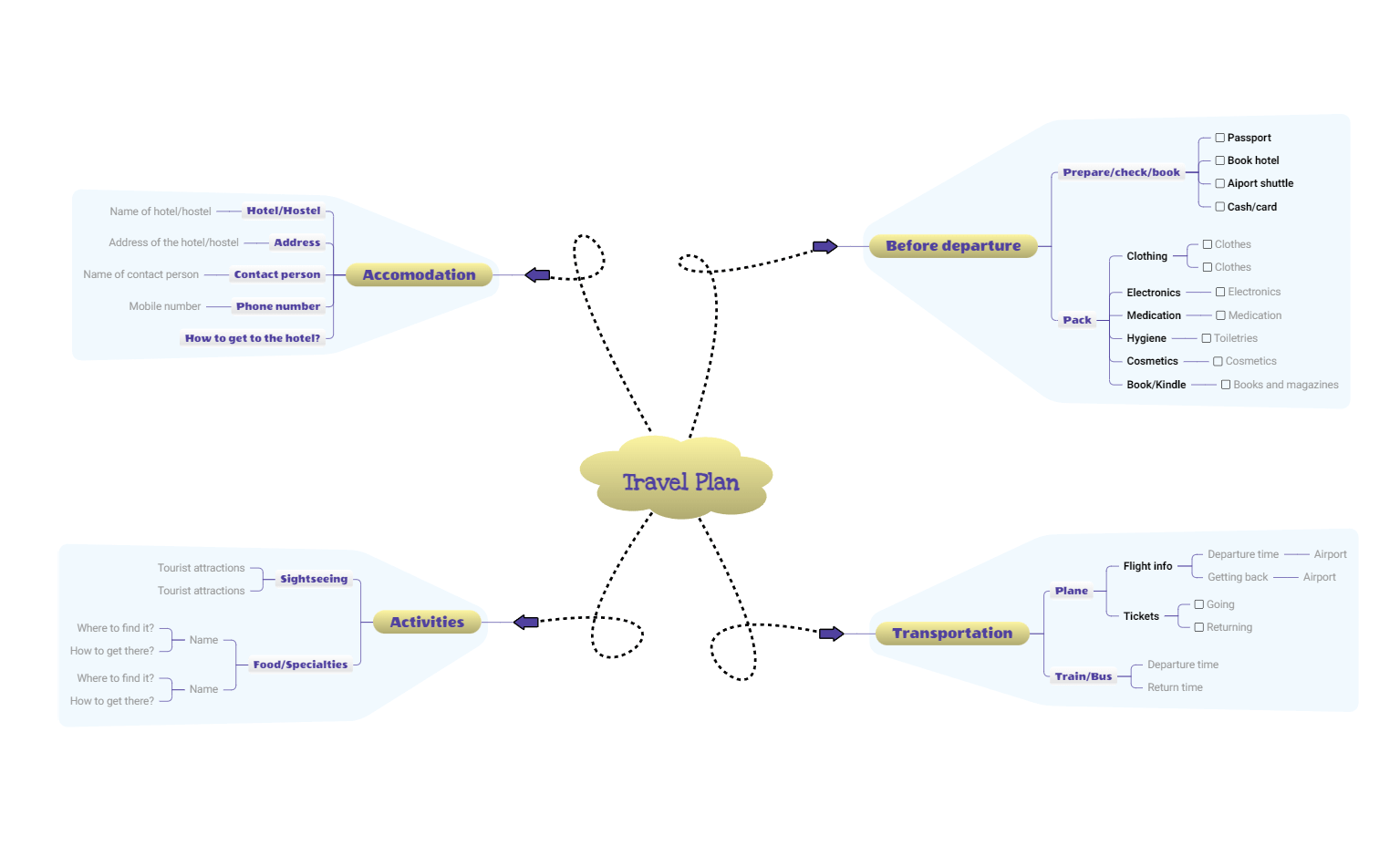
💡 Start from a template
Templates give you a ready-made structure, helping you organize ideas faster and avoid starting from a blank page.
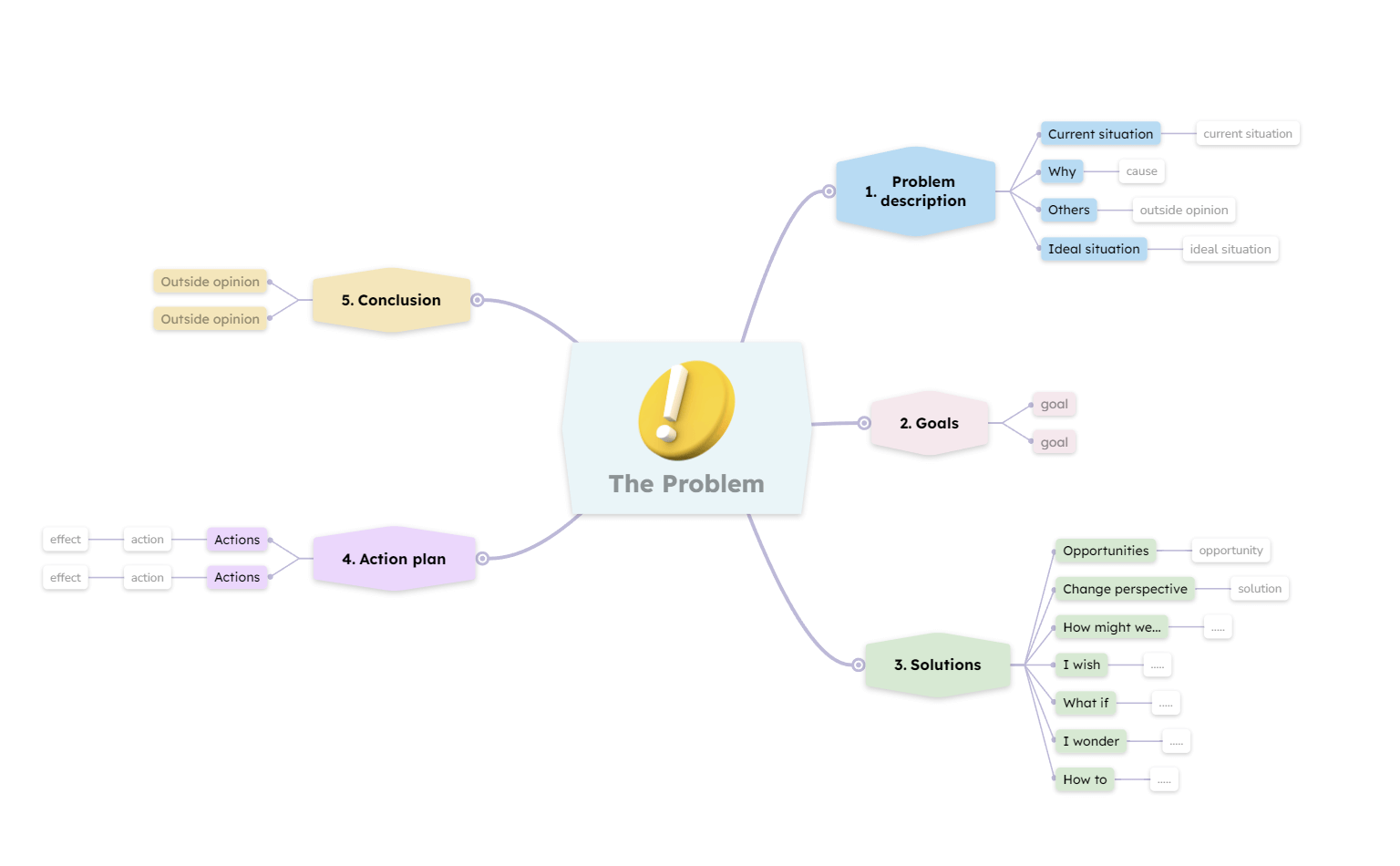
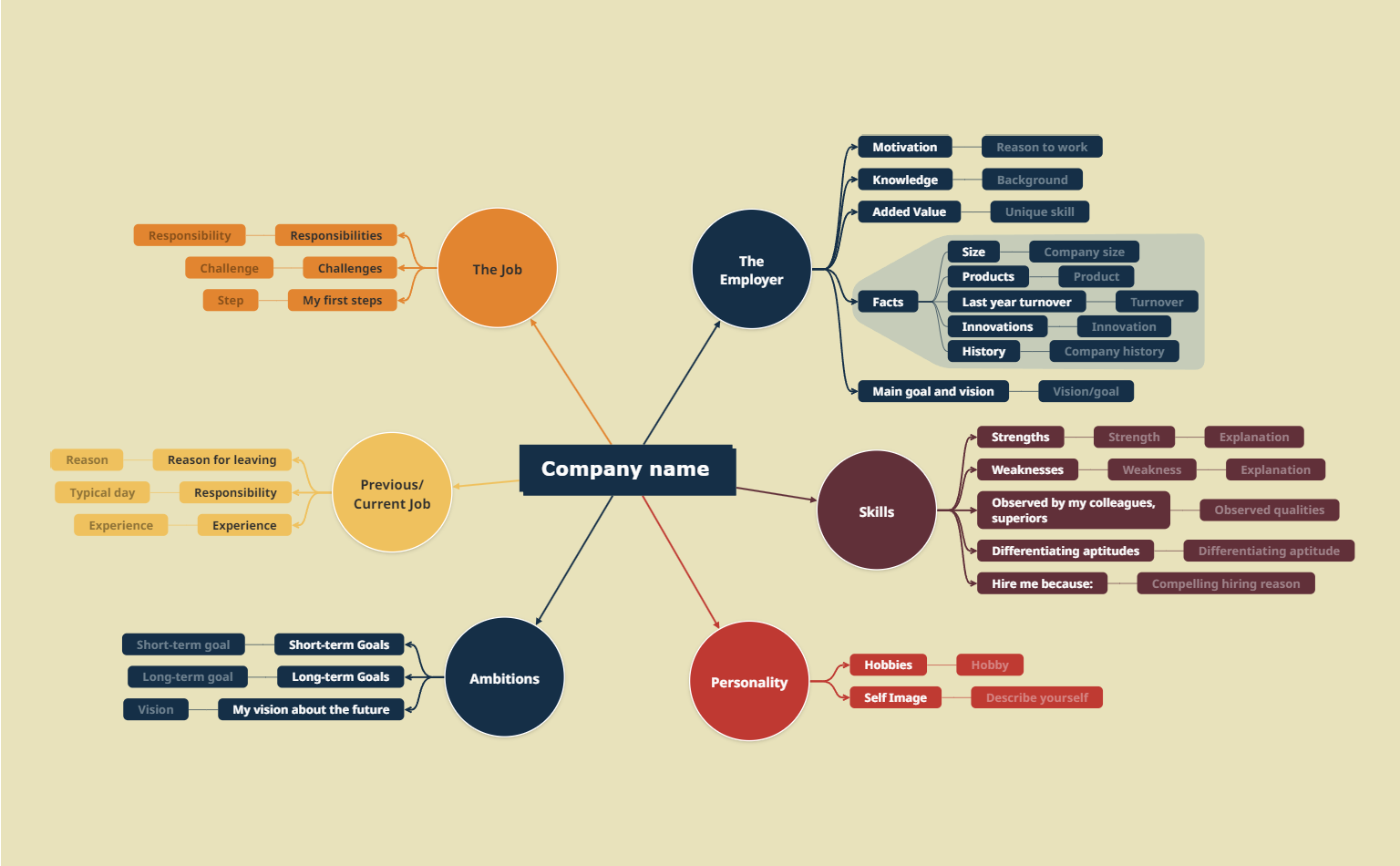
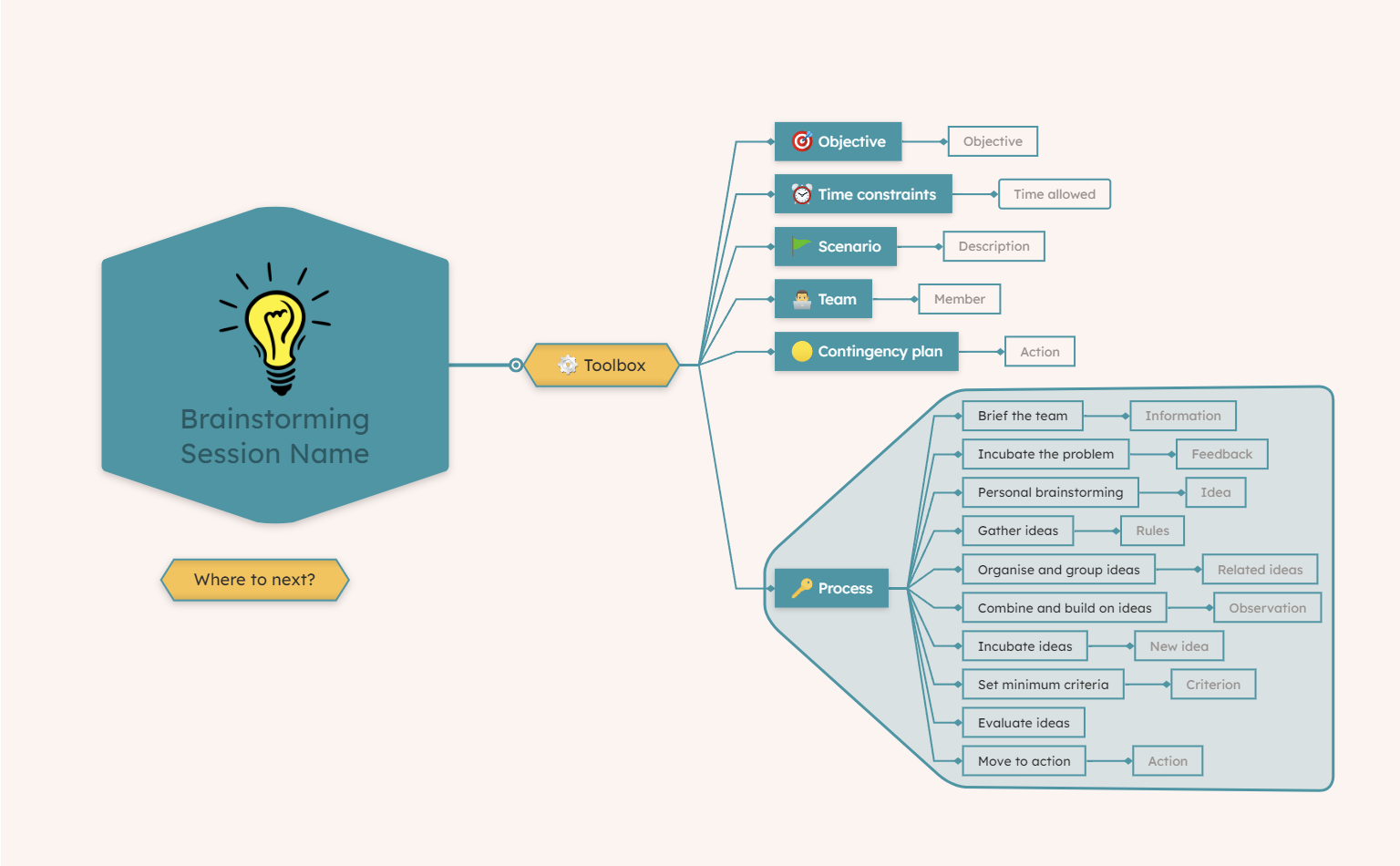
Mindomo’s mind map templates are prefilled mind maps containing placeholders you can fill in with your own information. There are also guidelines on how to fill each topic and suggestions for ideas.
You can find a wide range of templates, such as:
💡 Keep branches short and focused

💡 Use colors and icons to highlight ideas
💡 Use mobile apps to capture ideas anywhere
With a mobile app, you can add ideas on the go and sync changes automatically across devices. Especially for note-taking or brainstorming, this is a great way to stay productive on the go.
Download the Mindomo mobile app for iOS or Android.
💡 Build your diagram gradually and reorganize it
Start with the main ideas first, then expand each branch step by step as new thoughts emerge.
One of the biggest advantages of digital mind maps is the ability to move and restructure ideas easily.