Mindomo Tools
Level up your mind mapping workflow with our tools. Whether you’re capturing ideas, organizing information, or building complex diagrams, Mindomo’s tools help you work smarter and faster. Create valuable diagrams easier and never lose a great idea again.
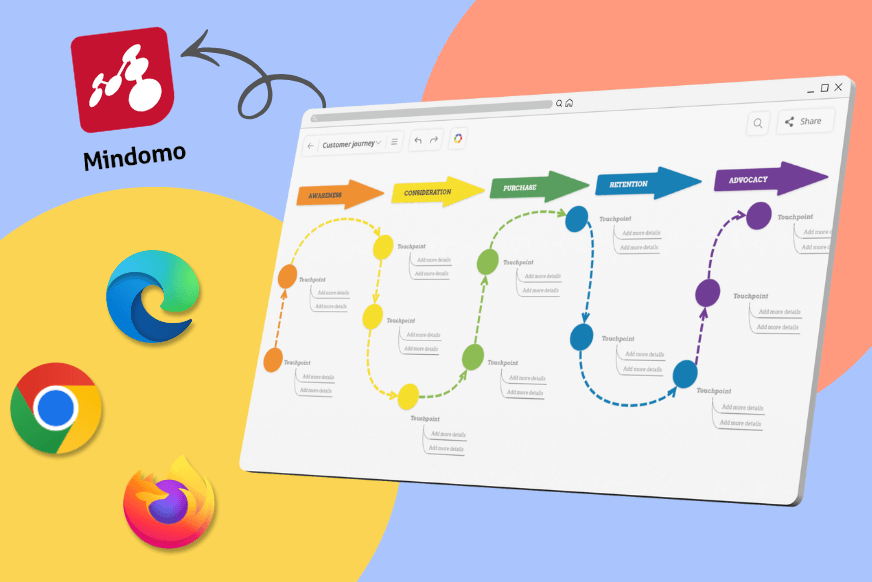
Browser Extensions
We develop new tools continuously so we can enrich your Mindomo online experience.
Why use the Mindomo browser extension?
Mind mapping often starts with inspiration found online (articles, statistics, visuals, quotes, tutorials, and more). Instead of copying everything manually, the extension turns your browser into a research companion that sends anything you find directly into your Mindomo library.
With one click, you can collect resources, organize them visually, and use AI to convert saved content into structured mind maps.
How it works
1. Install the extension for Chrome, Firefox, or Edge.
2. Highlight text, images, or links, then right-click and choose Mindomo.
3. Generate complete mind maps with AI automatically, or save the selected content to use later.
4. Use your saved resources (images, text, links) to enhance diagrams, projects, and lesson plans with ease.
What can you create?
- Research maps
- Brainstorming diagrams
- Content outlines
- Visual lesson plans
- Competitive analysis maps
- Project planning diagrams
- and more...
Get our browser extensions
Mindomo browser extensions for Chrome, Firefox, and Edge.
Discover and gather ideas from the web with ease. Quickly add links, text, or images to your mind map in seconds.
 DOWNLOAD
 DOWNLOAD
 DOWNLOAD
Integrations
Curious about what else you can do with Mindomo?
Check out Mindomo's integrations with other tools and platforms that will simplify your workflow (Microsoft Teams, Office 365, Google Drive, and more).