The whiteboard captures, then loses it
Most discovery sessions die between tools.
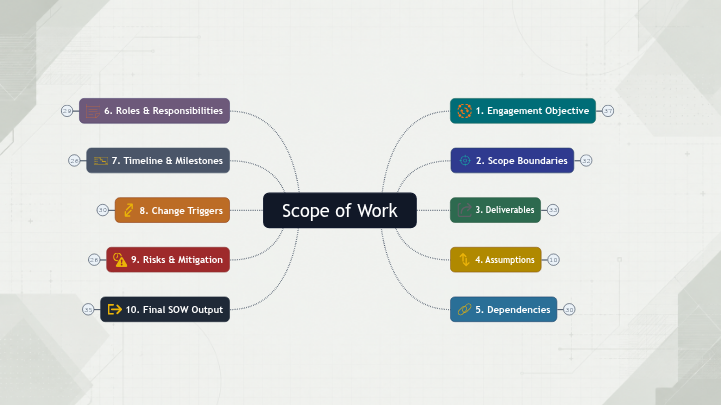
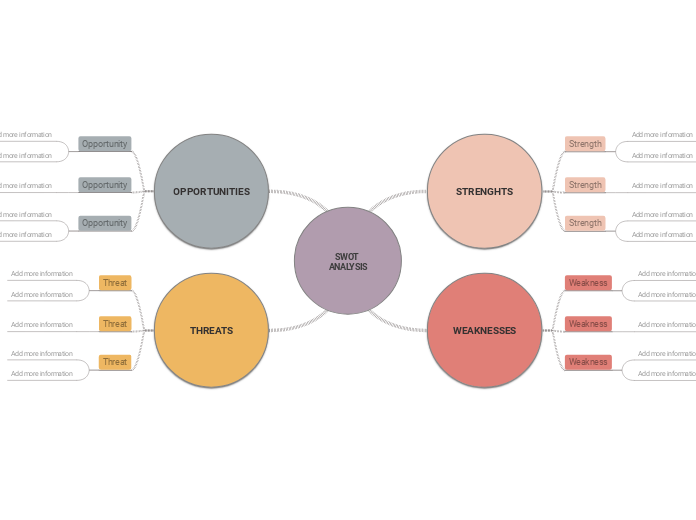
Every discovery workshop runs the same gauntlet. The whiteboard catches everything in the room: arrows, scribbles, the offhand comment that turned out to matter. Then it's gone the moment the meeting ends. A phone photo becomes the only artifact, and nobody opens it again. The digital whiteboard keeps the sticky notes, but they're loose; the structure that emerged in the room lives in the consultant's head, not on the board. That goes home with you, into Sunday, where you cluster notes alone and decide which ones become headers and which ones get cut.

By Monday, ten branches of context have flattened into three bullets on a slide. The "three themes" you settled on are real, but they aren't what was actually said. They're what fit the format. The dependency the CFO mentioned in the second-to-last minute, the one that should anchor scope, is now sitting in a notes column somewhere, or worse, edited out for length. The deliverable looks crisp. The conversation that produced it doesn't.
Clients and their stakeholders feel the gap, too. They spent ninety minutes adding nuance: the half-formed risk, the political dynamic, the precedent from last year's failed rollout. The readout returns all of it as a sentence. Two weeks later, the SOW arrives, and the precision is gone. Someone raises the same question again in the kickoff, not because they forgot, but because it didn't make it across.