The SOW lists deliverables. Once the engagement starts, the logic behind them is either visible or quietly eroding the scope.
By the time discovery wraps, the engagement makes sense to you. You know which deliverable depends on which client input, which assumption is load-bearing, which exclusion was negotiated and which was simply forgotten. The plan exists. The client has seen the outline. The deliverables are agreed.
Then the scope of work gets written. Deliverables become bullets. Assumptions become a paragraph in section 4 that nobody re-reads. Dependencies disappear into the timeline. Six weeks in, the client asks for a second round of stakeholder interviews, and you point to the assumption block on page seven that said one round. They didn't see it. They scanned the deliverables, signed, and assumed the rest was standard.
“Can we add a second round of stakeholder interviews?”
Each gap was small. None of them made the conditional structure of the engagement visible. The honest answer is 'that wasn't in scope', but nothing in the document showed the client why.
THE FOUR PLACES ENGAGEMENT LOGIC LIVES
-
Deliverables
In the SOW bullets. Precise, but context-free.
-
Assumptions
In section 4. Nobody re-reads it after signing.
-
Dependencies
In the timeline. Disconnected from deliverables.
-
Exclusions
In a paragraph. Negotiated, or simply forgotten.
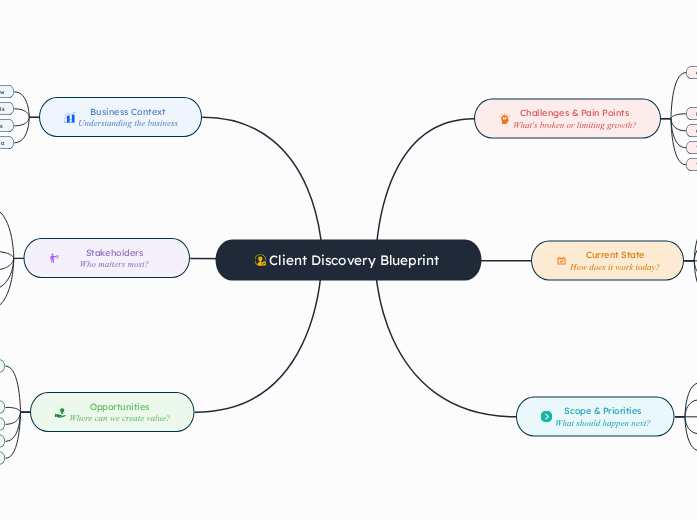
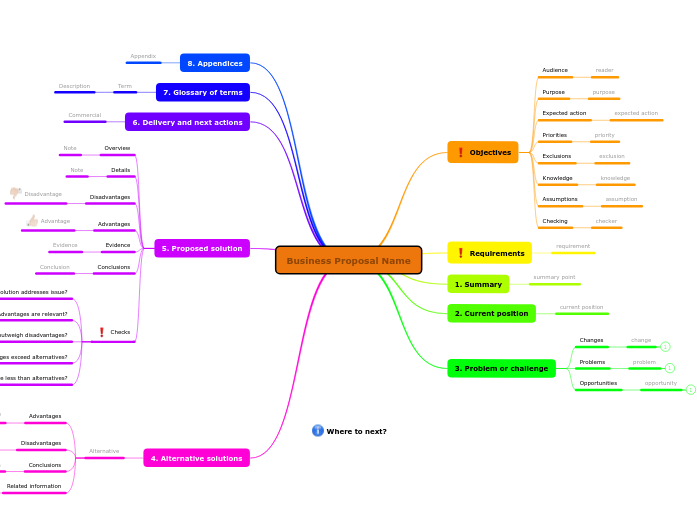
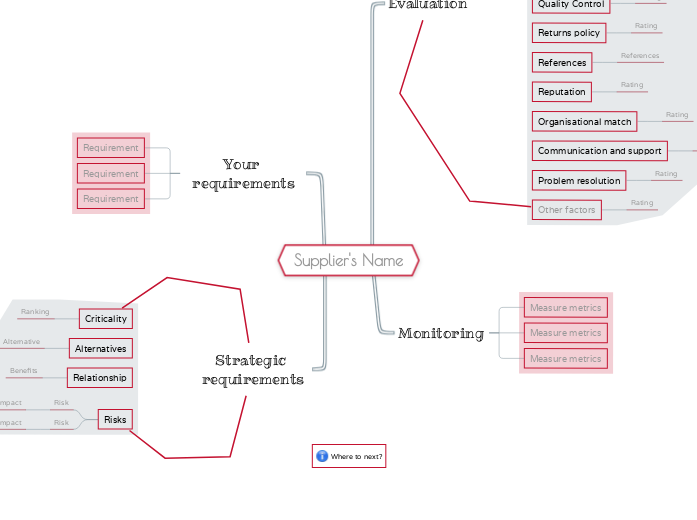
On one canvas, those four scattered sources collapse into a single structure. Deliverables sit on branches where their assumptions and dependencies stay in view. Exclusions attach to the scope they carve out. When the client questions a branch, they see what it rests on, not a bullet list they scanned once and signed.
When the scope shifts, the consultant just opens the canvas. No page-seven archaeology, no redline thread that lost the context, no change order that quietly renegotiates meaning instead of price.
The scope of work stops being a list of line items and becomes a shared plan that the whole team can actually read.
This is project management for engagements whose logic lives in the consultant's head until it doesn't. Scopes of work are not software requirements docs. The structure shifts when an assumption breaks, when a dependency moves, or when an exclusion was agreed out loud but never made it into prose. Traditional document tools protect static wording. Mindomo protects the reasoning underneath it, the conditional deliverables, the client-side dependencies, and the assumptions those tools bury in section 4.