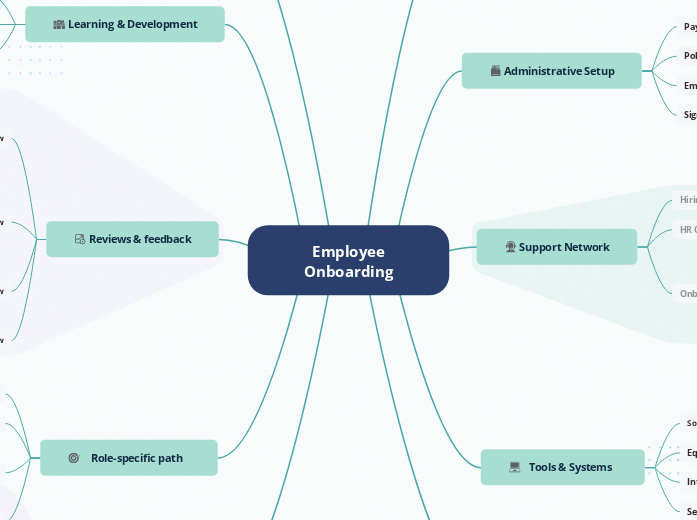
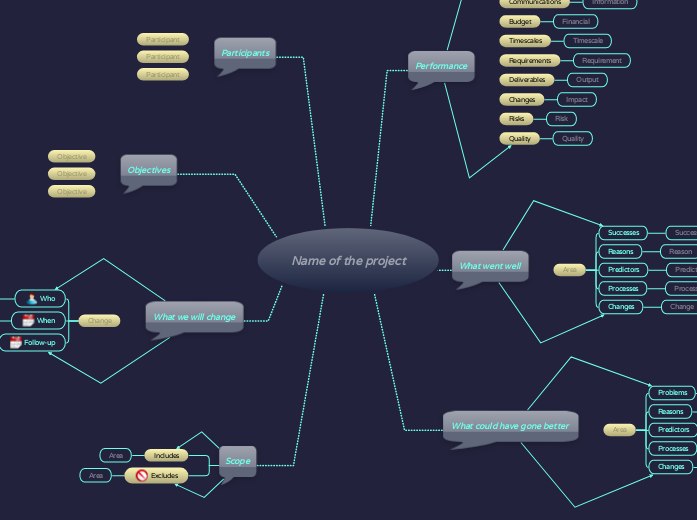
Manage employee training with one visual rollout plan
One visual rollout plan that holds the schedule, the trainers, the dependencies, and the progress. Program managers run the whole rollout from it, from kickoff through certification.
Six weeks before launch. The program manager has a training rollout to ship. Two hundred employees, four cohorts, six trainers, a compliance deadline that does not move. The plan exists. The trainers are booked. The materials are ready.
Then the rollout starts. A senior SME has to drop her cohort. Legal pushes a certification deadline forward. A department asks to delay their wave by two weeks. Three weeks in, leadership asks the question every training manager dreads:
“Are we still on track?”
Each change was small. None of them updated the master schedule. The honest answer is 'I'll need to check'. Checking takes the rest of the afternoon, because the answer does not live in one place.
THE FOUR PLACES THE STATUS LIVES
Schedule dates
Lives in a spreadsheet. Last edit 8 days ago.
Trainer coverage
On a shared calendar. 3 conflicts unflagged.
Completion progress
In a learning system. Last synced Friday.
Certification deadlines
In an HR document. Owner out of office.
Using a visual tool, those four sources become one. Schedule dates live on the timeline. Trainer coverage sits on the cohort branches that the trainers are assigned to. Completion progress updates as cohort leads tick attendance and assessment results come in. Certification deadlines are anchored on the same canvas as the modules they depend on.
When leadership asks for status, the program manager opens the rollout. No reconciliation, no checking three tools, no Friday afternoon spent rebuilding the picture by hand.
The rollout stops being a status chase and becomes a shared plan everyone can trust.
This is project management for programs whose plans change every week. Mindomo is built for the L&D and HR teams whose rollouts involve outside trainers, branch-level ownership, and audit trails that have to hold up twelve months later.
THE ROLLOUT, STEP BY STEP
Four phases, one rollout plan
Design, schedule, track, close. Every phase stays on the same canvas, with the people running it editing where the work happens. This starts once training is already the confirmed fix; a training needs analysis settles that first.
1
Design the program. Map the dependencies.
A training rollout looks simple until HR has to answer the practical questions: which module comes first, which teams need which path, and which certification step blocks the next cohort? Before the rollout becomes a schedule, HR needs a visible structure: modules, audiences, prerequisites, and dependency rules mapped together.
When a business unit asks to move its cohort forward, HR can see what has to move, what cannot move, and which prerequisite sets the real limit.
2
Schedule the cohorts and assign the trainers.
Once the dependencies hold, HR turns the training path into a rollout schedule. Cohorts get delivery weeks, trainers get assigned to sessions, and managers can see when their teams will be away from daily work. The plan shows more than dates. It shows trainer coverage, team load, and the handoffs between cohorts, so HR can adjust the rollout while there is still room to move.
When the plan shows trainer coverage getting tight, HR can move a cohort, split a group, or adjust the delivery week before the schedule starts slipping.
3
Track the rollout as it runs.
Once the cohorts go live, the canvas becomes the operational view. Each cohort branch holds its modules, attendance, assessment results, and owner. Updates happen where the work happens. The cohort lead ticks completion on the branch they run. Issues land in comments next to the module they affect. The plan and the status live on the same canvas, edited by the people closest to each cohort.
The status report the VP asks for is already on the canvas that the team has been updating. It is not stitched together at the last minute, and it is not built by the program manager alone.
4
Close out. Set up the next one.
When the final cohort certifies, the map becomes two things. It is a learning record: where the schedule was held, where it slipped, which trainers overran, and which modules expanded. The retrospective writes itself off those gaps. It is also a template the team can save and reuse, so the next rollout starts from it, not from a blank canvas. Structure, prioritizing tasks, documents, and dependencies all carry over.
The first rollout takes the longest. By the third, the template has absorbed every lesson the team has learned, and the program manager spends less time building plans and more time running them.
What makes it work
Gantt view with dependencies
Relationships between branches
Task assignments with deadlines and owners
Guest editing for trainers and SMEs
Version history with timestamps
Visual project management for HR and L&D
Four moments where a visual timeline prevents rollout delays
Our Gantt chart maker keeps dates, dependencies, owners, and deadlines visible together. Program managers spot risk early and prevent small shifts from becoming launch delays.
1
The trainer conflict caught before it affects the cohort
The senior SME’s name sits on the cohort branch as soon as she is assigned. When she is booked for a second cohort in the same week, the overlap is visible on the Gantt before the schedule is sent out. That gives the team three weeks to find a replacement, instead of discovering the conflict minutes before the session starts.
2
The compliance deadline visible six weeks ahead
The March 31st regulatory deadline is a fixed marker on the timeline. The prerequisite module sits two days before it. The squeeze is visible the moment both dates exist on the same canvas. The prerequisite can be moved while there is still time to adjust it, rather than getting noticed on April 1st when the auditor asks for the completion record.
3
The cohort affected when its prerequisite slips
Cohort B’s bar links to Module 1. When Module 1 slips by a week, the impact on Cohort B is visible immediately, and the conflict gets named the same day. Cohort B’s lead does not find out on the morning of their kickoff. They find out the day Module 1 moved, with time to reschedule the trainer and rebook the room.
4
The rollout end date, the program manager can explain
Each small slip touches the rollout's end date on the timeline. A two-day module overrun. A cohort that postpones a week. A trainer reschedule. The cumulative shift is visible as it happens, not in a status report at the end of the quarter. When the VP asks if the launch is at risk, the program manager already has the answer, and the trail that shows why.
The pattern across all four is the same. The Gantt surfaces the situation while there is still time to act.
Starting points
Templates to start from
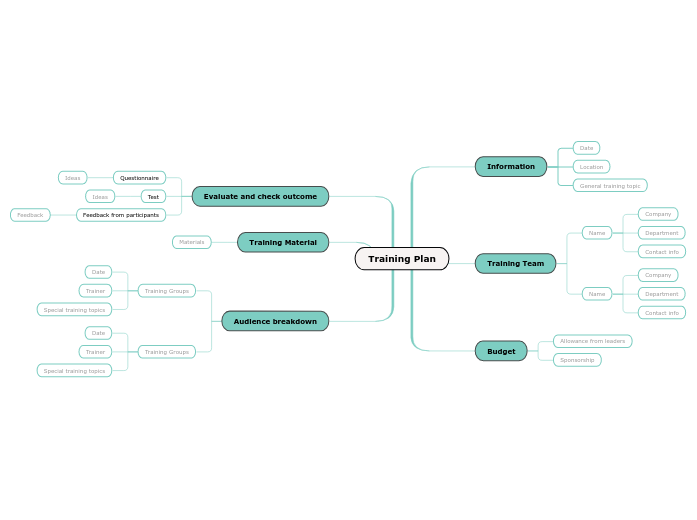
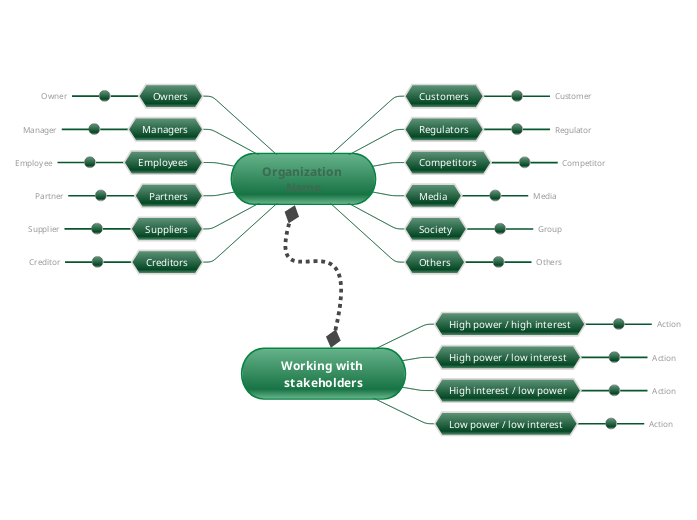
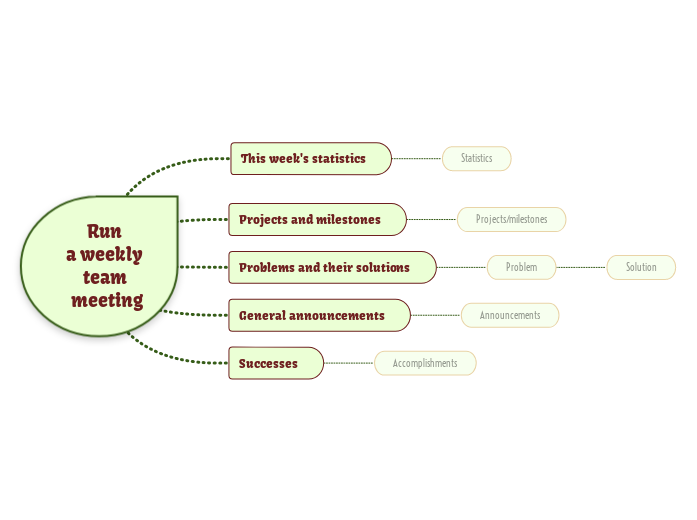
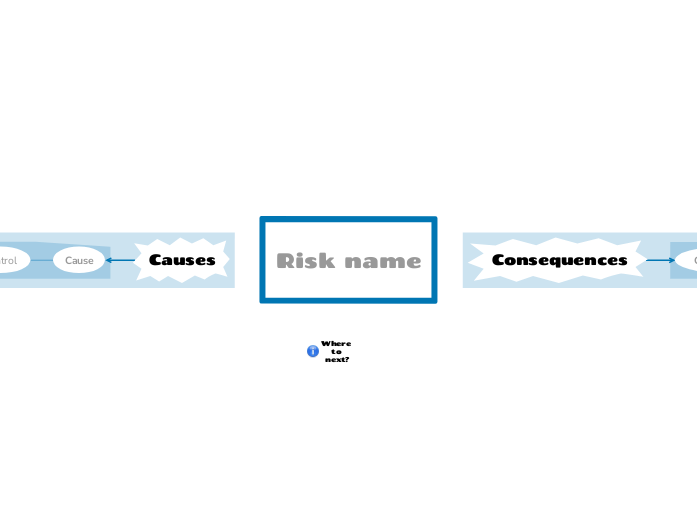
Mindomo templates you can combine into your employee training rollout. Each one covers a different piece of the program, and they interlink cleanly so the team can adapt the process without starting from a blank canvas.
Who uses Mindomo to run employee training rollouts?
Best fit
Mindomo works well for small team trainings and becomes even more useful as the rollout grows. When there are more learners, cohorts, deadlines, owners, or completion records to manage, everything stays visible in one shared plan.
L&D teams
Owners of the program structure, learning objectives, assessment design, and rollout cadence. Mindomo gives them one operational view from program design through post-rollout review.
HR teams
For compliance training, policy updates, onboarding training, and mandatory programs with audit requirements. Mindomo keeps deadlines, completions, and documentation in one exportable place.
Managers running team-level training
For team-led training, such as new frameworks, sales playbooks, process changes, or system rollouts. Managers can map what needs to happen, who owns it, and when teams should be ready.
External trainers and consultants
For running training rollouts with clients. A shared map gives the client visibility into the plan, progress, and next steps without giving access to the consultant’s full workspace.
Common questions
FAQ
Practical answers about how employee training plans work in Mindomo.
How do I know if a training rollout is going to miss its launch date?
The early signal is on the Gantt itself. Each task shows a completion percentage, so when Module 1 is only 60% complete with a week left, the gap between the bar and its scheduled end is visible at a glance. The program manager sees the slip while there is still time to move trainers, adjust the schedule, or push a downstream cohort.
Can I manage multiple training rollouts at once, or only one at a time?
Most L&D teams run three to five training programs in parallel: the quarterly compliance refresh, the leadership cohort, the new-hire ramp, and the product enablement. Each rollout lives as its own map in a shared workspace folder. The program manager can switch between them, see all the cohort timelines on one screen, or filter to whichever rollout leadership is asking about. The map structure stays consistent across rollouts, so the team is not learning a new layout every quarter.
Do external trainers and SMEs need their own Mindomo accounts to participate?
No. External trainers and SMEs can join the rollout as guest editors, without their own account or seat. The program manager invites them to the specific branches they're responsible for, and they can update completion, leave comments, and adjust their assigned sessions. The rest of the workspace stays private. Guest editing is included in the Professional and Business plans.
Who owns the rollout when L&D, HR, and managers all have a stake?
L&D usually owns program design and operations. HR owns compliance, policy, and the audit trail. Managers own attendance and the integration into their team's week. Each role works in the view that suits their job, on the branches they own, with the rest of the team seeing the same plan.
Can I use this for a smaller rollout, like 10 people?
You can, but the map earns its keep differently at a smaller scale. A 10-person rollout may not need cohort waves, trainer conflict detection, or detailed dependency mapping. What it does get is a single shared canvas for the program structure, schedule, materials, and completion tracking. You can also start from a blank map and build your own rollout from scratch, or reuse a template when the structure will repeat.
Does this replace our LMS?
No. Your LMS delivers the training content and records individual learner completion. Mindomo supports the planning layer above it: program design, cohort scheduling, trainer coordination, capacity planning, and manager alignment. The LMS runs the learner experience, while Mindomo helps run the rollout. Teams can use LMS completion reports, CSV exports, or their existing reporting tools to update cohort-level progress on the rollout map.
How does the audit trail work for compliance training?
Every edit on the map is captured in version history with a timestamp and an editor. The trail lives on the map itself, so when an auditor asks for evidence of who completed which module by which deadline, the answer is on the same canvas the rollout ran from. No reconstructing from a spreadsheet and an email thread after the fact.
Does it work for multi-region or cohort-based training rollouts?
Yes. Each region or cohort gets its own branch off the shared program trunk. Gantt view shows all the regional timelines side by side, with conflicts visible before they cause problems. L&D can zoom into one region or see the whole rollout, depending on what the question is.
Start your team's employee training plan
Build the employee training plan. Run the rollout visually.
L&D, HR, managers, trainers, and learners, all aligned in the same visual workspace.