

Marketing campaign planning, done in one workspace
Plan a campaign once, in one place, and keep planning it as things change. Map channels, owners, and deadlines together. Switch between outline, Gantt, and visual views without rebuilding the plan. Bring agencies in as guest editors.




Most campaign plans live in three tools by week two. Each one tells a different story.

Why marketers need a visual workspace for campaign planning
Campaign planning looks tidy on day one. There's a brief, a kickoff deck, maybe a Gantt someone drew in a hurry. By week two, the brief is in Google Docs, the timeline is in a project tool, paid lives in one board, content lives in another, and the agency is working off a PDF that's already two revisions behind.
The problem isn't that marketers don't plan. It's that the plan stops being a single thing the moment execution starts.
Four reasons campaign plans drift apart
The Gantt is in one tool, the work is in another.
A timeline view looks great in the kickoff meeting. Then the actual work moves into channel-specific tools, and nobody updates the Gantt. By week three, the timeline is decorative.
Dependencies are invisible until something slips.
Paid can't launch until the landing page ships. The email needs the hero image from the agency. Half the friction comes from dependencies nobody mapped, because the planning tool didn't make them visible.
Agencies and freelancers see a fraction of the plan.
External partners get the slice that concerns them and miss the context around it. They make a small decision that breaks something downstream, and the campaign lead spends an hour fixing it in Slack.
Leadership wants a one-pager. The team needs detail.
Both are right. Maintaining a one-pager and a detailed plan as two separate documents means one of them is always wrong, usually the one leadership is reading.
A realistic plan, with five channels, an agency, and a four-week window
What follows is how a campaign lead at a mid-size marketing team would actually use Mindomo to plan and run a marketing campaign, for example a product launch. Five channels (paid, content, email, PR, web), one external creative agency, four weeks from kickoff to launch.

Start from the campaign planning template and add your channels as branches
Open the template. The central node is the campaign, then you have Channels as a second level that can be expanded to show the suitablechannels: paid, content, email, PR, web, sales enablement. Add or remove branches to match how your team actually splits work. Don't overthink the hierarchy yet. The shape of the plan is the shape of your channel mix.

Bring agencies and freelancers in as guest editors
Before you start assigning tasks, get everyone who'll be doing the work into the plan. Send the agency a link. Add freelancers the same way. Guest editing lets external partners open the plan, work on their tasks, leave comments, and update status without needing a paid seat. Once they're in, you can assign work to them like anyone else, and the plan stops being something the in-house team maintains and the agency copies from.

Add owners and dates to tasks, not branches
The branch is the channel. The tasks under it are what gets done. Assign every task an owner and a date. Avoid assigning a whole branch to one person, because a channel is rarely owned by one person from start to finish. The Paid channel has a strategist, a buyer, and a creative. The plan should show that. You can either assign the whole branch to multiple collaborators, or you can breack it down into subtasks and assign them to individual collaborators.

Switch to Gantt as soon as the plan starts looking real
Once tasks have owners and dates, switch from the map view to Gantt. This is where the campaign stops looking like an idea and starts looking like a schedule. You'll usually find that a few dates are sitting on wishful thinking, and the Gantt is where you see it before the work begins.

Map dependencies before you commit to a launch date
This is the step most teams skip, and it's the one that saves launches. Walk down the tree and ask which tasks depend on which. The landing page ships before paid launches. The hero asset arrives before the email is finalized. PR gets the go-ahead after legal signs off. Mark those dependencies in the Gantt. The critical path will surface itself, and the launch date stops being a guess.

Run weekly status from the same plan, not a status doc
The Monday status meeting opens the plan, not a slide deck. Switch to outline view, filter by owner or by channel, and walk through what's done, what's at risk, and what's blocked. The plan updates live as people talk. No one leaves the meeting to update three other tools.

After launch, save the version that worked as your next template
When the campaign is done, and you have added or adapted a lot of specific information that should be reused, you can save this diagram and your edits as your team's launch template. All team members will have access to it and can use it as a starting point for the next campaign. This way, the next quarter starts with a structure that already includes the dependencies, decisions, and lessons learned from the previous launch.

Four moments in a campaign where the plan earns its keep
A campaign plan doesn't justify itself at kickoff. It justifies itself the four or five times during execution when something is about to slip and you catch it because the plan is live, shared, and current. These are the moments where most campaigns lose a day, a launch slot, or a budget commitment.
Creative is a day behind and paid has a media commitment locked in
Paid finds out when they open Asana on Monday. A Monday-morning fire.
The slip shows on the Gantt the moment the task moves. A Friday afternoon to renegotiate the slot.
Legal review is on the critical path and nobody mapped it
Miss launch by three days and don't know why until the retro.
Mark legal as a dependency and the queue is visible. Launch dates account for it.
An external partner is working from an older version of the plan
The agency saw the kickoff plan; week-two changes never reached their copy.
With one live plan and guest editing, the agency is in the same document. There is no older version.
Leadership asks for a status update mid-campaign
The answer takes four Slack messages and a hastily-made slide.
The campaign lead sends a link. The whole plan is the status update.
The pattern across all four is the same. The plan surfaces the situation while there is still time to act.
Campaign brief or campaign plan? You'll likely need both
These two artifacts get conflated all the time, and that's how teams end up with one bloated document that tries to do both jobs and does neither well. The brief is the alignment artifact: it answers what we're saying, to whom, and why. The plan is the execution artifact: it answers who does what, by when, and in what order. Both templates are designed to be opened together, with no fields that duplicate.
Side-by-side comparison
| Campaign brief | Campaign plan | |
|---|---|---|
| Purpose | Alignment artifact: what we're saying, to whom, why | Execution artifact: who does what, by when, in what order |
| Built around | The campaign idea (message, audience, strategy) | The calendar and the team (channels, tasks, dependencies) |
| Central question | “Are we agreed on the campaign?” | “Are we on track to ship it?” |
| Campaign name, lead, dates | Owned here as “Overall details” | Pointers only, with a link back to the brief |
| Channels | Listed as buckets: paid, owned, earned | Each channel is a branch, with tasks, owners, dates, and status |
| Audience and message | Full detail: target audience, pain points, insight, key message, supporting messages, tone | Lives in the brief |
| Creative direction | Visual direction, creative guidelines, inspiration, design owner | Lives in the brief |
| Mandatories and compliance | Full checklist: claims, regulatory text, accessibility, ESG, approval gates as requirements | Approval gates appear as scheduled events with reviewers and dates, not as a requirements checklist |
| Milestones and dependencies | Date range only | Dedicated branch: kickoff, creative lock, landing page live, legal complete, launch, post-launch review, plus cross-channel dependencies |
| Team and access | Campaign lead and design owner | Full roster: in-house team, agencies and freelancers as guest editors, approvers, view-only stakeholders |
| Live status and risks | Not present | Dedicated branch: at-risk tasks, blockers, decisions needed, scope changes |
| Post-launch | Not present | Dedicated branch: check-in dates, reporting owner, retrospective, save as next template |
| Open the Campaign Brief template | Open the Campaign Planning template |
Alignment artifact: what we're saying, to whom, why
Execution artifact: who does what, by when, in what order
The campaign idea (message, audience, strategy)
The calendar and the team (channels, tasks, dependencies)
“Are we agreed on the campaign?”
“Are we on track to ship it?”
Owned here as “Overall details”
Pointers only, with a link back to the brief
Listed as buckets: paid, owned, earned
Each channel is a branch, with tasks, owners, dates, and status
Full detail: target audience, pain points, insight, key message, supporting messages, tone
Lives in the brief
Visual direction, creative guidelines, inspiration, design owner
Lives in the brief
Full checklist: claims, regulatory text, accessibility, ESG, approval gates as requirements
Approval gates appear as scheduled events with reviewers and dates, not as a requirements checklist
Date range only
Dedicated branch: kickoff, creative lock, landing page live, legal complete, launch, post-launch review, plus cross-channel dependencies
Campaign lead and design owner
Full roster: in-house team, agencies and freelancers as guest editors, approvers, view-only stakeholders
Not present
Dedicated branch: at-risk tasks, blockers, decisions needed, scope changes
Not present
Dedicated branch: check-in dates, reporting owner, retrospective, save as next template
How to use them together
Two artifacts, one workflow
Start with the brief at kickoff, before anyone touches a Gantt. Lock the audience, message, and creative direction. Get stakeholder sign-off on the brief itself, not on the plan. Then open the plan, link it back to the brief, and use it for everything that happens between kickoff and launch.
When the brief changes mid-campaign (it will), update it in the brief, log the change in the plan's Scope changes branch, and reschedule whatever the change affects. Two artifacts, both current, neither trying to be the other.
Related templates
Templates you can start a campaign from. Edit the branches to match your channel mix, and you're planning in five minutes.
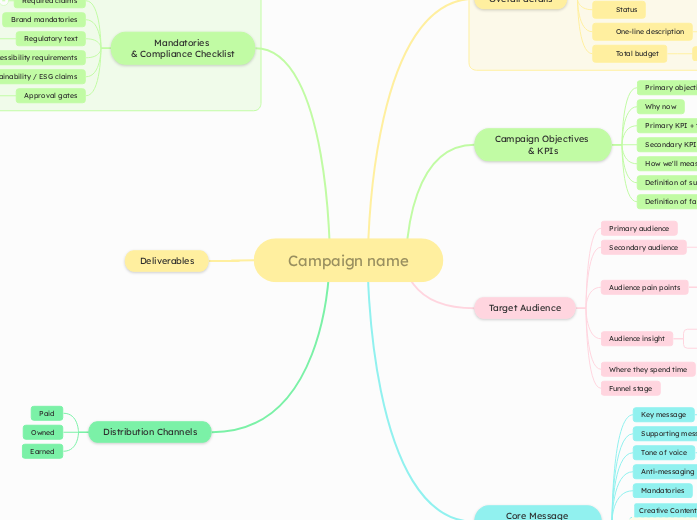
Campaign Brief
A shared workspace where strategists shape the angle, writers draft the copy, designers add the visual direction, and the agency plugs in. All of it live, on one document.
Open template →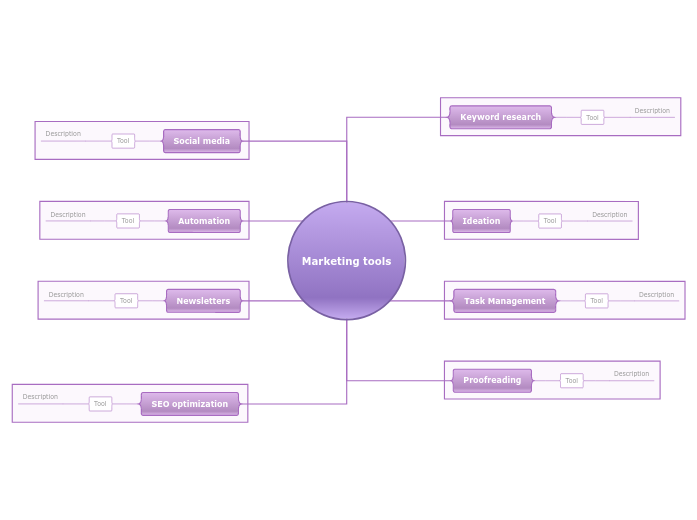
Online marketing tools
Any Marketing professional should use tools to improve the productivity. This diagram is the perfect way to store and share the right tools for the job.
Open template →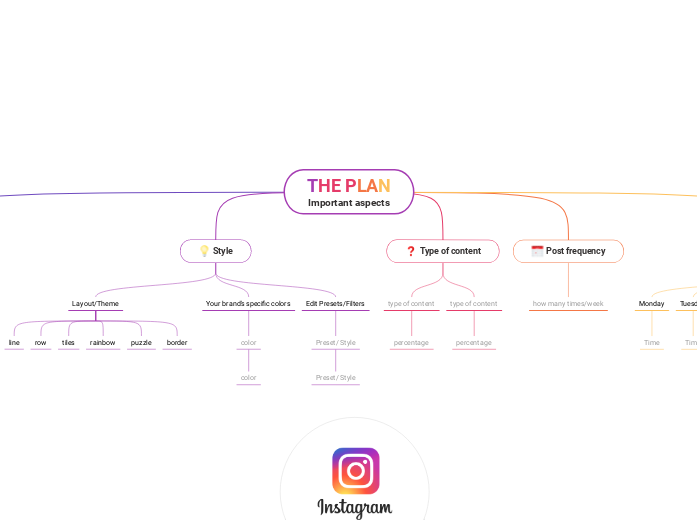
Instagram Feed Planner
Plan your Instagram feed content in advance and ensure you always have fresh, engaging posts ready to go.
Open template →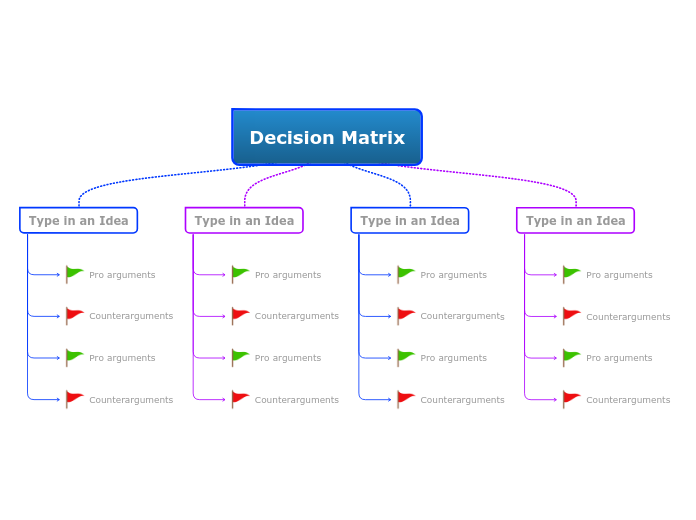
Decision Matrix
Select the most suitable ideas for your campaigns based on a set of criteria analyzing the pros and cons of each option and choosing the best one.
Open template →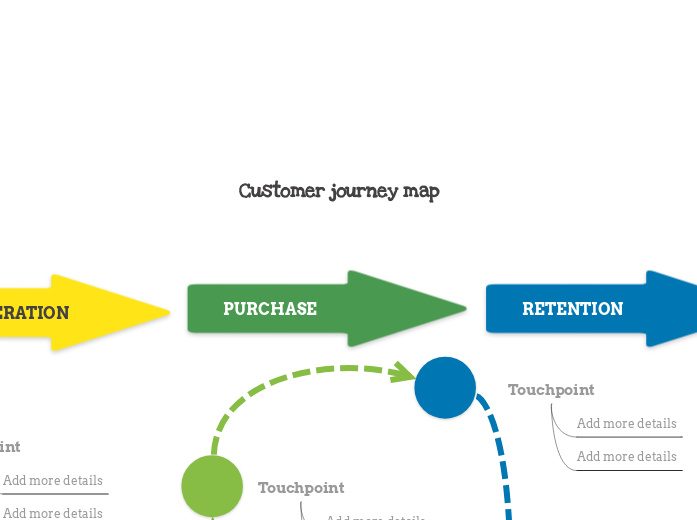
Customer Journey Map
Awareness to advocacy with a touchpoint under every stage. Grounds the campaign in how buyers actually move.
Open template →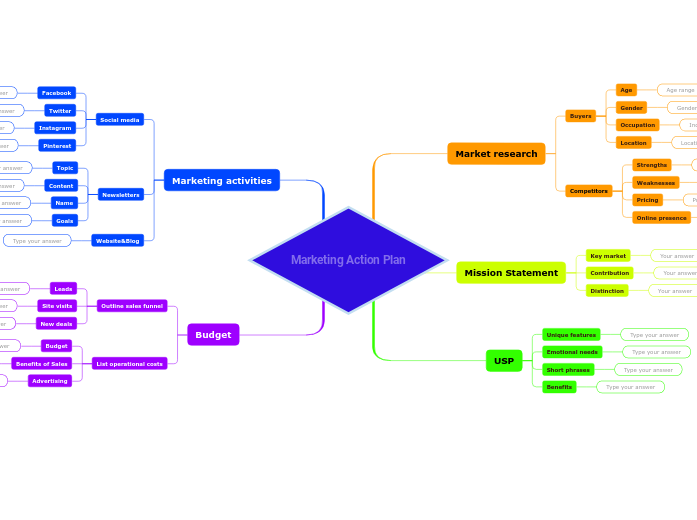
Marketing Action Plan
Marketing activities, research, USP and budget radiating from one centre. A strong skeleton when the plan needs to double as the strategy.
Open template →Built for the people who actually run campaigns
This isn't a marketing calendar with extra steps, and it isn't a project tool retrofitted for marketing. It's a workspace built for the specific problem of running a multi-channel campaign with a brief that keeps changing, a team that keeps growing, and a launch date that doesn't move.
In-house marketing teams
Multi-channel campaigns where copy, paid, and brand all ship to the same launch.
Growth teams at SaaS
A fast experiment cadence with dependencies running across web and lifecycle.
Brand teams at agencies
Running client campaigns with the client in the plan as a guest, not a PDF recipient.
Consultants
Planning launches for clients who don't have the headcount to run one themselves.
If your campaigns involve more than three channels, more than five people, or any external partner, the planning surface matters. Mindomo is one of the few places it's built to match how the work actually moves.
FAQ
Practical answers about planning and running marketing campaigns in Mindomo.
How is this different from a project management tool like Asana or Monday?
Can agencies and freelancers edit the plan without paying for a seat?
Can we switch between Gantt, outline, and visual map without losing data?
Does Mindomo handle dependencies between tasks?
What if our campaign already lives in another tool?
Can we reuse the same plan structure for the next campaign?
Is there a campaign planning template we can start from?
Plan the next campaign in one place. Run it from the same place.
Free to start. Open the template and invite your team. No per-seat fee for externalagencies and freelancers.
Guest editing (agencies and freelancers can co-edit your plans without having a Mindomo account of their own) is included with the Professional and Business plans.