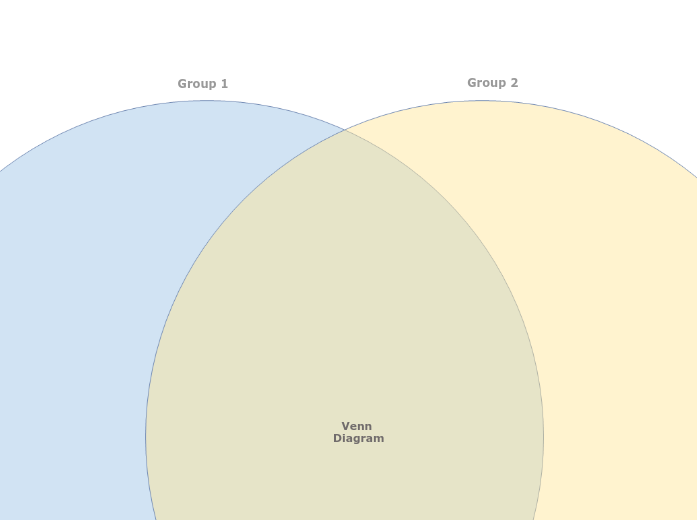
A Venn Diagram helps to understand the similarities and differences between items, by showing their membership of two groups. Visualize complex relationships and comparisons with the simple Venn Diagram template. This template allows you to map out two or more overlapping sets to identify similarities, differences, and intersections. Start by filling in each circle or section with your data or categories. The overlapping areas will reveal commonalities and unique aspects of each set. Ideal for data analysis, brainstorming sessions, and strategic planning, this diagram helps you clearly understand how different sets interact and relate to each other, providing valuable insights for decision-making and problem-solving. Type in the name of the second group and press Enter. Type in the name of the first group and press Enter. A Venn Diagram compares items by assigning them to groups. An item can belong to: The item counts (and not the areas of the circles and their overlap) indicate the population of each group or the overlap between groups. A gondolattérképek segítenek az ötletelésben, a fogalmak közötti kapcsolatok kialakításában, a rendszerezésben és az ötletek generálásában. A gondolattérkép-sablonok azonban könnyebb utat kínálnak a kezdéshez, mivel ezek olyan keretek, amelyek egy adott témával kapcsolatos információkat tartalmaznak, irányadó utasításokkal. Lényegében a gondolattérkép-sablonok adják meg azt a struktúrát, amely egy téma összes elemét egybefogja, és kiindulópontként szolgál a saját gondolattérképedhez. Gyakorlati segítséget nyújtanak egy adott témájú gondolattérkép elkészítéséhez, akár üzleti, akár oktatási céllal. A Mindomo intelligens gondolattérkép-sablonokat kínál, amelyekkel könnyebben dolgozhatsz és gondolkodhatsz. Választhatsz a Mindomo üzleti és oktatási sablonjai közül, vagy a nulláról is létrehozhatod a saját gondolattérkép-sablonjaidat. Bármelyik gondolattérképből sablon lehet, ha a témáihoz irányadó jegyzeteket adsz.Blank Venn Diagram
Erről a sablonról
Venn Diagram template
Group 2
Double-click in the background to add items to this group, or drag to position them in the overlap between the two groups.Group 1
Double-click in the background to add items to this group, or drag to position them in the overlap between the two groups.Venn Diagram
Miért érdemes Mindomo gondolattérkép-sablont használni?
Egy sablon a következő funkciókat kínálja:
-
Termékek
-
Felhasználás
- Általános felhasználás
- Gondolattérképek az oktatásban
- Gondolattérképek az üzleti életben
- Gondolattérképek a személyes fejlődéshez
- Segítő technológia
- Csapatmunka
- Kampánybriefek marketingszakembereknek
- Ügyfélfeltáró workshopok tanácsadóknak
- Onboarding folyamatok HR- és L&D-csapatoknak
- Tudásmenedzsment
- Csapatkompetencia-mátrix
- Projektkönyvtár
- Szerepek
- Marketingszakemberek
- HR és L&D
- Tanácsadók
- Projektmenedzsment
- Marketingkampány-tervezés
- Munkavállalói képzések bevezetése
- Munkaterjedelem (SOW)
- Ötletszervezés
- Problémafák
- Képzési igényfelmérés
- A gondolattérkép-készítés előnyei
-
Megoldások
- Útmutatók
- Prezentációk készítése gondolattérképekkel
- Hogyan tanuljunk gondolattérképekkel
- Tervezés és rendszerezés gondolattérképekkel
- Hogyan priorizáljuk a feladatokat gondolattérképekkel
- Jegyzetelés gondolattérképekkel
- Valódi ügyféltörténetek
- Oktatási tartalmak skálázása 11 000 orvos számára
- Csapatmunka: két hónap alatt a próbaverziótól a nélkülözhetetlen eszközig
- 10 év diavetítés nélkül: az építészeti előadások újragondolása
- Összes történet elolvasása
-
Erőforrások
- Alapok
- Mi az a gondolattérkép?
- Hogyan készítsünk gondolattérképet?
- Útmutatók és támogatás
- Videós útmutatók
- Súgóközpont
- Fórum
- Példák és sablonok
- A 29 legjobb gondolattérkép-példa
- Mi az a fogalomtérkép?
- Funkcióoldalak
- Oktatás
- Tanári feladatok
- Munka és magánélet
- Asztali verzió
- A Mindomo blog
- Árazás
- Bejelentkezés
- Regisztráció
- Irányítópult
A gondolattérkép-készítés előnyei
Miért könnyíti meg a vizuális gondolkodás a felidézést és a tervezést?
Útmutatók és támogatás
Példák és sablonok
Funkcióoldalak
 Blog
A Mindomo blog
Útmutatók, példák és kutatások a vizuális gondolkodásról.
Összes cikk böngészése
Blog
A Mindomo blog
Útmutatók, példák és kutatások a vizuális gondolkodásról.
Összes cikk böngészése