

What's new in Mindomo
We work on Mindomo continuously. Here is everything we have shipped - new features, updates and improvements, big and small.
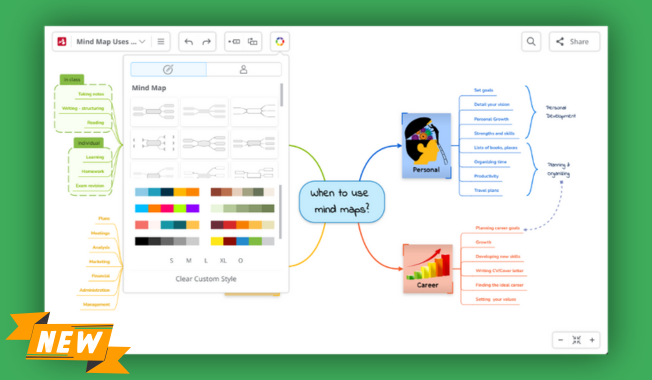
Redesigned the Theme Styling Wheel with a more intuitive layout and an expanded color selection to help you find the right look faster. Name and save custom themes directly from the wheel, rename them in the theme list, and delete them without opening another tab. Apply saved themes with ease to give your diagrams a consistent, professional finish.
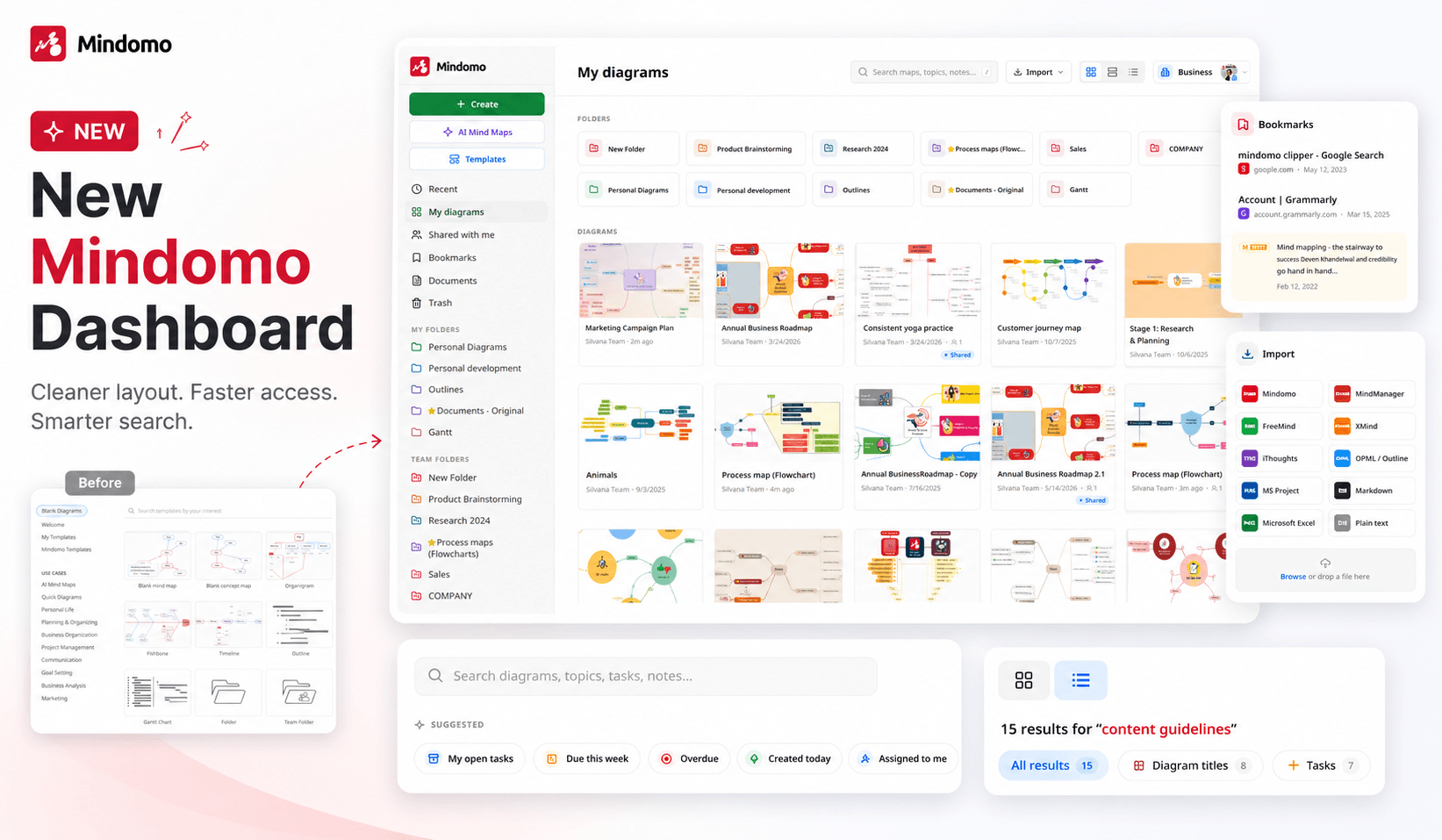
- Redesigned the History of Changes panel for a clearer overview of diagram activity. You can now browse updates more easily, filter them by user, and see exactly how individual topics have evolved.
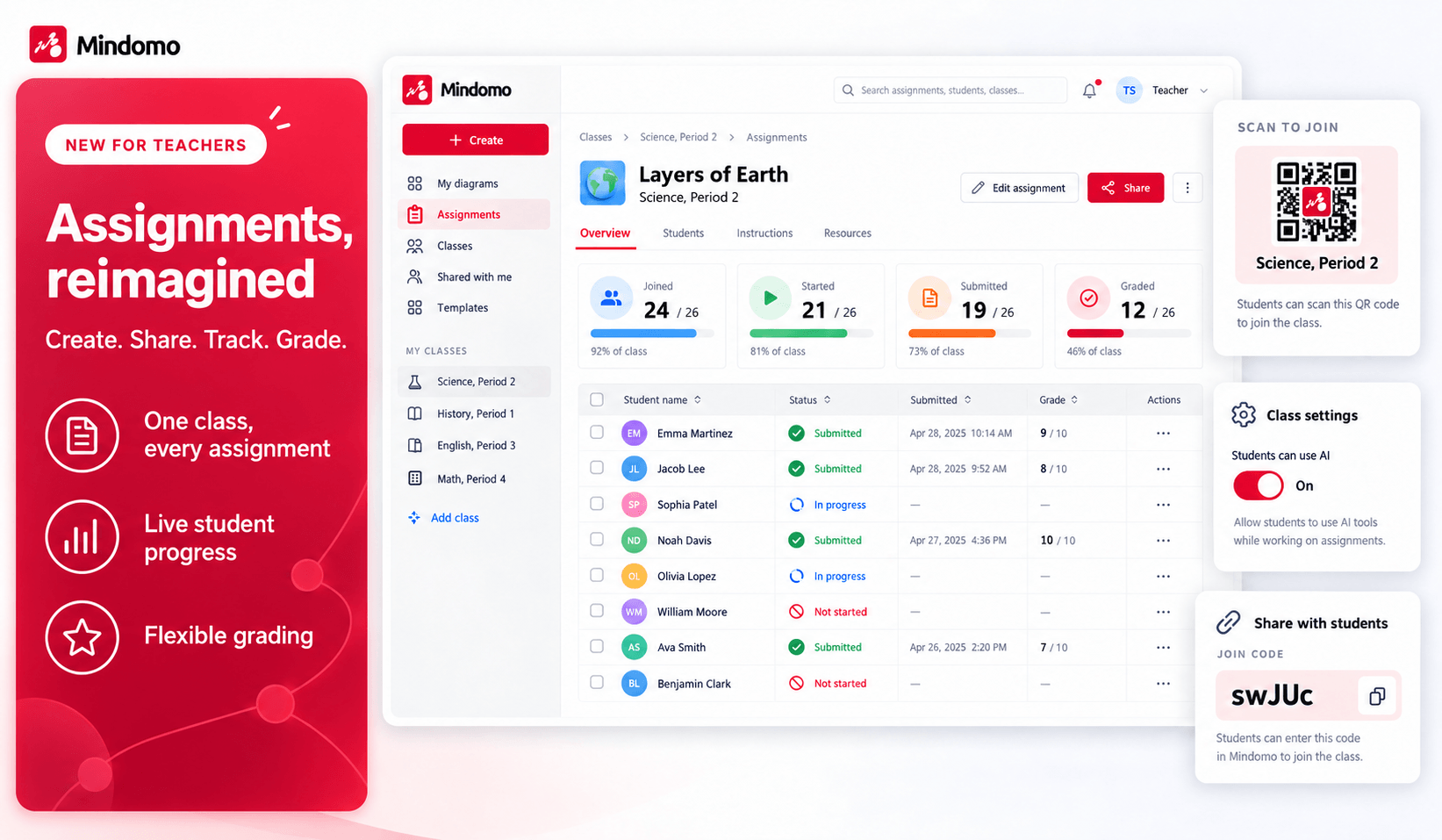
- Expanded assignment tracking with deeper insights into student work. Teachers can follow an assignment's progress step by step using the visual timeline, while group assignments now show each participant's contribution percentage. Activity can also be filtered by student or topic, making it easier to inspect individual edits and see exactly what was added or changed.
Redesigned the Team and School Admin sections to provide a more modern, organized and efficient management experience. The new interface simplifies user administration and introduces an improved CSV import process for bulk actions. It also offers a clearer overview of your license, including available seats, storage, AI usage, and confirmation that renewal is manual, with no automatic charges.
Updated the Account section with a modern design focused on clarity and ease of use. The improved layout provides a better overview of your account, keeps essential information within easy reach, and displays your total number of diagrams. If you are a user in an organization, a dedicated button also lets you email your license administrator directly.
Fixed an issue where images added in the notes were not showing up correctly when syncing diagrams between the Cloud and the Desktop application.
Improved the History of Changes panel. It is now larger and has been relocated next to the Automatic Theme Styling button (or next to the Share button in the Gantt chart view), making it easier to access and review recent edits while working on your diagram.
- Added the ability to create bullet points inside topics. You can now type "-" followed by a SPACE to quickly add bullet points, making it easier to structure, organize, and present multiple ideas within a single topic.
- Added the option to move the central topic in concept maps. You can now reposition it freely, giving you greater flexibility to arrange and visualize your concept maps exactly as you want.
- Fixed an issue that prevented horizontal scrolling with Shift + mouse wheel. You can now hold Shift and use the mouse wheel to smoothly move your view across the diagram from left to right.
- Improved topic dragging functionality to provide more accurate placement when rearranging topics, making it easier to move and organize them precisely.
Added a new copy and paste functionality that preserves text formatting. You can now copy text and paste it directly into topics while keeping its original formatting, such as bold text, italics, and more.
- Smoothed pan and zoom animations for more fluid navigation.
- Added a color picker to personalize hashtag labels.
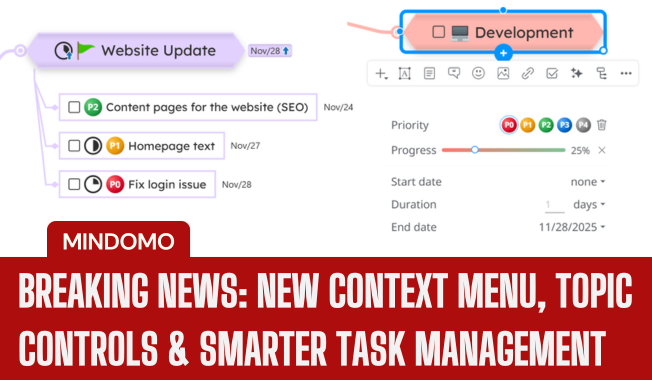
- Added a new option to delete the task duration.
- Improved drill-down navigation for diagrams.
- Improved MMAP import.
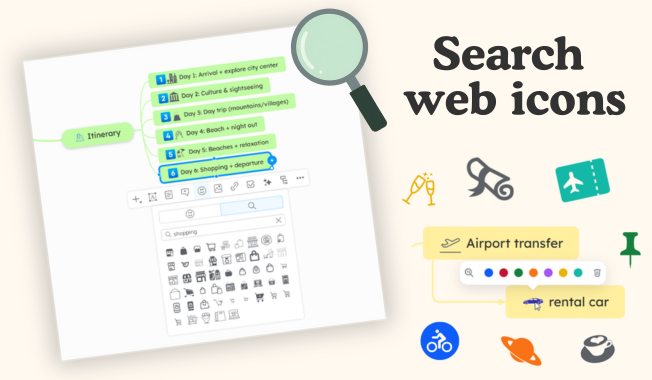
- Added an option to delete images from the cloud storage when removing them from notes and topics.
- Redesign of the zoom panel.
- Added a new functionality: the possibility to use flexible AND / OR filtering when searching.
- Fixed issues that caused errors when deleting topics with summaries.
- Fixed bullet insertion problems while editing topics.
- Improvements on the comments and topic toolbar.
- Fixed issues related to pasting and editing topic text.
- Bug fixing: issue related to the text styling menu obstructing the topic text during editing.
- Bug fixing: issue related to summaries overlapping topics during editing.
- Added functionality: possibility of adding summaries and boundaries when multiselecting topics.
Added functionality: the option to toggle the toolbar's visibility using 'Always show topic toolbar'.
Bug fixing: issue related to specific notes being removed when deleting topics while the Notes panel is open.
Bug fixing: issue related to "Set as Task" functionality not being applied across all selected topics.
Improved storing and handling of diagram changes.
- Added functionality: possibility to hide the last modification date on view-only publicly shared diagrams.
- Added functionality: possibility to hide the view count on view-only publicly shared diagrams.
- Added functionality: possibility to hide social media sharing buttons on view-only publicly shared diagrams.
- Added functionality: possibility to prevent loading favicons for weblinks included in diagrams.
- Updated context menu: provides the option to add mathematical formulas to topics.
- Added functionality: mathematical formulas for diagrams.
- Improved interactions with the Command Palette menu through the addition of shortcuts.
- Improved handling of multiple hyperlinks within topic titles.
Bug fixing: issue related to diagram export to MMAP (MindManager) format.
Bug fixing: issue related to the export of diagrams with added filters.
- Bug fixing: issue related to changing the style of relationship labels for Concept maps in the Theme Editor.
- Bug fixing: issue related to Ghost User's names not appearing in Microsoft Word document (.docx) exports.
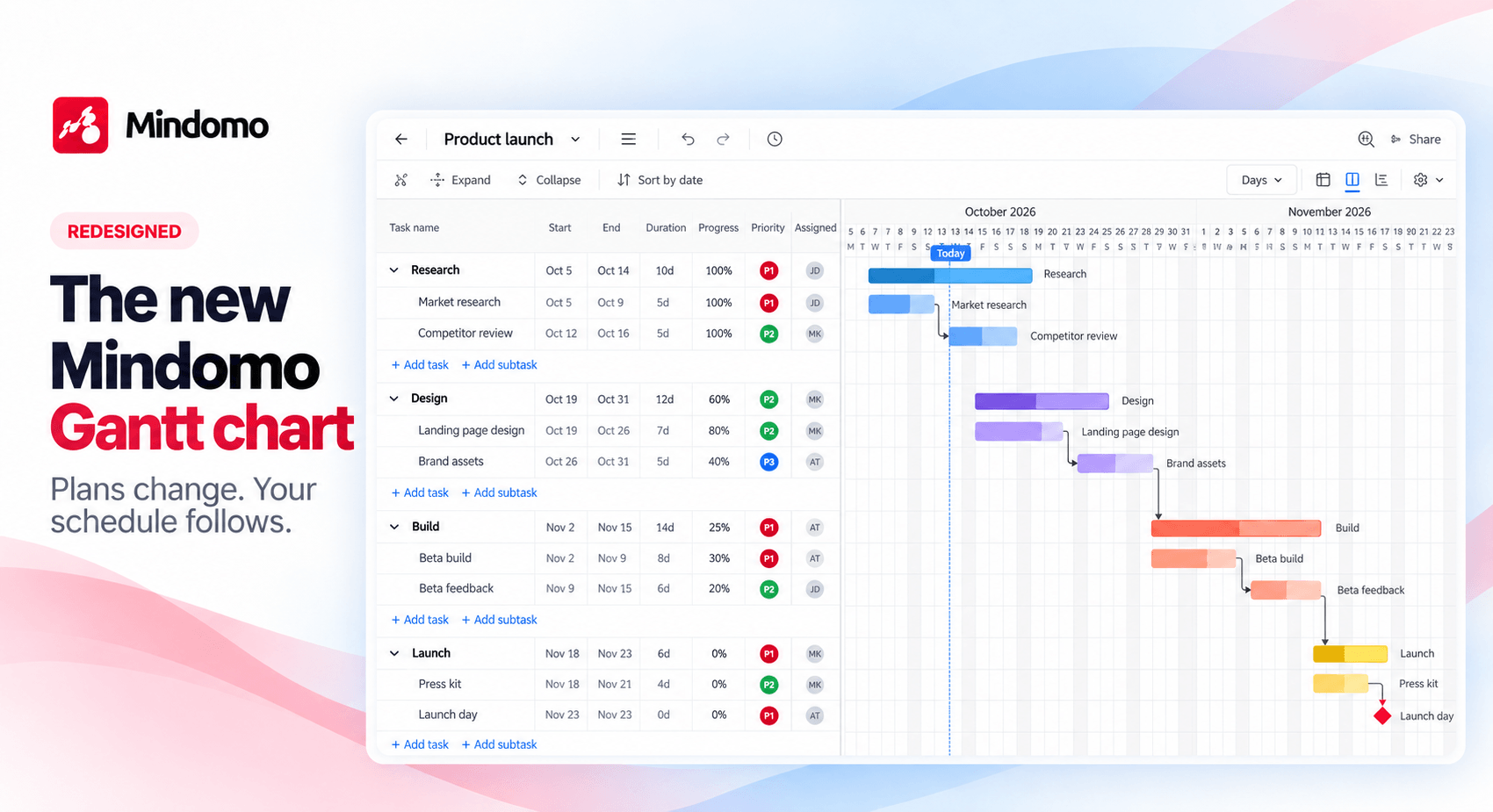
- Improved Gantt Chart export and printing functionalities.
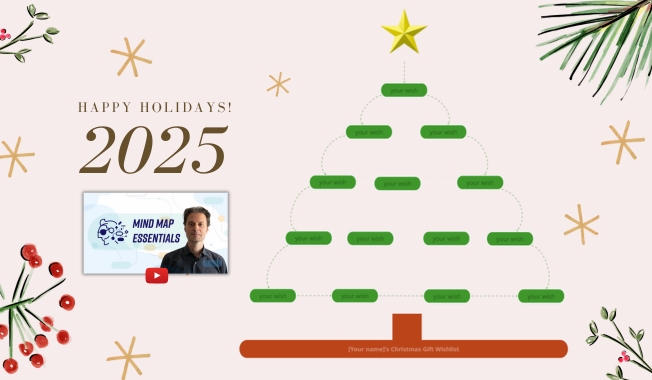
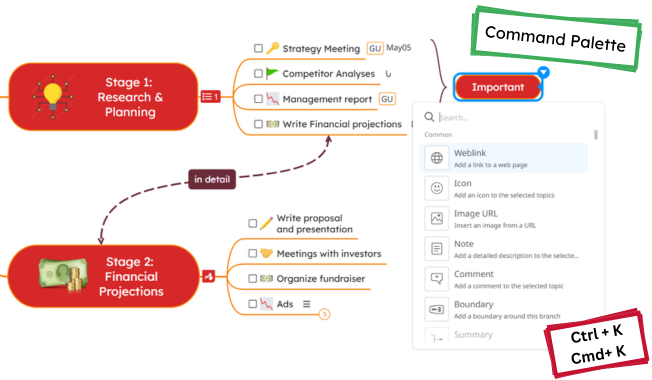
- Added functionality: Global Commands - possibility to quickly access all functionalities through one menu.
- Bug fixing: issue related to weekends not being highlighted in Gantt chart PDF exports.
Improved dragging functionality to preserve user intention.
- Added functionality: predefined Concept map layouts for Automatic Theme Styling.
- Improved link to topic functionality animation.
- Updated diagram templates for multiple languages.
- Added functionality: summary and boundary customization for Concept maps in the Theme Editor.
- Added new language: Romanian.
- New topic-dragging mechanism for more accurate positioning.
- Improved multi-topic dragging to preserve user intention.
- Updated topic-dragging visuals to reflect the new position.
- Bug fixing: issue related to the export of diagrams with background images to PDF and PNG.
Bug fixing: issue related to auto-centering when editing topics with large amounts of text.
Improved data saving for Template Editor.
- Added functionality: possibility to include vertical Timelines in other layout types.
- Added functionality: theme structure options for Theme Editor.
- Bug fixing: issue related to saving multicolor styles in Theme Editor.
- Improved Theme Editor diagram generation preview.
- Improved Completed Tasks functionality.
Bug fixing: issue related to Gantt charts' timeline changes not being reflected in PDF exports.
Bug fixing: issue related to the dragging of topics affecting the position of subtopics in Concept Maps.
- Bug fixing: issue related to transparent topics' font color over multicolored diagrams.
- Bug fixing: issue related to background color changes not being reflected onto transparent topics' font color.
- Bug fixing: issue related to editing relationships/connections.
- Bug fixing: issue related to adjusting connections' position.
- Bug fixing: issue related to rendering the fill color from some old diagrams.
- Bug fixing: issue related to import/export functionality within the Theme Editor.
Added functionality: Team users can modify the folder type (Private/Team), change folder proprieties and access rights.
- Improvement of map loading time.
- Bug fixing: related to adjusting diagram view for screen fit.

- Updated translations for different languages.
- Improvement of the Team administration: now supports adding groups during CSV imports for smoother user management.
- Added new fonts: Courgette, Lexend, Pacifico.




Mindomo has been shipping updates since 2007. Everything from those years - new features, fixes and functionality improvements - is listed in the Help changelog, and we're bringing it into this timeline year by year.
The full story is always on the blog
Every major release gets a walkthrough with examples and tips. Follow along, then put it to work in your own diagrams.