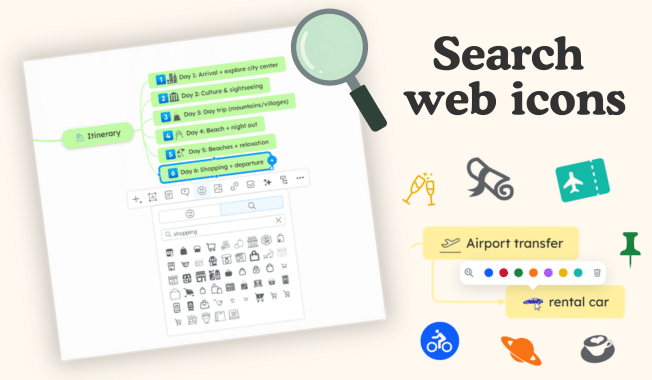
We’re excited to introduce a new feature that expands your visual possibilities: search icons online.
You can now go beyond the standard icon library and quickly find the perfect icons for your diagrams using a simple keyword search.
Here’s what you can do now:
1. 🔎 Search for icons from the web
In the Icons section of the context menu, you’ll find a new search tab.
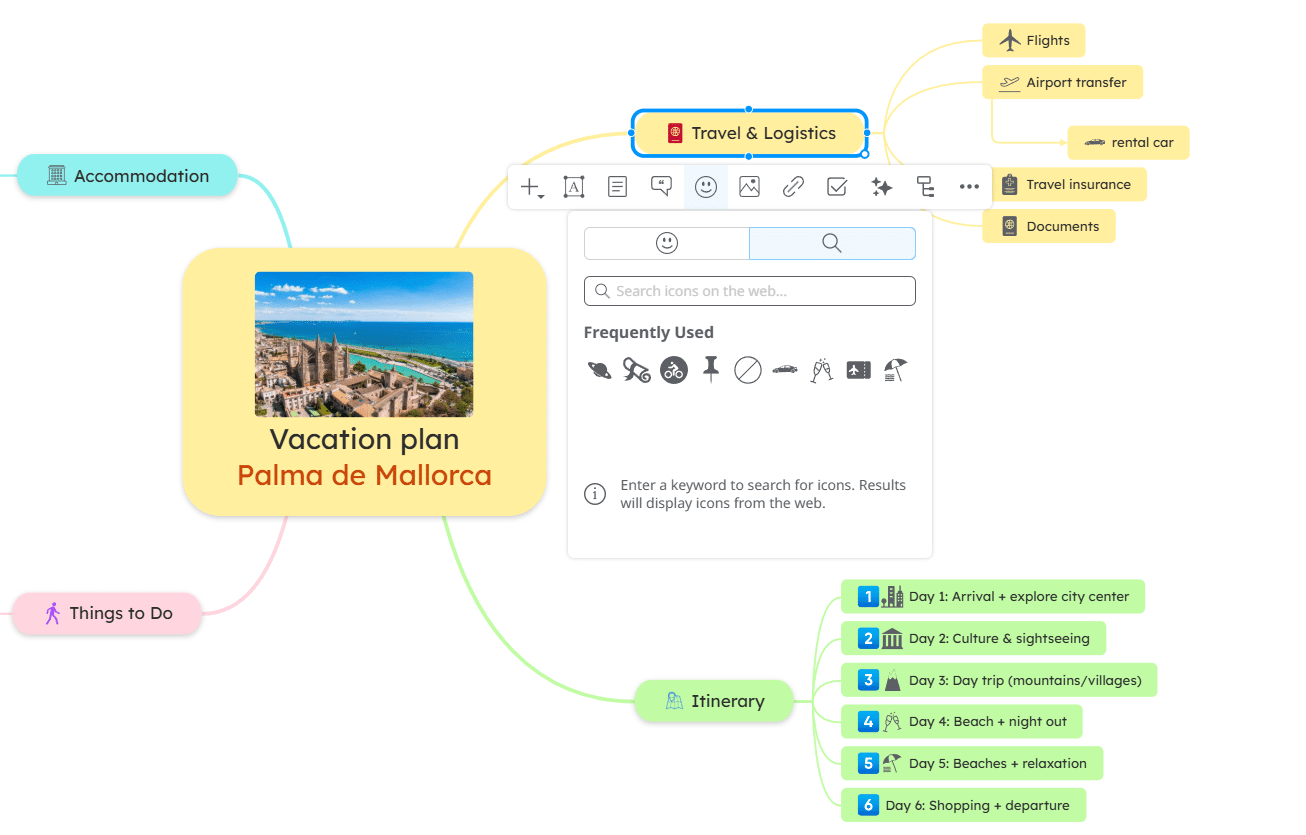
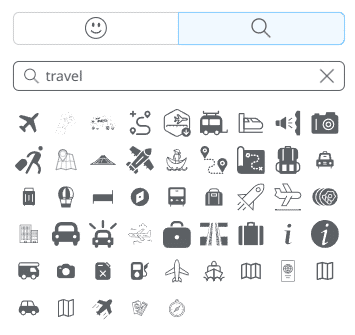
Just type a keyword, and relevant icons will be displayed instantly.
This gives you access to a much wider variety of icons, helping you better express your ideas visually.
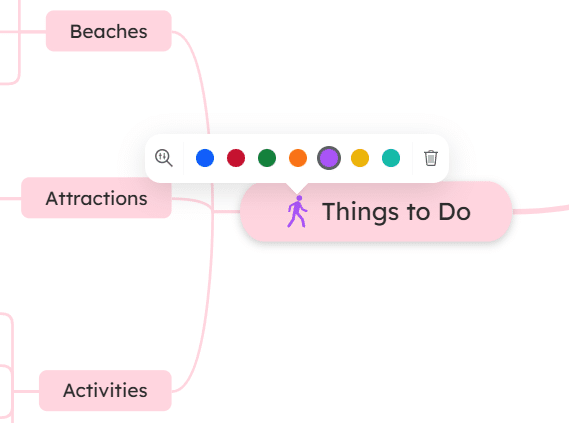
2. 🎨 Customize icon colors
Once you add an icon, you can customize its color to match your diagram’s style or highlight important elements.
This makes your maps more consistent, clear, and visually engaging.
3. 🔍 Filter topics by icons
You can also filter topics based on the icons you’ve added, just like you would with the standard icon library.
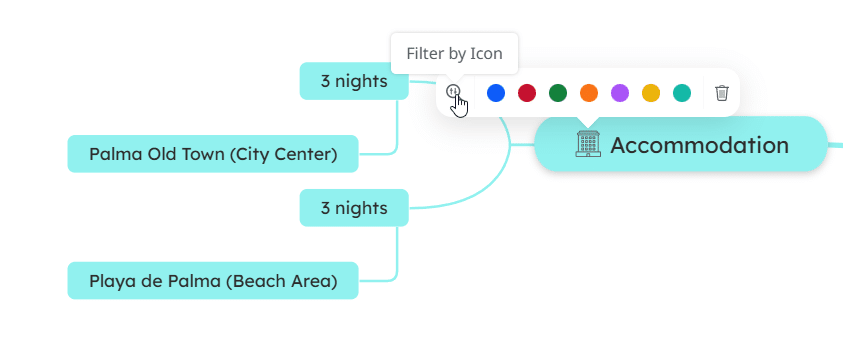
This makes it easier to organize, navigate, and analyze your diagrams.
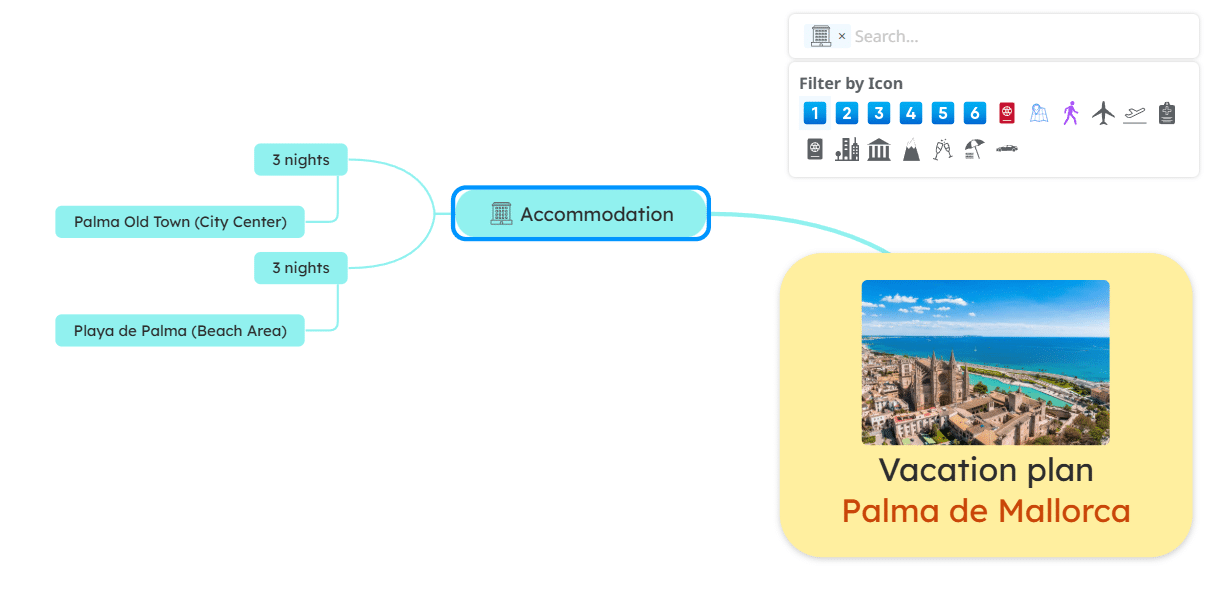
With search web icons, you have more flexibility and creative control than ever before, making your mind maps more expressive and easier to understand.
Give it a try and let us know how it improves your workflow!
Keep it smart, simple, and creative!
The Mindomo Team