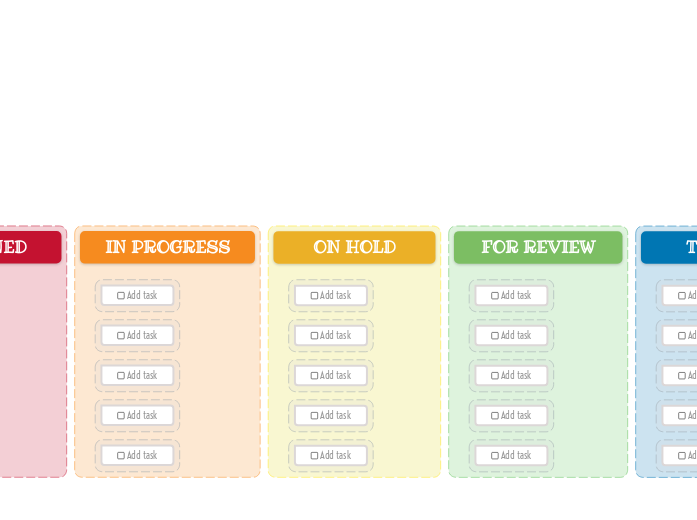
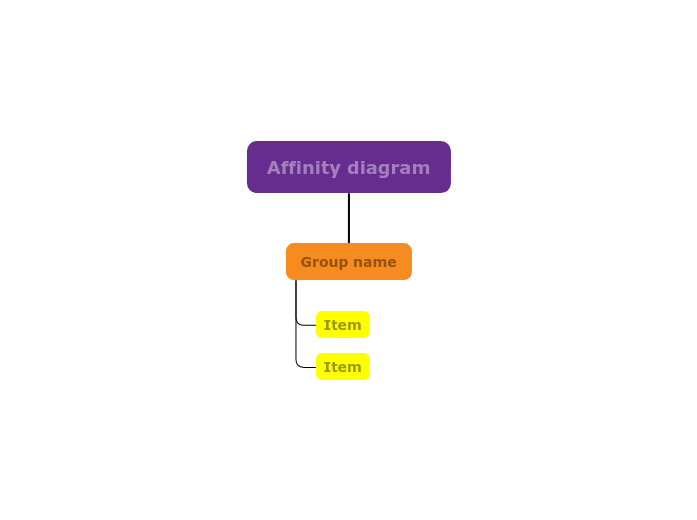
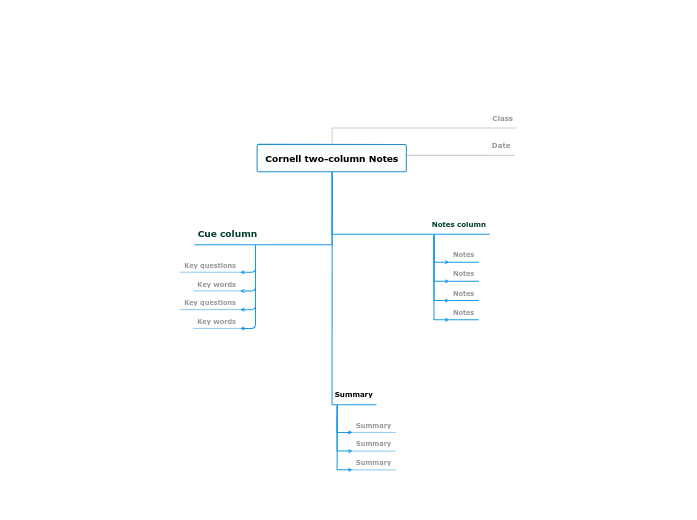
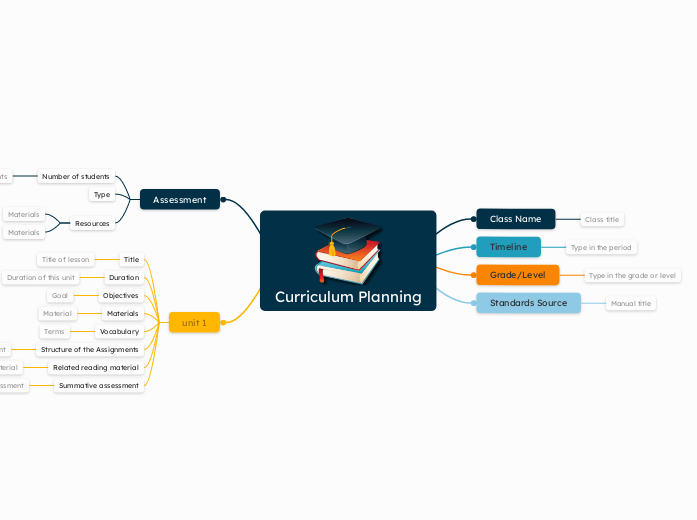
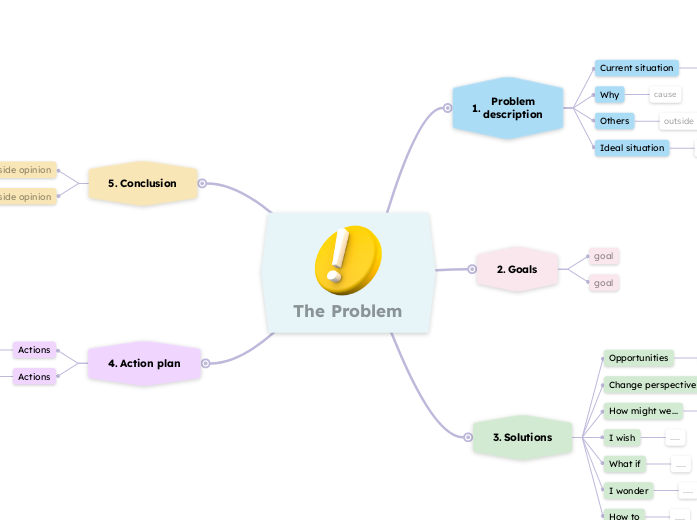
This template allows you to visually organize your tasks into three key stages: New Task, Assigned, In Progress, On Hold, For Review, Testing, and Done. Simply fill in each column with tasks corresponding to their current status. As you complete tasks, move them across the board to track your progress. Ideal for both personal and team projects, this Kanban Board helps you maintain focus, prioritize tasks, and enhance productivity. Add your task here. マインドマップは、ブレインストーミングや概念同士の関係づけ、アイデアの整理・創出に役立ちます。 マインドマップテンプレートには、特定のテーマに関する情報と作成のヒントがあらかじめ組み込まれているため、より簡単に始められます。テーマに必要な要素がそろった構造が用意されているので、自分だけのマインドマップの出発点として使えます。ビジネスでも教育でも、特定のトピックについてマインドマップを作成するときに役立つ実用的なリソースです。 Mindomoでは、便利なスマートマインドマップテンプレートをご用意しています。 マインドマップテンプレートは、Mindomoのビジネスアカウントや教育アカウントで用意されたものから選べるほか、独自のテンプレートを一から作成することもできます。どのマインドマップも、トピックにガイドノートを追加するだけでテンプレートに変換できます。このテンプレートについて
Why use the Kanban board (light) template?
Idea board
DONE
Drag and drop your tasks from the previous column here when you are done.
You can create more columns with additional steps and customize them for your needs.TESTING
Drag and drop your tasks from the previous column here when they are ready to be tested.FOR REVIEW
Drag and drop your tasks from the previous column here when they are ready for a review.ON HOLD
Drag and drop your tasks from the previous column here if the assigned person stopped working on these tasks.IN PROGRESS
Drag and drop your tasks from the previous column here when someone started to work on them.ASSIGNED
NEW TASKS
Your tasks have a predefined path in this kanban board, that starts with the initial stage of creating them.
Each column represents the present stage of their progress.Add task
Mindomoのマインドマップテンプレートを使う理由
テンプレートには次のような機能があります:
-
製品
-
用途
-
ソリューション
-
リソース
- 基本を学ぶ
- マインドマップとは?
- マインドマップの作り方
- ガイドとサポート
- ビデオチュートリアル
- ヘルプセンター
- フォーラム
- 作例とテンプレート
- マインドマップの作例29選
- コンセプトマップとは?
- 機能ページ
- 教育
- 教師向け課題機能
- 仕事・個人
- デスクトップ
- Mindomoブログ
- 料金
- ログイン
- 新規登録
- ダッシュボード
ナレッジマネジメント
マインドマップのメリット
視覚的思考が記憶と計画を楽にする理由。