Row heading
Double-click in the headings row to add column headings.
 Blog
The Mindomo blog
Guides, examples and research on visual thinking.
Browse all articles
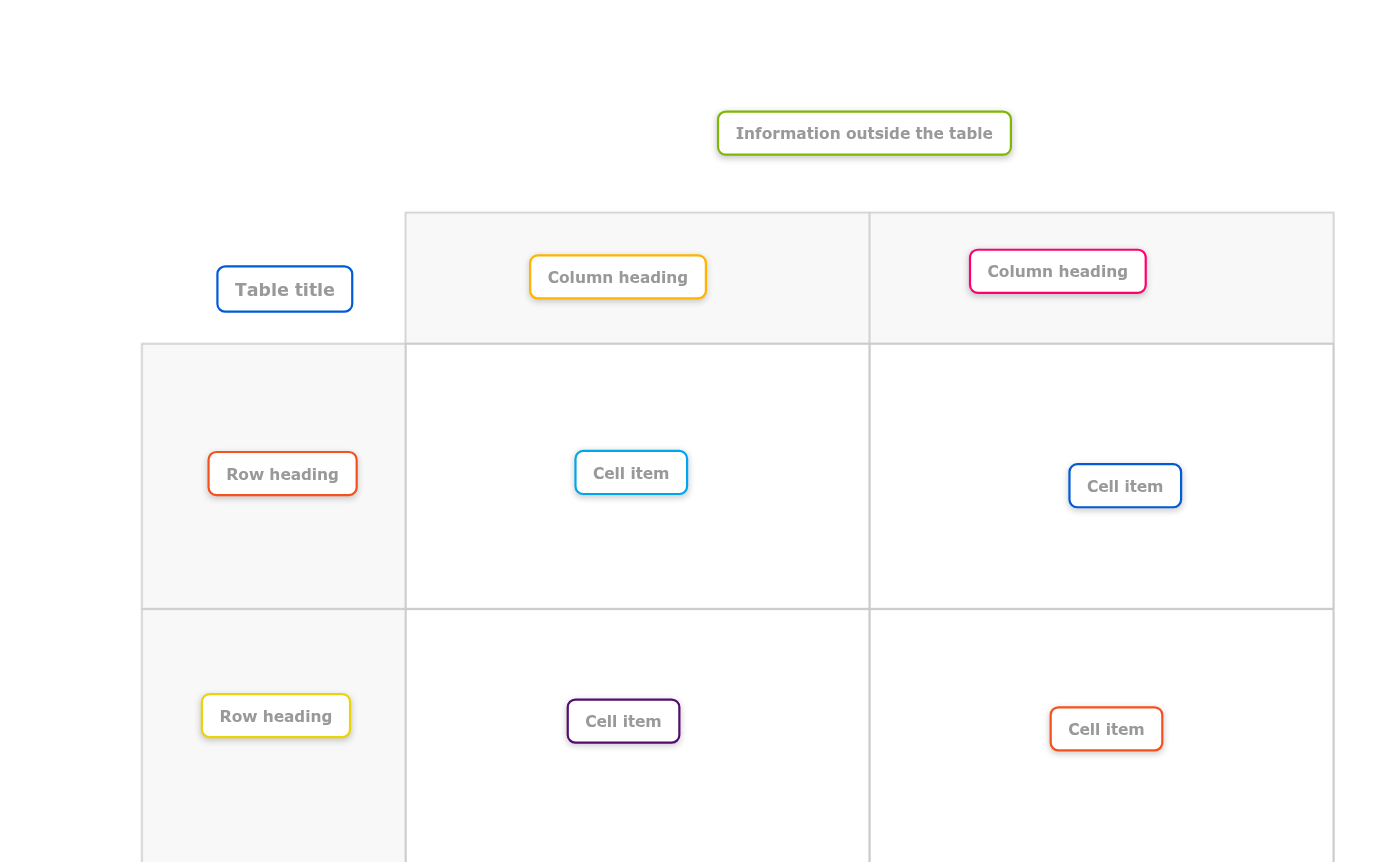
This templates helps you to organize information and ideas in a simple 2 x 2 table.
The template gives you 2 rows with 2 columns and headers in a background image. You can double-click inside or outside the table to create new topics.
Free with a Mindomo account. Opens your own copy in the editor.
This template provides a simple grid with two rows and two columns, perfect for organizing key information and making clear comparisons.
What’s inside this template
Central topic
Table title
Type the title of your table.
Double-click in the headings row to add column headings.
Double-click in the headings column to add row headings.
Double-click in a cell to add a topic. You can add multiple topics in a cell and easily move topics between cells.
Begin by collecting ideas and information outside the table, before starting to organize topics into rows and columns. Double-click in the map background to create a new topic.
Click “Use this template” and sign in with a free account.
Replace the topics and fill in the notes.
Share, present or export it, or switch it to an outline or Gantt view.
Two by two table template
Free with a Mindomo account. Opens your own copy in the editor.
Two by two table template