GROUP 1
Type the first group name. Then double-click in the circle area to add elements/characteristics in this group only or in the overlapping areas.
 Blog
The Mindomo blog
Guides, examples and research on visual thinking.
Browse all articles
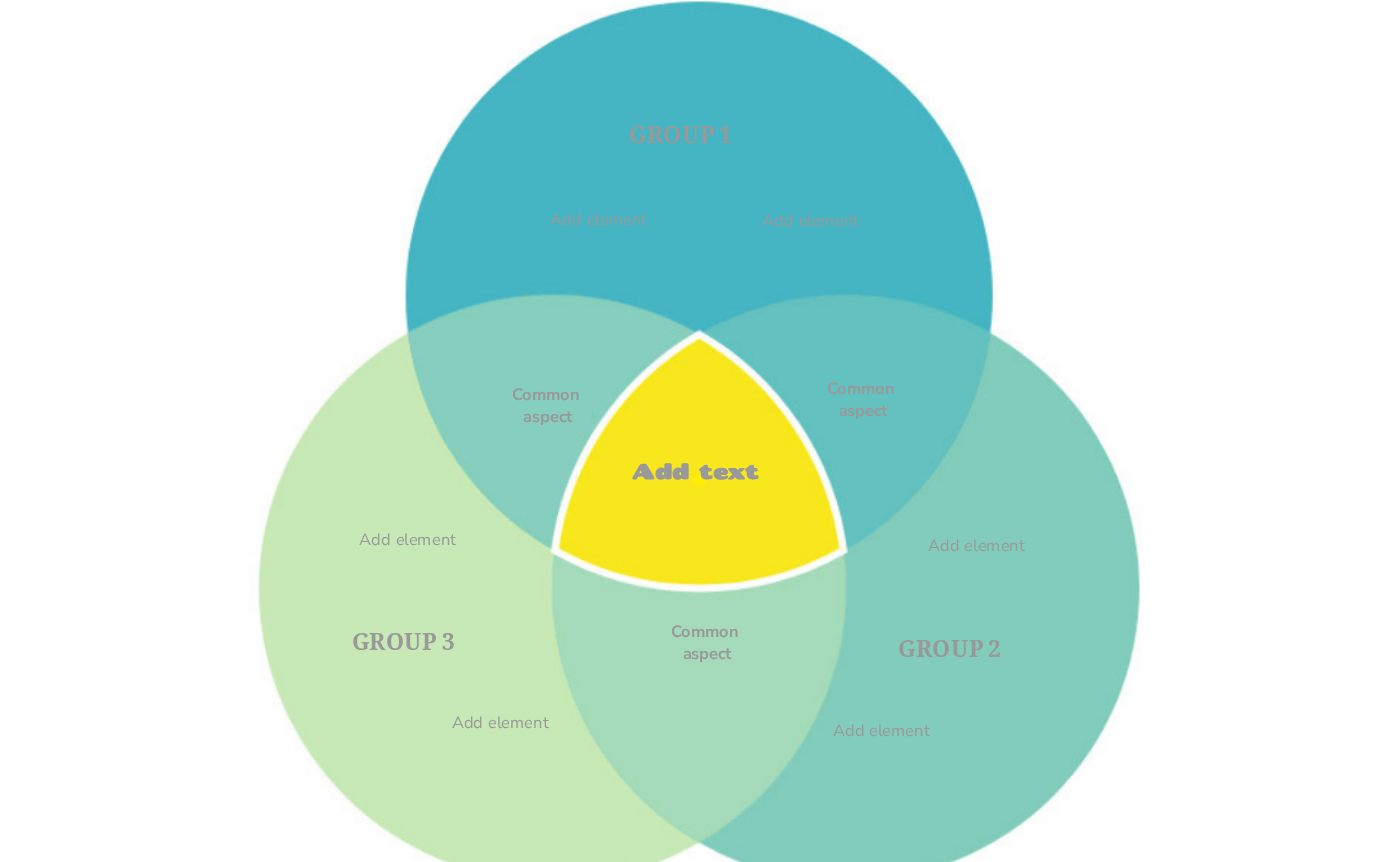
The green three-circle Venn Diagram highlights the differences and similarities between the 3 groups.
Free with a Mindomo account. Opens your own copy in the editor.
The three-circle diagram is an incredibly powerful and simple tool to use when you want to compare 3 groups of elements that have one (or more) things in common.
It's a great diagram to visually represent these 3 groups, and you can use it for business, school or even personal purposes.
What’s inside this template
Central topic
Add text
This Venn Diagram represents 3 groups highlighting the similarities and differences between them. Type the common aspects between the three groups (or you can leave this empty).
Type the first group name. Then double-click in the circle area to add elements/characteristics in this group only or in the overlapping areas.
Type the second group name. Then double-click in the circle area to add elements/characteristics in this group only or in the overlapping areas.
Type the common aspect between the two groups.
Type the element/characteristic you want to add to this group.
Type the third group name. Then double-click in the circle area to add elements/characteristics in this group only or in the overlapping areas.
Click “Use this template” and sign in with a free account.
Replace the topics and fill in the notes.
Share, present or export it, or switch it to an outline or Gantt view.
Venn Diagram Template
Free with a Mindomo account. Opens your own copy in the editor.
Venn Diagram Template