GROUP 1
Type the first group name. Then double-click in the circle area to add elements/characteristics in this group only or in the overlapping areas.
 Blog
The Mindomo blog
Guides, examples and research on visual thinking.
Browse all articles
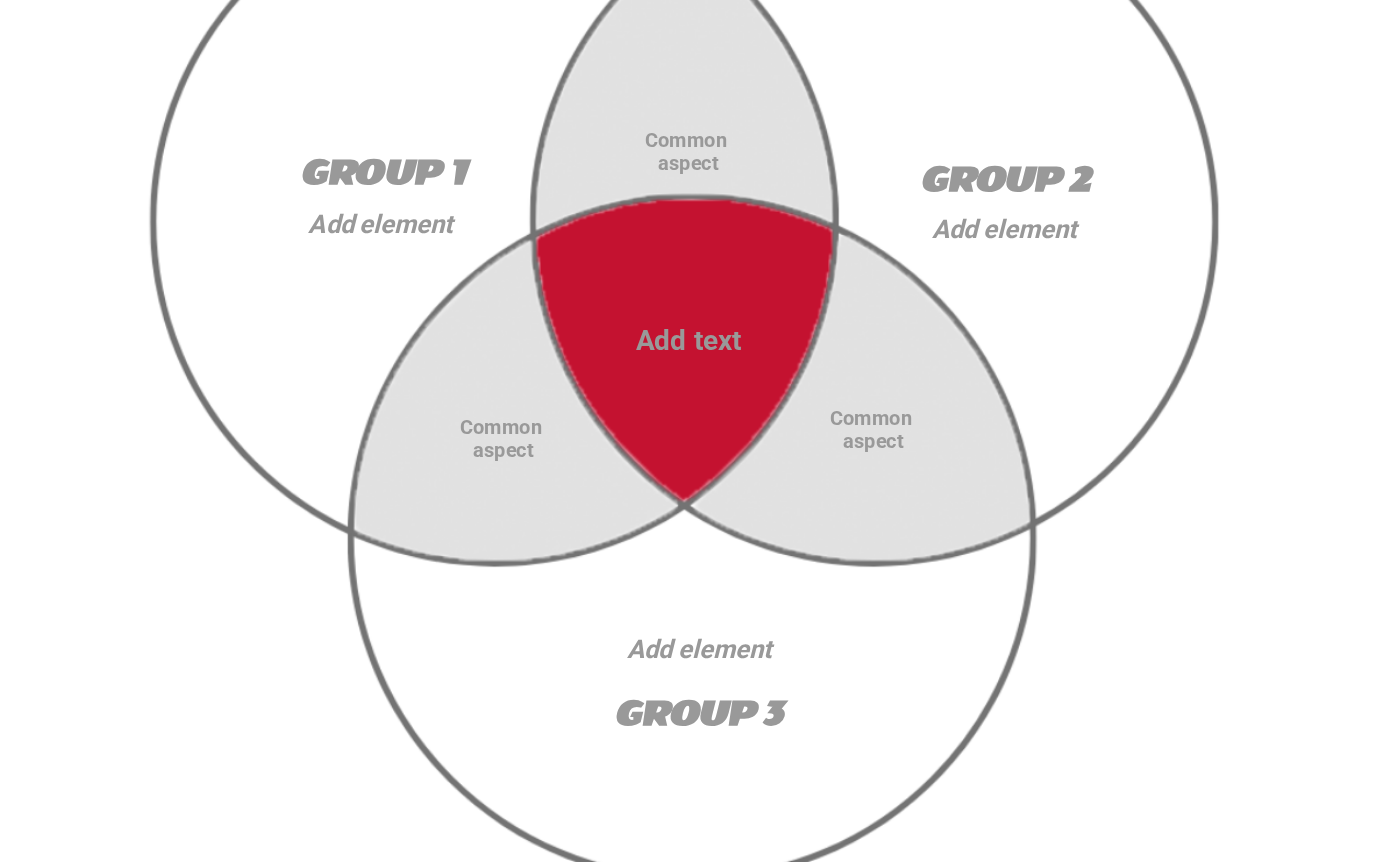
This simple Venn Diagram template visually represents multiple (in this case, 3) different groups, representing their similarities and differences.
Free with a Mindomo account. Opens your own copy in the editor.
This template has a simple design, only highlighting the intersection of the three circles with red to put the common aspect of the three groups/elements/concepts compared in the spotlight .
You can also add the similar characteristics of two elements in the grey area of the circles' intersection, and also write the distinctive characteristics in the white area of the circle.
The design is simple but the content included will be complex and detailed.
What’s inside this template
Central topic
Add text
Venn Diagram is a visual representation of multiple (in this case 3) different groups, representing their similarities and differences. Type the common aspects between the three groups (or you can leave this empty).
Type the first group name. Then double-click in the circle area to add elements/characteristics in this group only or in the overlapping areas.
Type the second group name. Then double-click in the circle area to add elements/characteristics in this group only or in the overlapping areas.
Type the third group name. Then double-click in the circle area to add elements/characteristics in this group only or in the overlapping areas.
Type the common aspect between the two groups.
Type the element/characteristic you want to add to this group.
Click “Use this template” and sign in with a free account.
Replace the topics and fill in the notes.
Share, present or export it, or switch it to an outline or Gantt view.
3 Circle Venn Diagram
Free with a Mindomo account. Opens your own copy in the editor.
3 Circle Venn Diagram