Step 1
Enter the name for each step. You can add subtopics to each step selecting it and pressing Insert. Subtopics can provide more detail about the step.
 Blog
The Mindomo blog
Guides, examples and research on visual thinking.
Browse all articles
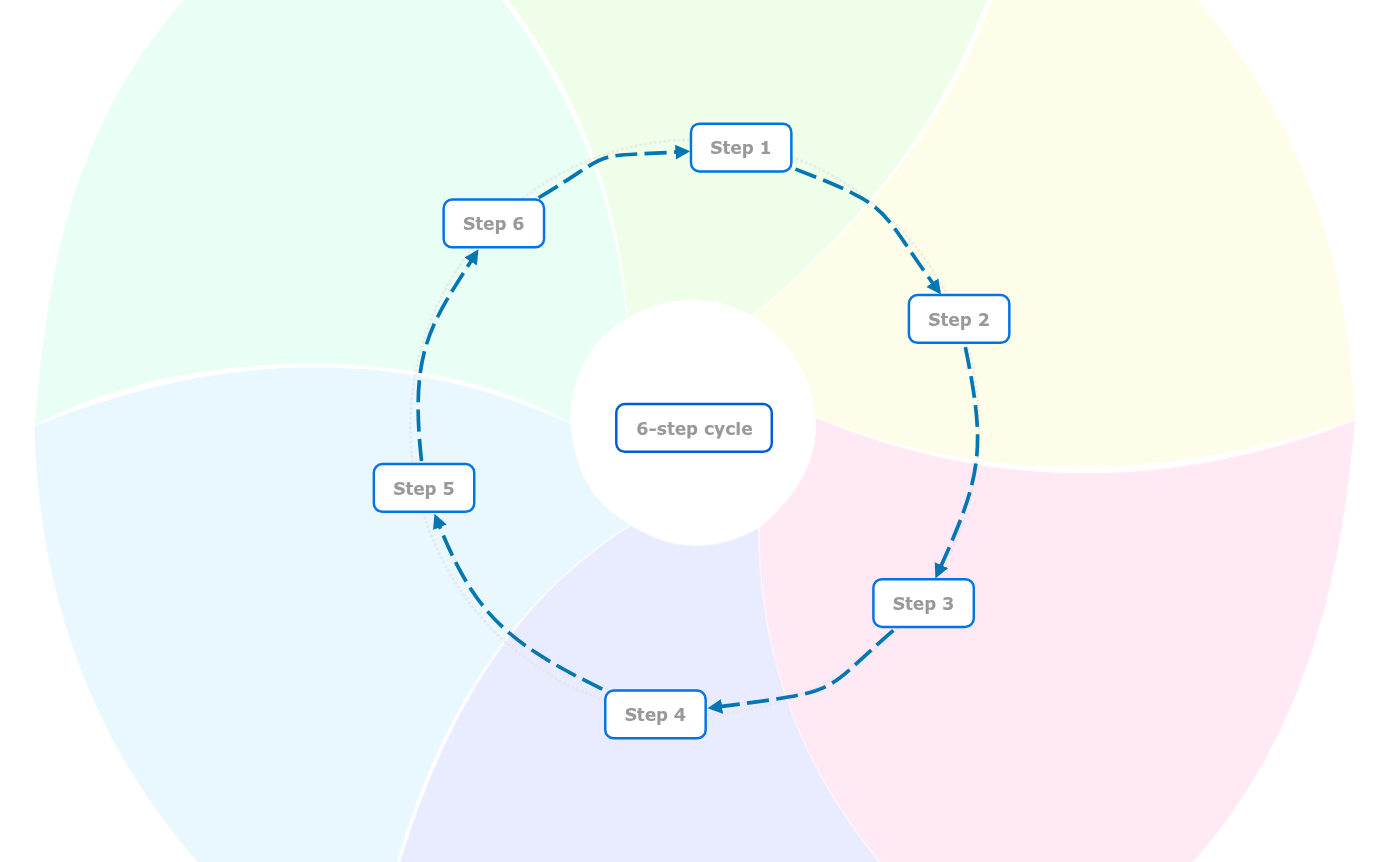
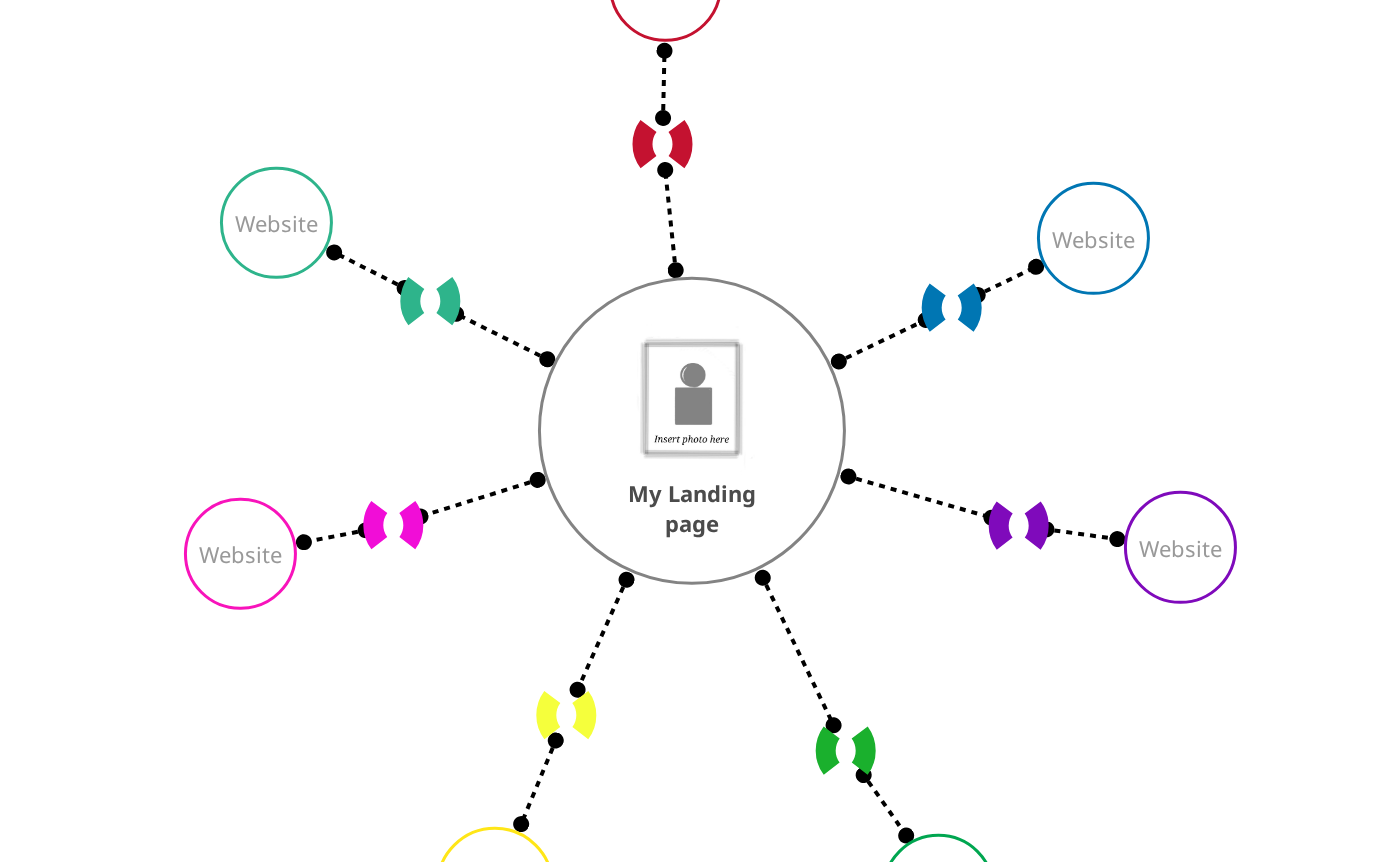
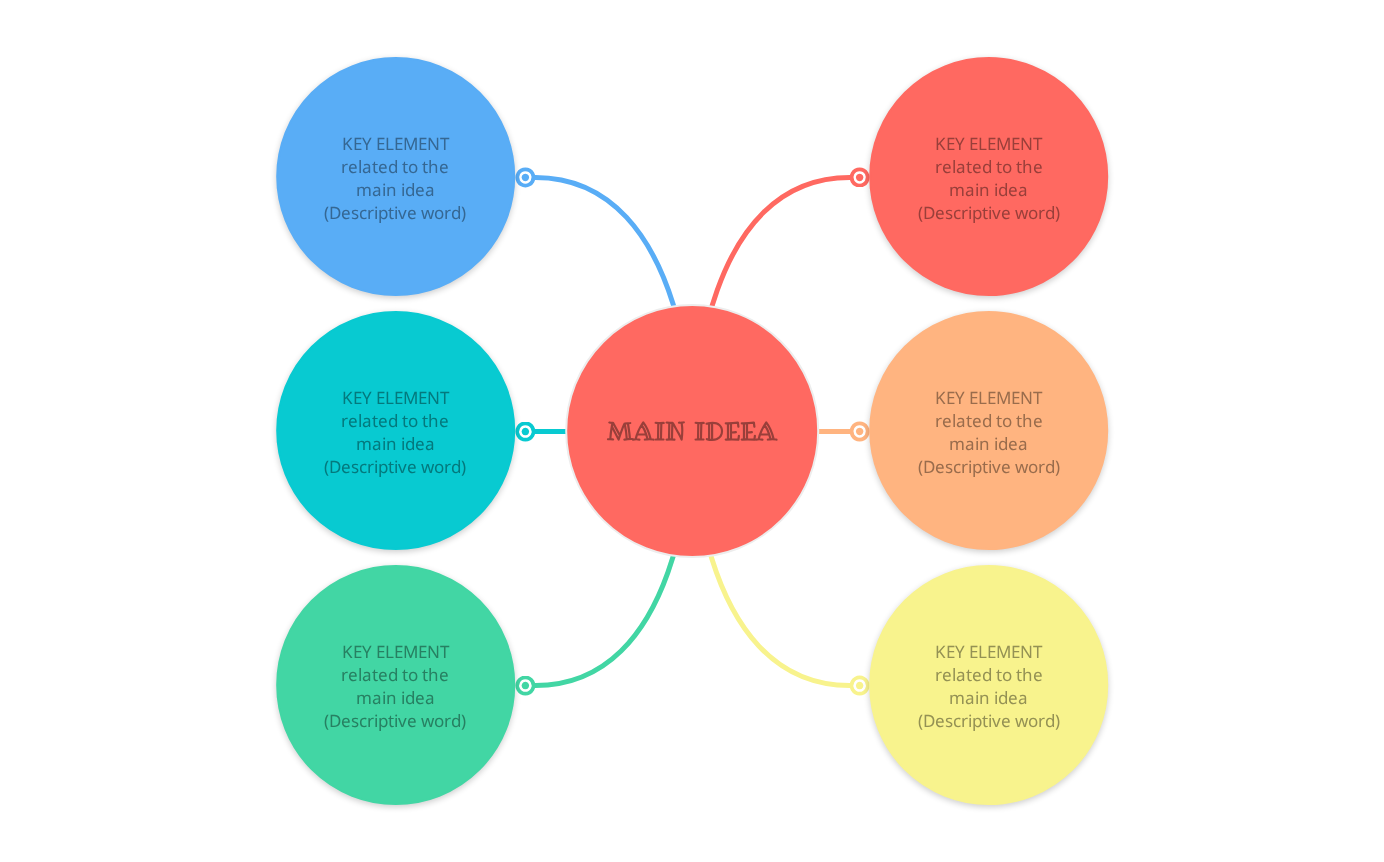
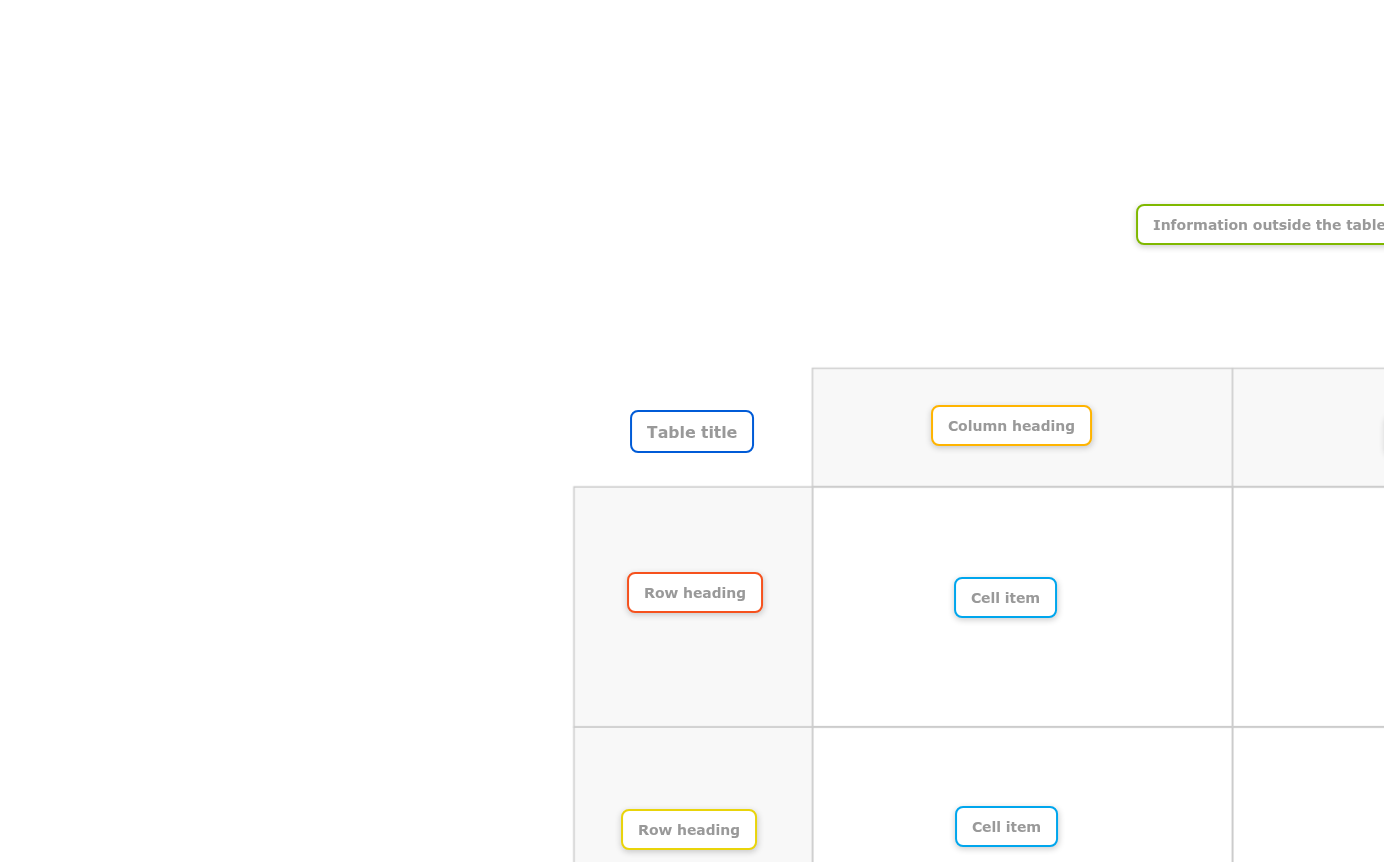
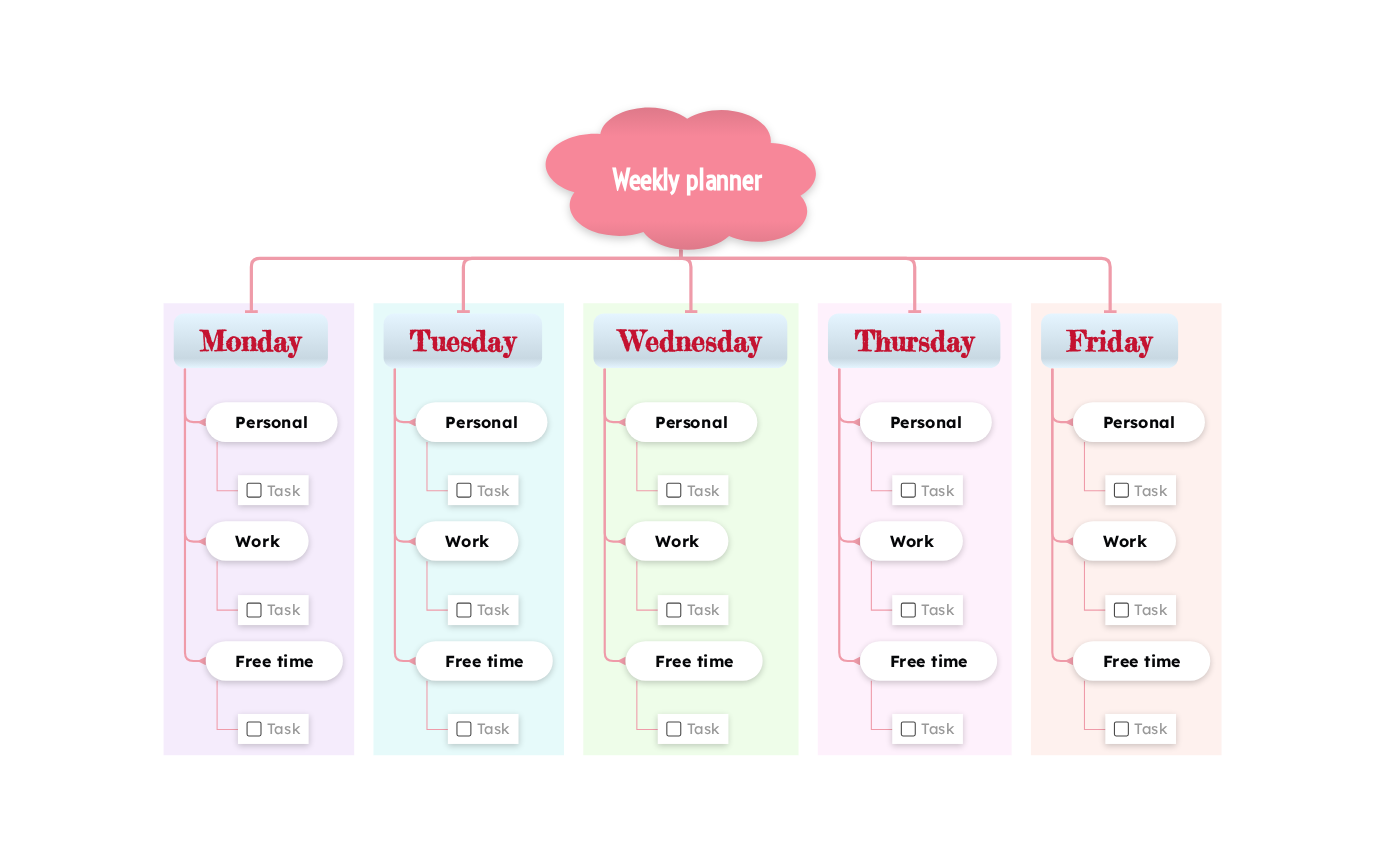
This template helps you to visualize a 6-step cycle in a clockwise circle. Repeating cycles are a commonly found pattern. You can add more detail to each step to understand and explain it.
Free with a Mindomo account. Opens your own copy in the editor.
Divide workflows into six distinct stages for comprehensive and efficient management. Utilize this clear visual to map out and manage your process effectively.
What’s inside this template
Central topic
6-step cycle
Type the name of this cycle and press Enter.
Enter the name for each step. You can add subtopics to each step selecting it and pressing Insert. Subtopics can provide more detail about the step.
You can rearrange the step topics as required to fit your diagram.
Enter the name for this step. You can add subtopics to each step selecting it and pressing Insert. Subtopics can provide more detail about the step.
Enter the name for this step. You can add subtopics to each step selecting it and pressing Insert. Subtopics can provide more detail about the step.
Enter the name for this step. You can add subtopics to each step selecting it and pressing Insert. Subtopics can provide more detail about the step.
Enter the name for this step. You can add subtopics to each step selecting it and pressing Insert. Subtopics can provide more detail about the step.
Click “Use this template” and sign in with a free account.
Replace the topics and fill in the notes.
Share, present or export it, or switch it to an outline or Gantt view.
Cycle of 6 steps diagram
Free with a Mindomo account. Opens your own copy in the editor.
Cycle of 6 steps diagram