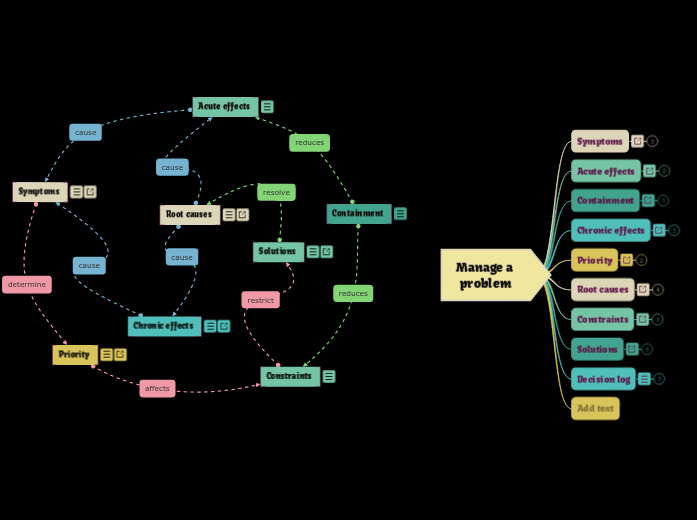
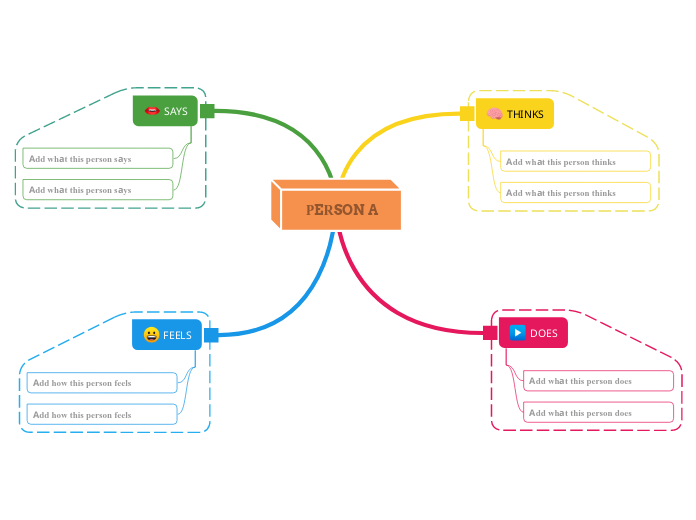
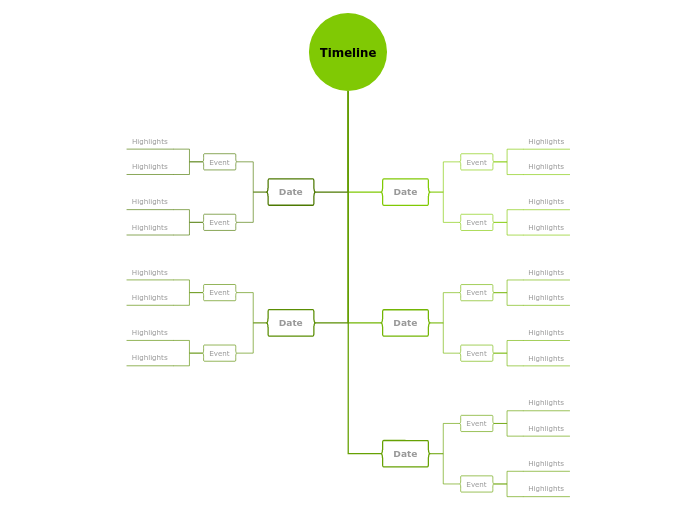
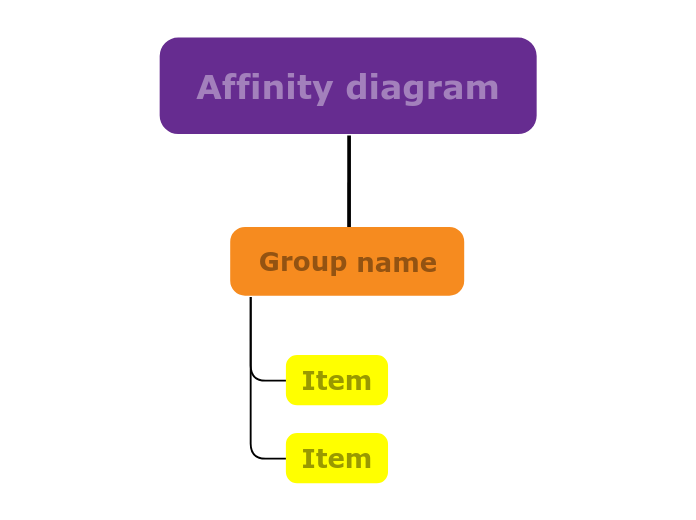
An Affinity Diagram helps you to sort things into groups and to find relationships between concepts or ideas. You can organize facts, opinions, and issues into groups to help identify common issues. Begin by listing all relevant concepts or data points, then categorize them into clusters based on their natural relationships and similarities. This approach helps you identify common themes, patterns, and underlying issues. Ideal for brainstorming sessions, problem-solving, and project planning, the Affinity Diagram template enables you to visualize connections and gain insights into complex information, facilitating more informed decisions and strategies. Type the subject for your Affinity diagram and press Enter. A group collects together items that have something in common. Add items by pressing Enter. Every Mindomo template opens with its structure already in place: descriptive topics, guiding notes attached to the branches where people usually get stuck, and a default shape that new topics inherit. Edit it in the browser, switch it to a concept map, outline or Gantt chart without redrawing anything, and export it in more than twenty formats. See how mind map templates work, or browse the full gallery by category.Affinity diagram template
About this template
Affinity diagram template
Affinity diagram
Press Insert /TABto create groups.
Add ideas or things to each group, and move them to the group where they belong.Group name
Type the group name and press Enter.Item
Why use a Mindomo mind map template?
-
Products
-
Uses
- General Uses
- Mind Maps for Education
- Mind Maps for Business
- Mind Maps for Personal Development
- Assistive Technology
- Team Collaboration
- Campaign briefs for marketers
- Client discovery workshops for consultants
- Onboarding journeys for HR & L&D
- Knowledge Management
- Team Skills Matrix
- Engagement Library
- Roles
- Marketers
- HR & L&D
- Consultants
- Project Management
- Marketing campaign planning
- Employee training rollouts
- Scope of Work
- Idea Organization
- Issue Trees
- Training Needs Analysis
- Mind Mapping Benefits
-
Solutions
- Guides
- Make Presentations with Mind Maps
- How to Learn with Mind Maps
- Plan and Organize with Mind Maps
- Prioritize Tasks with Mind Maps
- Take Notes with Mind Maps
- Real Customer Stories
- Scaling educational content for 11,000 doctors
- Team workflow: from trial to indispensable in two months
- 10 years without slides: rethinking architecture lectures
- Read all stories
-
Resources
- Learn the basics
- What is a Mind Map?
- How to Mind Map?
- What is a Concept Map?
- Benefits of Mind Mapping
- Guides & Support
- Video tutorials
- Help center
- Forum
- Examples & templates
- Top 29 Mind Map Examples
- Concept Map Templates
- Plan projects with a Gantt Chart Maker
- Mindomo's Efficiency in Education
- Feature pages
- Education
- Teacher Assignments
- Work & Personal
- Desktop
- The Mindomo blog
- Pricing
- Log In
- Sign Up
- Dashboard
Mind Mapping Benefits
Why visual thinking makes recall and planning easier.
Learn the basics
Guides & Support
Examples & templates
Feature pages
 Blog
The Mindomo blog
Guides, examples and research on visual thinking.
Browse all articles
Blog
The Mindomo blog
Guides, examples and research on visual thinking.
Browse all articles