Features

Introducing SAML login

The Mindomo Team ·

We are excited to let you know that we have added a new way to sign up or log in to your Mindomo account. Apart from the various sign-up or login options, you can now create or access your Mindomo account through SAML SSO.

What does this mean?

SAML-SSO provides you with access to Mindomo through an IDP (identity provider) of your choice. This means that the new feature, specifically designed for Team users, enables you to log in to your account faster and easier, making your work more accessible and secure and minimizing entirely the need for password.

When creating a new account or logging into your existing one, choose the SAML SSO option and enter your organization email. You will be redirected to the IDP, enter your credentials and instantly gain access to your Mindomo account. Sounds pretty straightforward, isn’t it?

Give this new feature a try and let us know what you think.

Keep it smart, simple and creative!

The Mindomo Team
Keep reading

🤖 Meet the Mindomo AI Assistant & the New Context Menu

Announcements

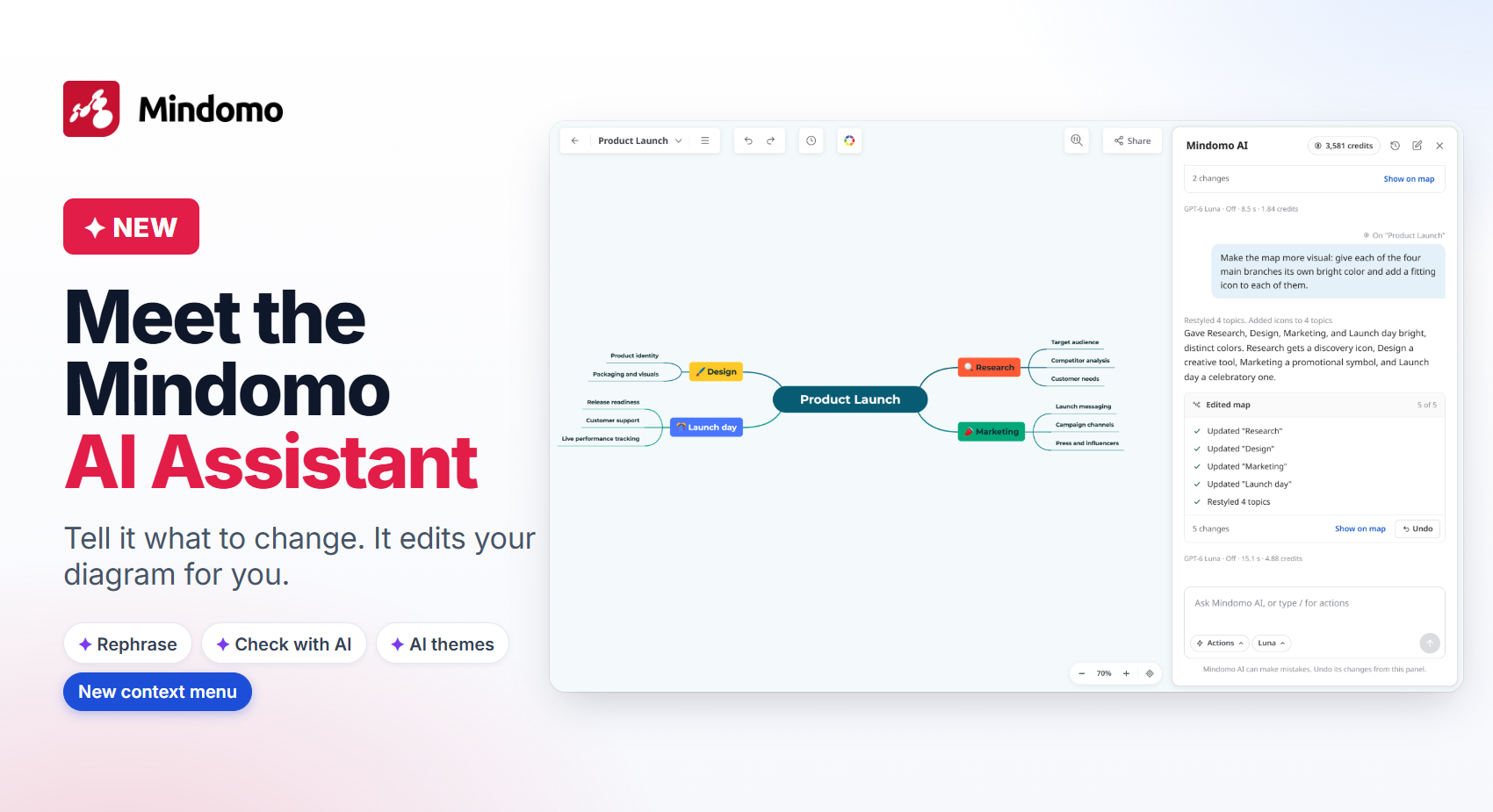
🤖 Meet the Mindomo AI Assistant & the New Context Menu

The new Mindomo AI Assistant edits your diagram from plain-text instructions. Plus AI spell check, Rephrase, AI-generated themes and a redesigned context menu.

Read article
📊 The new Mindomo Gantt chart: plans change, your schedule follows

Announcements

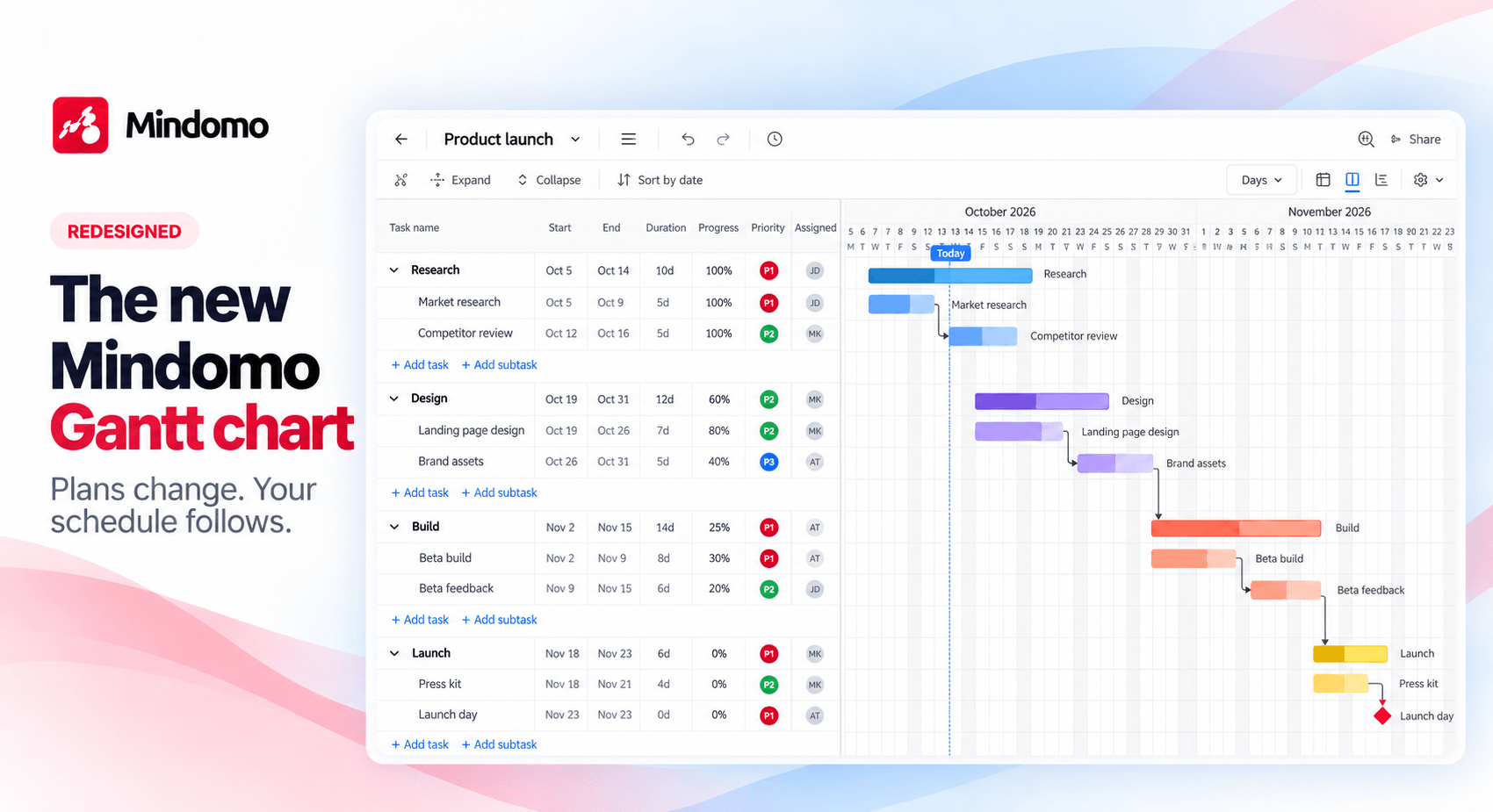
📊 The new Mindomo Gantt chart: plans change, your schedule follows

The redesigned Mindomo Gantt chart: switch from mind map to Gantt in one click, link tasks with four dependency types, follow the critical path, and plan together in real time.

Read article
🤖 New Mindomo MCP Server and Extended API: Connect Your AI Assistant

Announcements

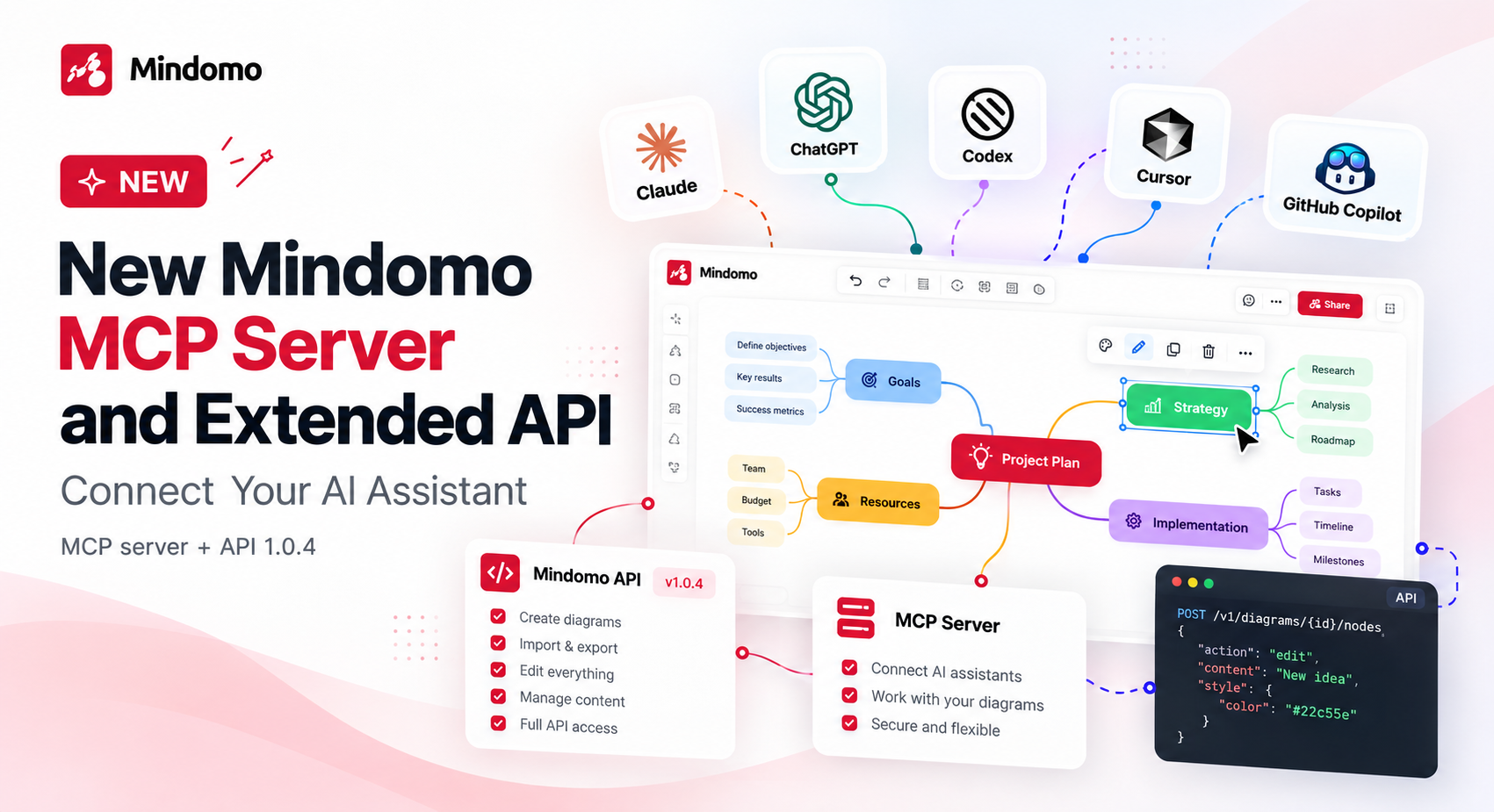
🤖 New Mindomo MCP Server and Extended API: Connect Your AI Assistant

Connect Claude, ChatGPT, Codex, Cursor, or GitHub Copilot to Mindomo with the new MCP server, and build on the extended Mindomo API, now with full diagram editing, search, themes, and undo.

Read article